Blog · AI watch product video
AI Watch Product Video: Dial Fidelity, Wrist Shots & Luxury Trust
AI watch product video: dial, hands, and bezel fidelity QA, wrist-on Wearable vs silent Product shot, luxury exports, Amazon/Shopify, AmazVid credits.
Updated 2026-08-12 · 16 min read · AmazVid Editorial
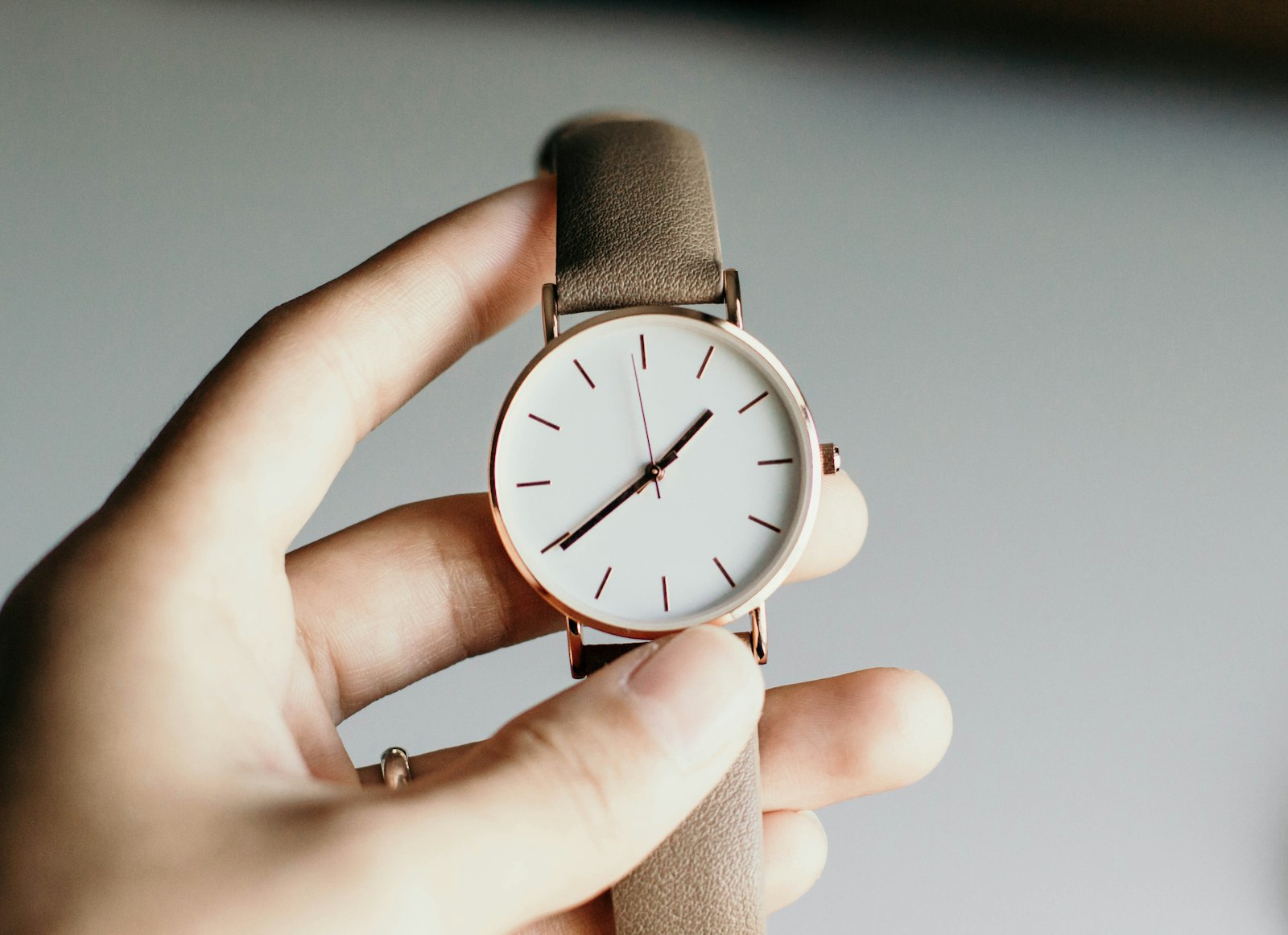
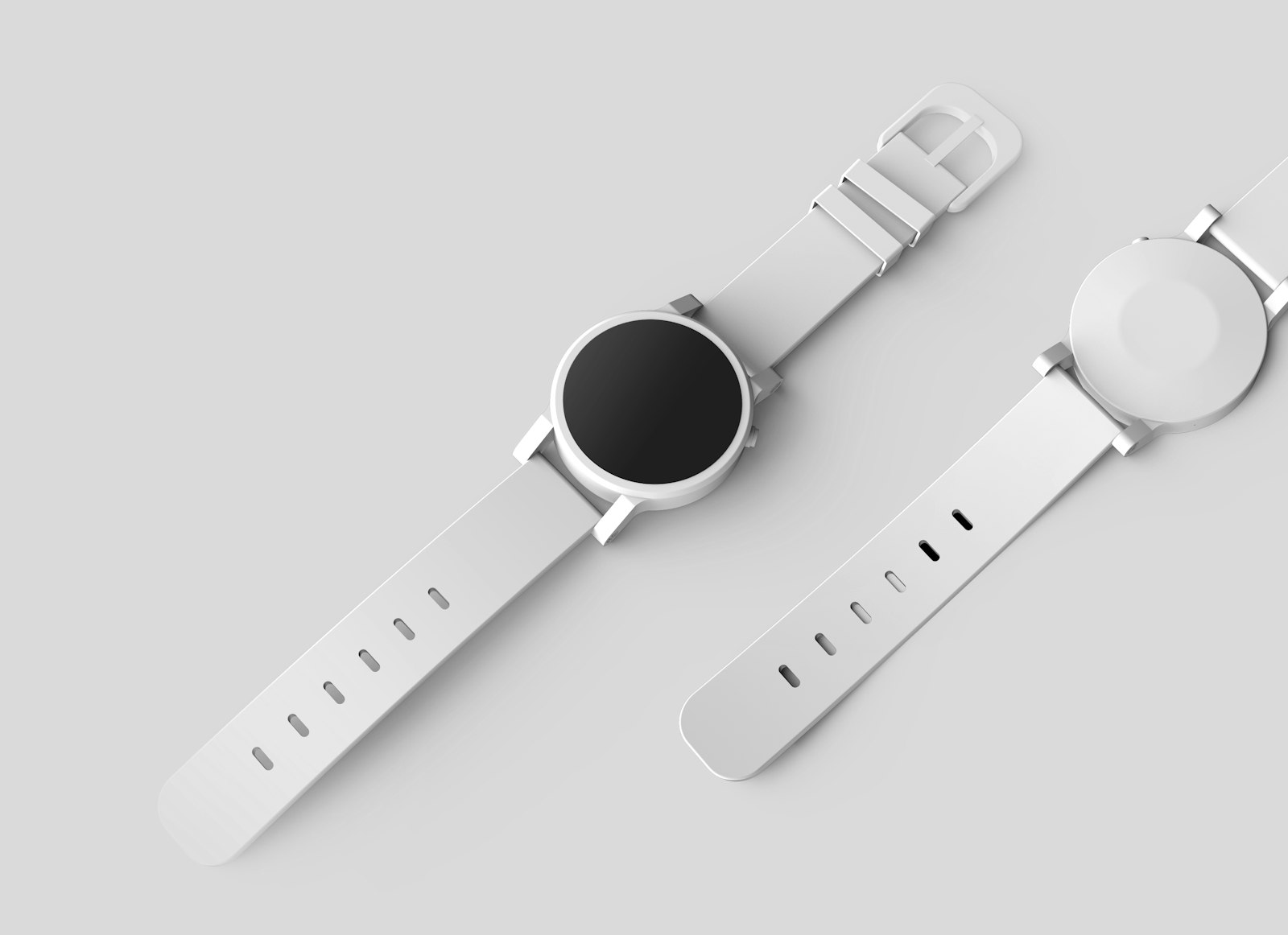
AI watch product video is how wristwatch and smartwatch brands ship silent packshot orbit, on-wrist proof, and paid-social hooks without booking macro crews, wrist models, or agency turnaround for every reference number. Shoppers do not buy watches from a flat dial crop alone — they want index clarity, hand alignment, bezel honesty, and believable case scale on a wrist. In 2026 you generate that story from the same macro still you already use on Amazon or Shopify.
This guide is for watch DTC brands, Amazon fashion and accessories sellers, Shopify horology shops, and agencies who need AI wristwatch product video that stays listing-accurate. You get still prep, mode routing, dial/hands/bezel fidelity QA, luxury silent export habits, channel recipes, credit math, and a weekly cadence — no studio day required.
Related hubs: AI wearable try-on product video · Wearable vs Product vs Ad creative · silent product video no watermark · AmazVid Wearable demo · ecommerce product AI video.
What "AI watch product video" actually means
Searchers who type AI watch product video, AI wristwatch product video, or luxury watch listing video usually want one of three outcomes:
- A marketplace clip that shows dial and case without lying about the SKU
- A wrist-on proof that helps gift buyers understand case diameter
- A catalogue workflow that scales across references without macro studio days
They are rarely asking for a full AR try-on widget. AR is great inside a brand app. Ecommerce teams also need a downloadable, silent MP4 they can drop into Shopify product video best practices themes, Amazon galleries (see Amazon fashion listing video 2026), and paid social — see silent product video no watermark.
AmazVid splits by job: Product shot for PDP trust with first-frame lock, Wearable try-on for on-wrist scale powered by MiniMax H3 Ref2VA, and Ad creative for luxury traffic hooks. The watch still is a reference identity — not only frame one. That is the difference between "expensive AI shimmer" and "this is our SKX-style diver, blue bezel insert, SKU W-219." Engine context: MiniMax H3 Ref2VA for ecommerce · AI image to video ecommerce.
Why watches are a dual-asset category (packshot + wrist)
Timepieces are judged on micro detail and macro presence. Buyers fixate on:
- Dial indices, font, and lume plot shape
- Hand style and colour (sword vs baton vs Mercedes)
- Bezel insert colour and click alignment on divers
- Crown and crown guard geometry
- Case diameter and lug-to-lug (hard to feel from packshot alone)
- Strap or bracelet integration at the lugs
Traditional response: hire macro rails, gel the crystal, shoot dial hero, then a wrist day for scale. AI watch product video compresses both jobs into an afternoon — if your stills are honest. Compare economics in cost of studio model vs AI try-on. Adjacent Wearable categories: AI jewelry try-on video · AI sunglasses eyewear try-on video.
UGC energy without creators: UGC-style try-on without creators · how to make Amazon product videos.
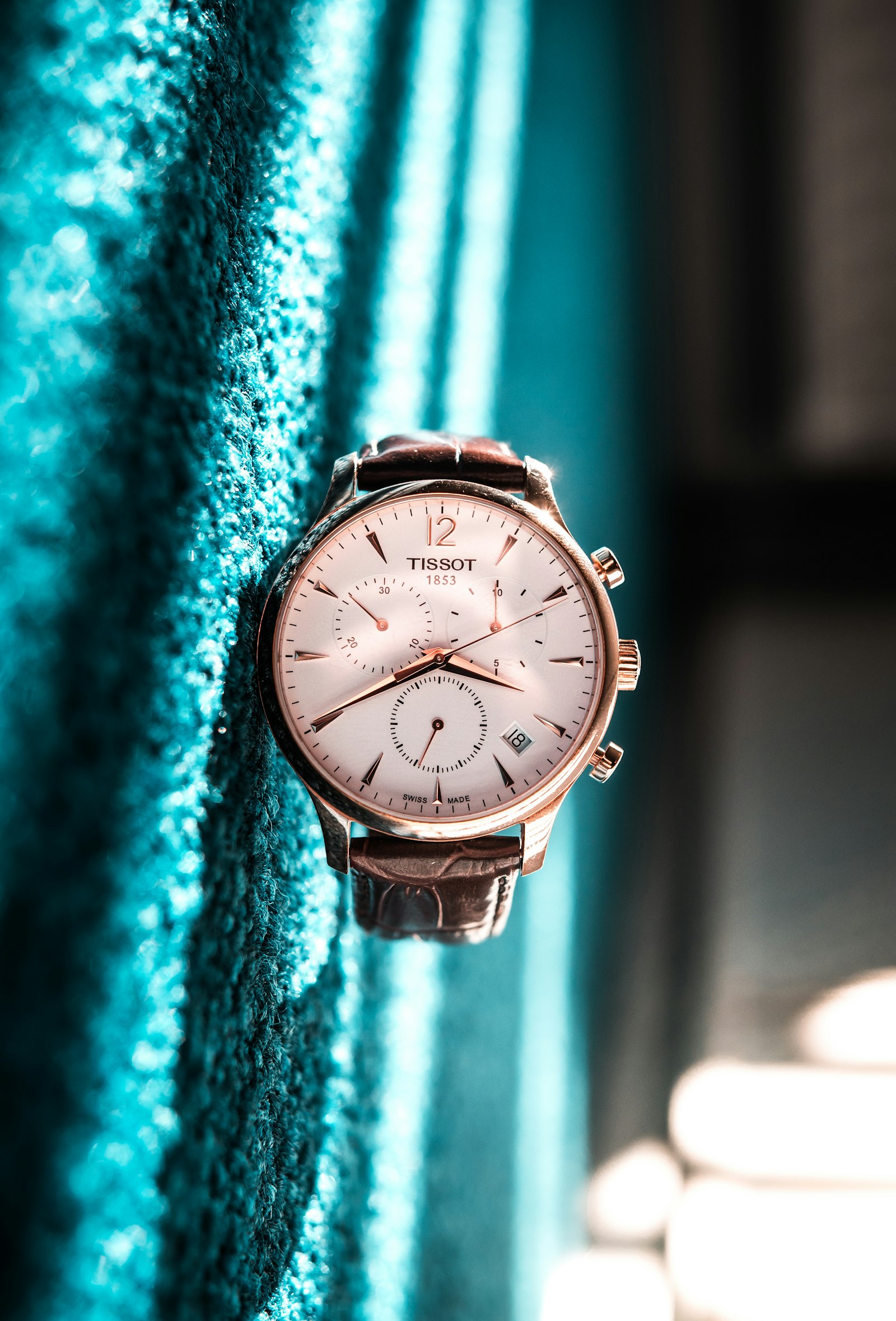
Product shot vs Wearable vs Ad creative (watch edition)
Route by destination — full matrix in Wearable vs Product vs Ad creative.
| Job | Mode | Watch note |
|---|---|---|
| Amazon / Shopify gallery trust | Product shot | Watch alone, soft orbit, dial readable |
| Case-size and gift proof | Wearable (watch) | On-wrist with dial locked to reference |
| Meta / TikTok luxury hooks | Ad creative | Desk, lifestyle, or cinematic light from same still |
Rule of thumb: PDP keeps Product shot for dial honesty. Hero references add Wearable for wrist scale. Paid social gets Ad creative — always silent master, sound added downstream.
Still prep discipline: convert product photos to video · ecommerce product AI video.
Still prep checklist for mechanical and smart watches
Bad macro photography is the number-one cause of bad watch video. Before you burn credits, fix the still.
- Angle: Straight-on dial or clean 3/4 case — show crown side and bezel insert.
- Crystal clarity: Remove smudges and reflections that hide indices — polarizer on set if you shoot in-house.
- Hand position: Document where hands sit; some teams prefer 10:10 hero alignment consistent with the listing.
- Bezel truth: Insert colour and minute track must match the buy box — Ref2VA invents wrong diver colours when the still is warm.
- No chrome: Remove marketplace watermarks and UI overlays.
- One reference per still: Do not collage three watches into one plate.
- Strap visible: Show lug integration — cropped bracelets make Wearable guess end links.
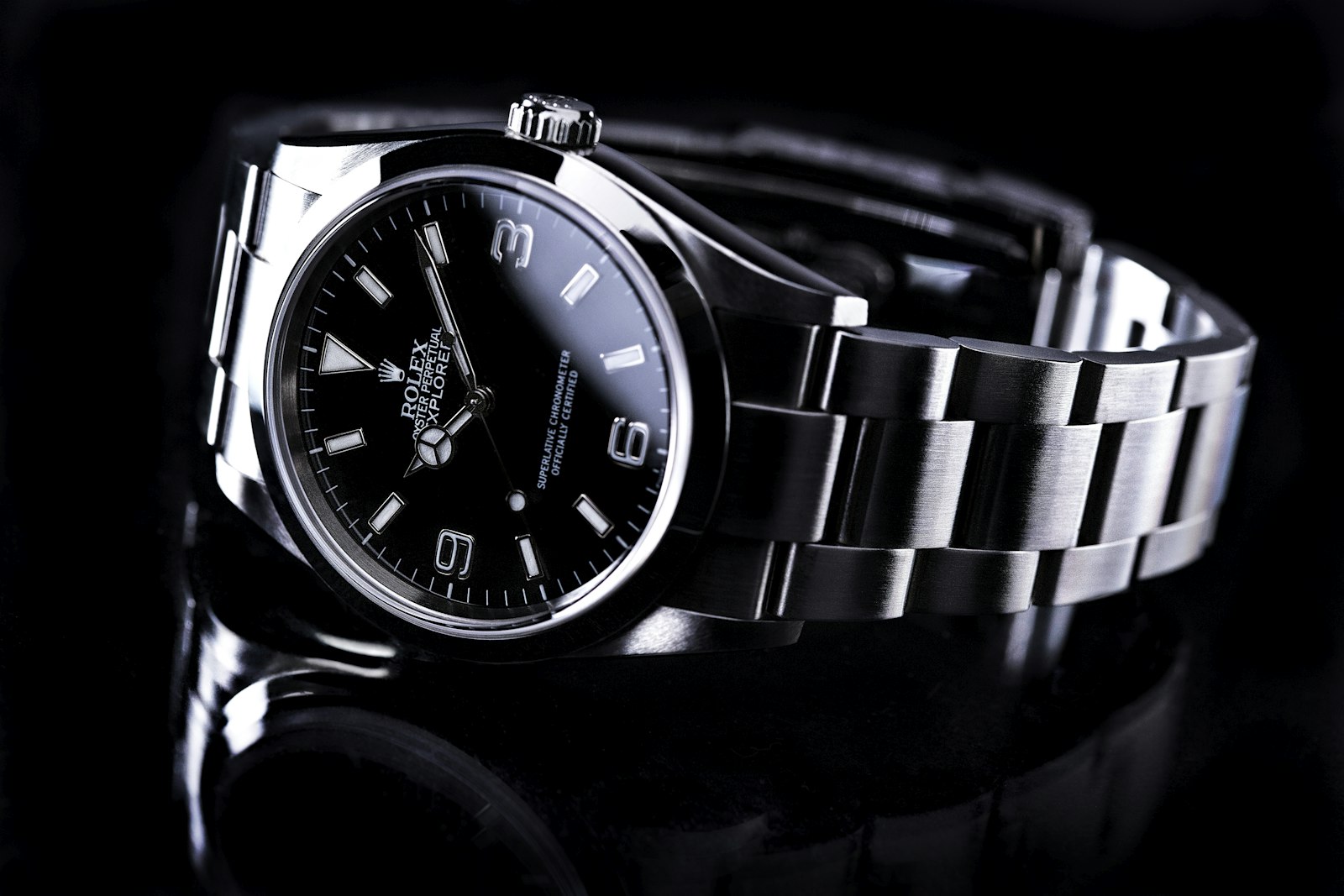
How AmazVid watch workflows work (seller steps)
- Open AmazVid and create a project — paste a product URL or upload your macro still.
- Choose Product shot for PDP and gallery — silent orbit, listing-true first frame.
- Duplicate for Wearable try-on on hero SKUs where wrist scale drives gifts and first purchases.
- Duplicate for Ad creative — 9:16 luxury desk or lifestyle energy for paid tests.
- Confirm extracted still matches listing indices, hands, and bezel — re-crop if the marketplace served a thumbnail.
- Pick 768P to draft or 2K when index sharpness matters (+1 credit).
- Download silent MP4 — add music and captions in CapCut or Ads Manager, never in the master.
Credits: Product shot is 2 for 5s and 3 for 10s (+1 for 2K). Ad creative is 5. Wearable is 6 (+1 for 2K). The free plan includes 6 credits. Plan math: pricing.
Start with the right mode: Product shot signup · Wearable signup · Ad creative signup · Wearable demo.
Amazon + Shopify channel recipes
Amazon watches and fashion accessories
- Gallery: Product shot silent clip — shoppers compare dial and bezel to the buy box.
- Brand content / off-Amazon: Wearable for gift narrative, Ad creative for Sponsored traffic.
- Guidance: Amazon fashion listing video 2026 · how to make Amazon product videos.
- Keep gallery listing-true; cinematic desk shots belong in traffic slots.
Shopify watch DTC
- PDP: packshot under the hero; optional Wearable loop for case-size anxiety.
- Collection pages: silent Product shot montage across references.
- Email: 5s dial orbit GIF for new-reference drops.
- Theme habits: Shopify product video best practices.
Meta, TikTok, luxury paid social
- Lead with dial readable in frame one — wrist or desk context second.
- Export 9:16 Ad creative; test references as separate creatives.
- Always ship silent masters — silent product video no watermark.
Prompt habits that keep watches honest
Winning prompts for luxury watch listing video workflows are boring on purpose:
- "Soft studio orbit of this exact watch, dial indices and hands identical, no invent complications."
- "On-wrist watch try-on, natural skin, case size locked to reference, bezel colour identical."
- "Ad creative luxury watch on desk, slow push-in, product identity locked, no watermark."
Avoid: invented subdials, wrong bezel insert colour, hands that morph into a different reference, fake brand logos, heavy bloom that hides indices.
Engine depth: MiniMax H3 Ref2VA for ecommerce · AI wearable try-on product video.
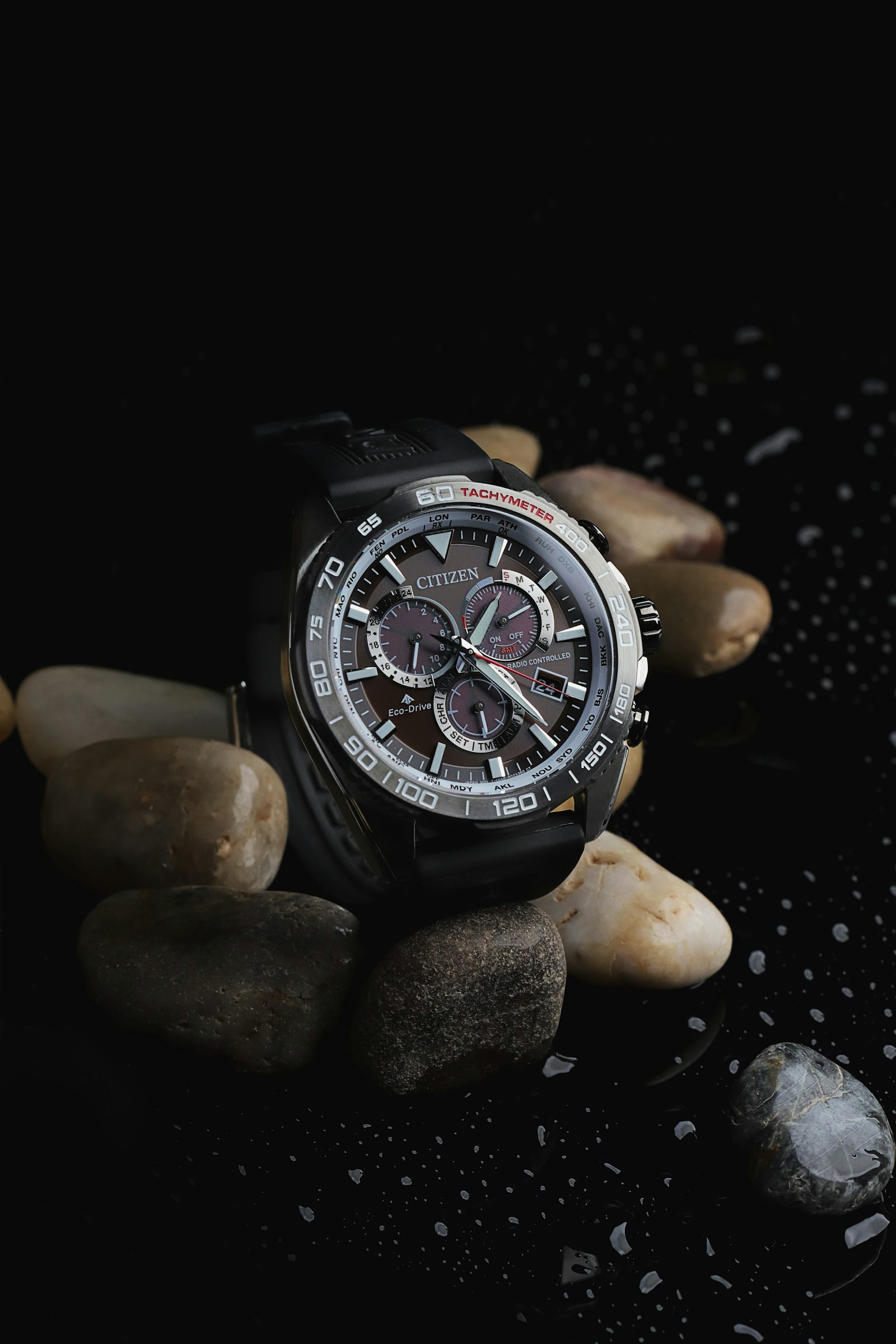
QA gate: dial, hands, bezel before silent export
Print this next to your render queue:
- [ ] Dial indices and font match the listing hero
- [ ] Hand shape and colour match the still — no morph to a different reference
- [ ] Bezel insert colour and minute track match SKU title
- [ ] Crown and guards plausible — no invented pushers on a three-hand watch
- [ ] Case diameter reads true on wrist in Wearable tests
- [ ] Strap or bracelet integration at lugs looks physical
- [ ] Smartwatch UI matches still (no invented app icons)
- [ ] Aspect matches destination (1:1 gallery vs 9:16 Reels)
- [ ] Master is silent — no burned music or watermarks
- [ ] PDP retains Product shot even when Wearable runs below the fold
Luxury trust mindset: silent product video no watermark · listing-accurate habits.
Credit math for a watch reference drop
Example week for an 8-reference collection on Growth or mixed PAYG:
| Action | Credits (approx.) |
|---|---|
| 8× Product shot 5s | ~16 |
| 3× Wearable hero sizes (38 / 40 / 42mm story) | ~18 |
| 3× Ad creative 9:16 | ~15 |
| Total | ~49 |
Draft in 768P; promote winners to 2K (+1 each). Compare against macro studio and wrist-model quotes in cost of studio model vs AI try-on.
Weekly cadence without a macro studio calendar
Monday: Audit listing heroes — fix soft indices or wrong bezel colour in stills before rendering. Tuesday: Batch Product shot for the full reference list. Wednesday: Pick hero sizes and gift SKUs → Wearable on-wrist. Thursday: Flip winners into Ad creative 9:16 for paid tests. Friday: QA dial/hands/bezel, upload silent MP4s to Amazon and Shopify, schedule Reels. Weekend: Read return tags ("dial different", "size not as expected"); tighten prompts and stills on offenders.
Seasonal gifting: render Wearable on mid-tier references first — buyers need wrist scale more than flagship collectors who already know the case.
Common failure modes (and fixes)
Indices morph or subdials appear on a three-hand watch. Still was too soft or prompt asked for "complicated movement." Macro reshoot; add "no invent complications."
Bezel insert shifts from blue to black. White balance or warm gel mismatch. Grade still to match buy box before Ref2VA.
Hands change shape under cinematic prompts. Lock studio soft light; avoid "exploding gears" language meant for unrelated categories.
Wearable shows wrong case size. Still hid lugs or bracelet taper. Extend framing; add wrist reference with known scale.
Watermarked or music-burned export on luxury PDP. Re-export silent master — luxury shoppers and Amazon policy both punish sloppy masters.
Packshot-only vs wrist-on: when each wins
| Shopper question | Best mode |
|---|---|
| "Is this dial exactly what I see in photos?" | Product shot |
| "Will 42mm overwhelm my wrist?" | Wearable |
| "Does this feel luxury enough for a gift?" | Ad creative + Wearable |
| "Gallery policy / buy-box match" | Product shot |
Mode router: Wearable vs Product vs Ad creative.
Measuring whether watch video lifts revenue
| Signal | Where to watch | Decision |
|---|---|---|
| PDP add-to-cart after media view | Shopify / Amazon analytics | Add Wearable if size anxiety drops bounce |
| Gift-season conversion | Email / ads | Scale Wearable on mid-tier references |
| Return reason "not as pictured" | Returns tags | Tighten dial/bezel QA |
| Credit ROI | Credits ÷ attributed orders | Cap Ad creative to hero references |
Run a simple A/B: reference A with packshot only vs reference B with packshot + Wearable loop. Give it two weeks through a gift window. Broader measurement: ecommerce product AI video.
Bottom line
AI watch product video is a repeatable luxury ecommerce asset class: honest macro still → Product shot for dial trust → Wearable for wrist scale → Ad creative for paid hooks → silent MP4 → marketplace and social. QA indices, hands, and bezel like your return rate depends on it — because it does.
Ship your first watch clip today: Product shot — 2 free credits · Wearable signup · Pricing · Wearable demo · mode router Wearable vs Product vs Ad · sibling AI jewelry try-on video · listing specs Amazon listing video requirements.
*Stock photographs in this article are from Unsplash (free to use).*
Team & job landings
Solutions by team · use cases by job — open the hub that matches how you ship.
Frequently asked questions
What is AI watch product video?
It is short packshot orbit, on-wrist proof, or cinematic ad motion generated from a watch still — typically Product shot for PDP trust, Wearable for wrist scale, and Ad creative for paid social — without macro studio crews for every reference number.
Is AI watch video accurate enough for luxury PDPs?
Use Product shot for gallery trust and Wearable for size proof. Always QA dial indices, hand shapes, bezel insert, crown guards, and strap integration against the buy-box image. Never publish a clip that invents complications or wrong subdial layouts.
Product shot or Wearable for watches?
Both, in sequence. Product shot proves dial honesty on the PDP. Wearable proves case diameter and wrist presence — especially for gifts and first-time mechanical buyers comparing 38mm vs 42mm. Ad creative feeds Meta and TikTok luxury hooks.
How many credits does watch video cost on AmazVid?
Product shot is 2 credits for 5s and 3 for 10s (+1 for 2K). Ad creative is 5 credits. Wearable try-on is 6 credits (+1 for 2K). The free plan includes 2 credits — enough for one 5s Product shot at 768P.
Do smartwatches work the same as mechanical watches?
Same workflow — Product shot for UI and case honesty, Wearable for on-wrist scale. QA screen content and button layout extra carefully; Ref2VA may invent app icons if the still is soft.
Why silent export for watch video?
Luxury and marketplace channels need one master without burned-in music or watermarks. Export silent MP4 and add sound in Ads Manager or your theme — see [silent product video no watermark](/blog/silent-product-video-no-watermark).
Does watch video help Amazon Rufus and AEO?
Listing-faithful silent clips are a trust signal for conversational search when dial and bezel match the buy-box image. Pair video with complete attributes — [Amazon AEO Rufus optimization](/blog/amazon-aeo-rufus-optimization-guide-2026).
Mechanical vs smartwatch — same Amazon upload specs?
Same MP4 specs: 1080p, silent or background audio only, no watermarks. QA differs — smartwatches need screen UI locked; mechanicals need dial indices locked. Checklist: [Amazon listing video requirements](/blog/amazon-listing-video-requirements).
Related guides
- AmazVid homepage — AI product video generator
- AI Wearable Try-On Product Video
- Wearable vs Product vs Ad Creative
- AI Jewelry Try-On Video
- MiniMax H3 Ref2VA for Ecommerce
- Cost of Studio Model vs AI Try-On
- Amazon Fashion Listing Video 2026
- UGC-Style Try-On Without Creators
- Silent Product Video, No Watermark
- Shopify Product Video Best Practices
- Make Product Videos for Amazon
- Ecommerce Product AI Video Guide
- AI Image to Video for Ecommerce
- AI Sunglasses Eyewear Try-On Video
- Apparel Try-On AI for Shopify Sellers
- AmazVid use cases — job playbooks
- AmazVid pricing
Sources
Ready to generate product video?
Paste a product link, lock the first frame, export silent 1080p — 2 free credits. No prompts required.