Blog · MiniMax H3 Ref2VA for ecommerce
MiniMax H3 Ref2VA for Ecommerce: Reference-to-Video That Keeps SKUs Honest
MiniMax H3 Ref2VA for ecommerce: Ref2VA vs first-frame lock, Wearable vs Product shot, still prep, QA, 6/+1 2K credits, and AmazVid seller workflow.
Updated 2026-08-09 · 16 min read · AmazVid Editorial

MiniMax H3 Ref2VA for ecommerce is the reference-to-video path fashion sellers reach for when a packshot orbit is not enough. Buyers want to see the dress drape, the sneaker on a foot, the aviator on a face — but studio model days are slow, expensive, and hard to batch across colourways. Ref2VA lets you start from the same SKU still you already use on Amazon or Shopify and export a silent MP4 where a generated model wears your product, not a fantasy prompt.
This guide is for Amazon apparel sellers, Shopify footwear brands, eyewear operators, and agencies who need to understand when Ref2VA beats first-frame lock, how AmazVid routes modes, and how to QA clips before they touch a listing. No lab demos — only seller ops.
Related hubs: Seedance 2.5 · MiniMax H3 product video · AI wearable try-on product video · Wearable vs Product vs Ad creative · AmazVid Wearable demo.
What Ref2VA means (and why sellers care)
Searchers typing MiniMax H3 Ref2VA for ecommerce, reference to video ecommerce, or Ref2VA product video are usually comparing three motion mechanisms:
- First-frame lock — the listing still opens the clip; the camera orbits or pushes in (Seedance-class Product shot)
- Reference identity (Ref2VA) — the product image guides shape, colour, and materials while a model and scene are generated (MiniMax H3 Wearable)
- Text-to-video — prompt-only clips with no SKU anchor — pretty, unreliable for ASINs
Ecommerce winners pick mechanism by destination, not by whichever model trended on Twitter this week. That routing discipline is the core of Wearable vs Product vs Ad creative.
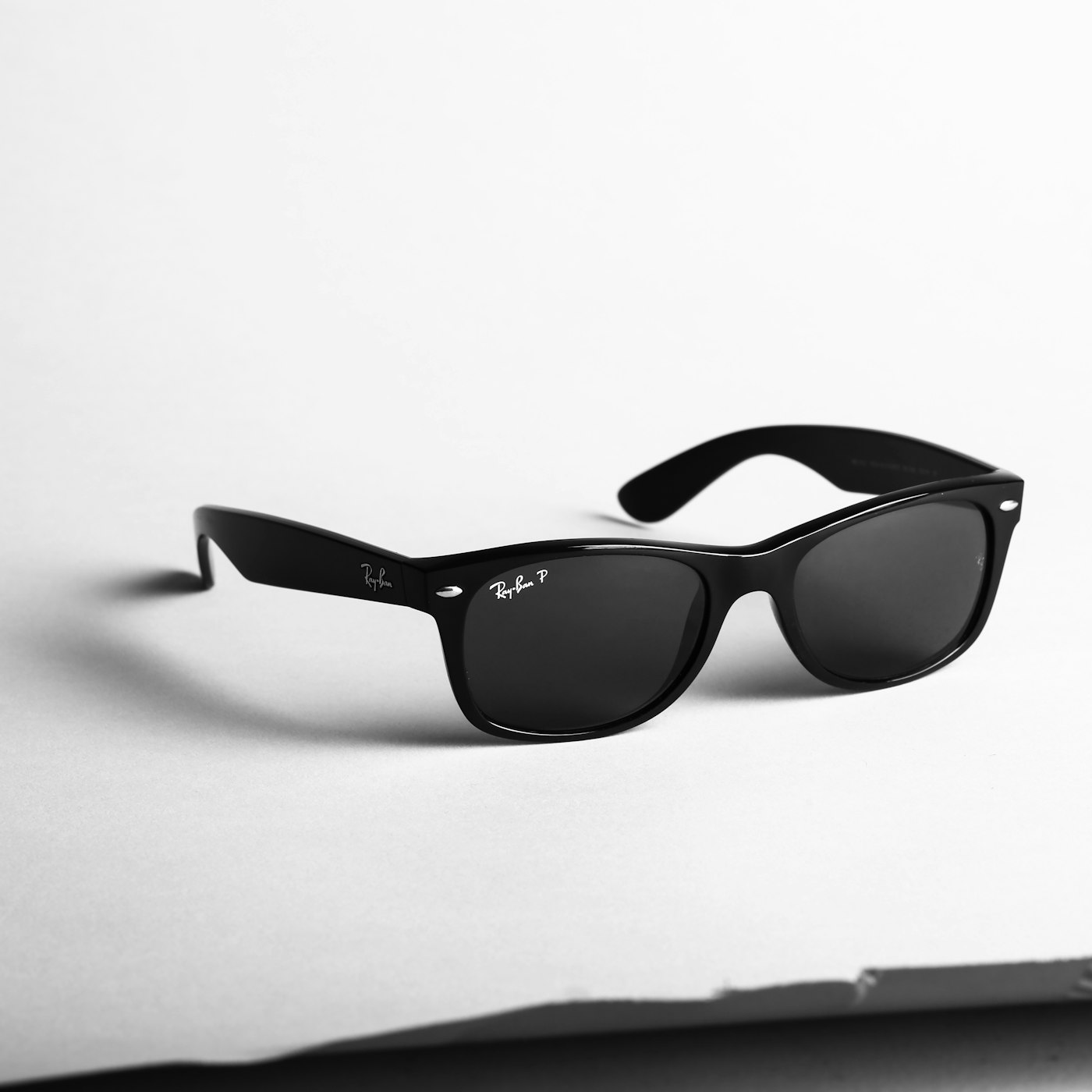
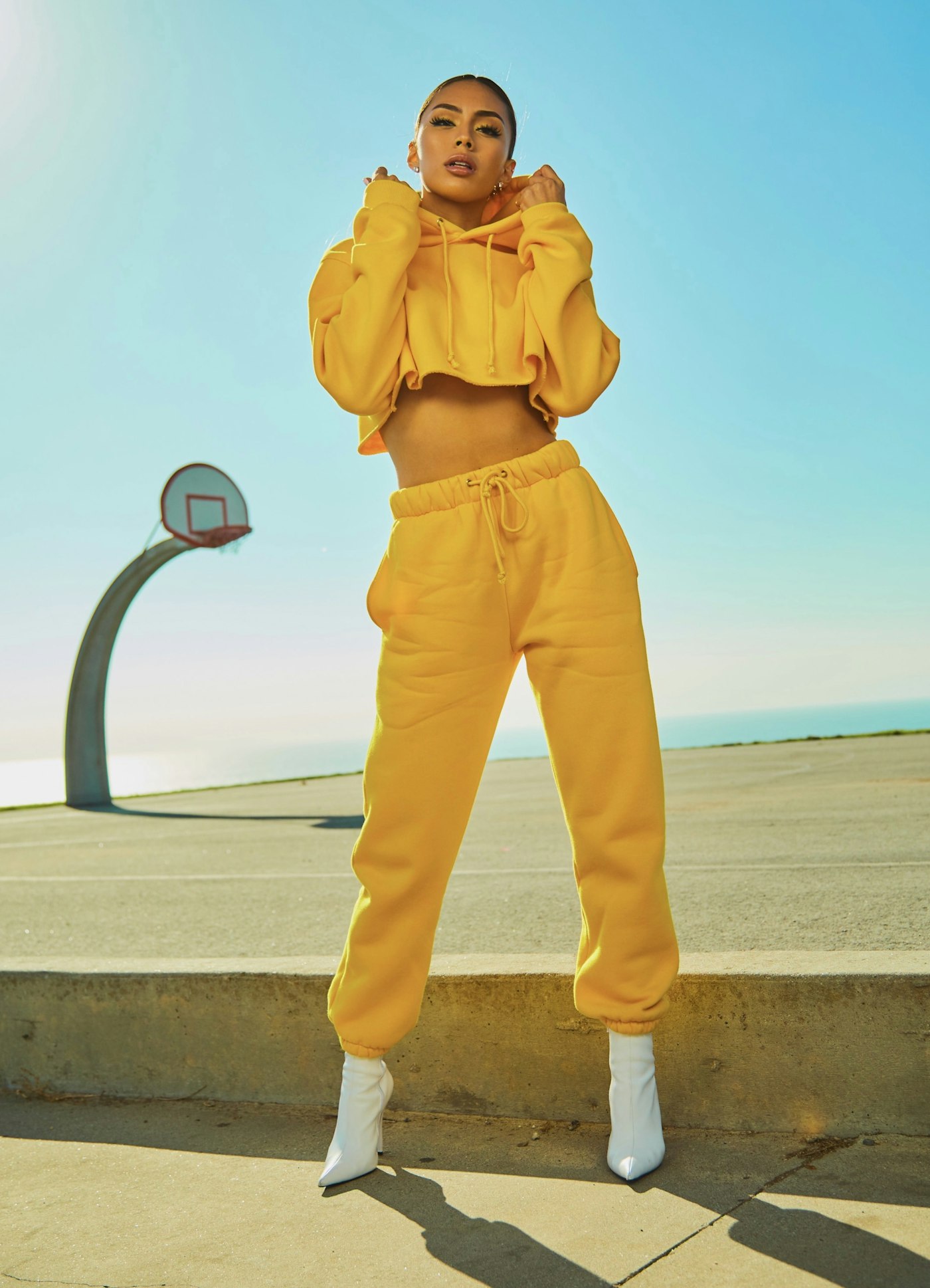
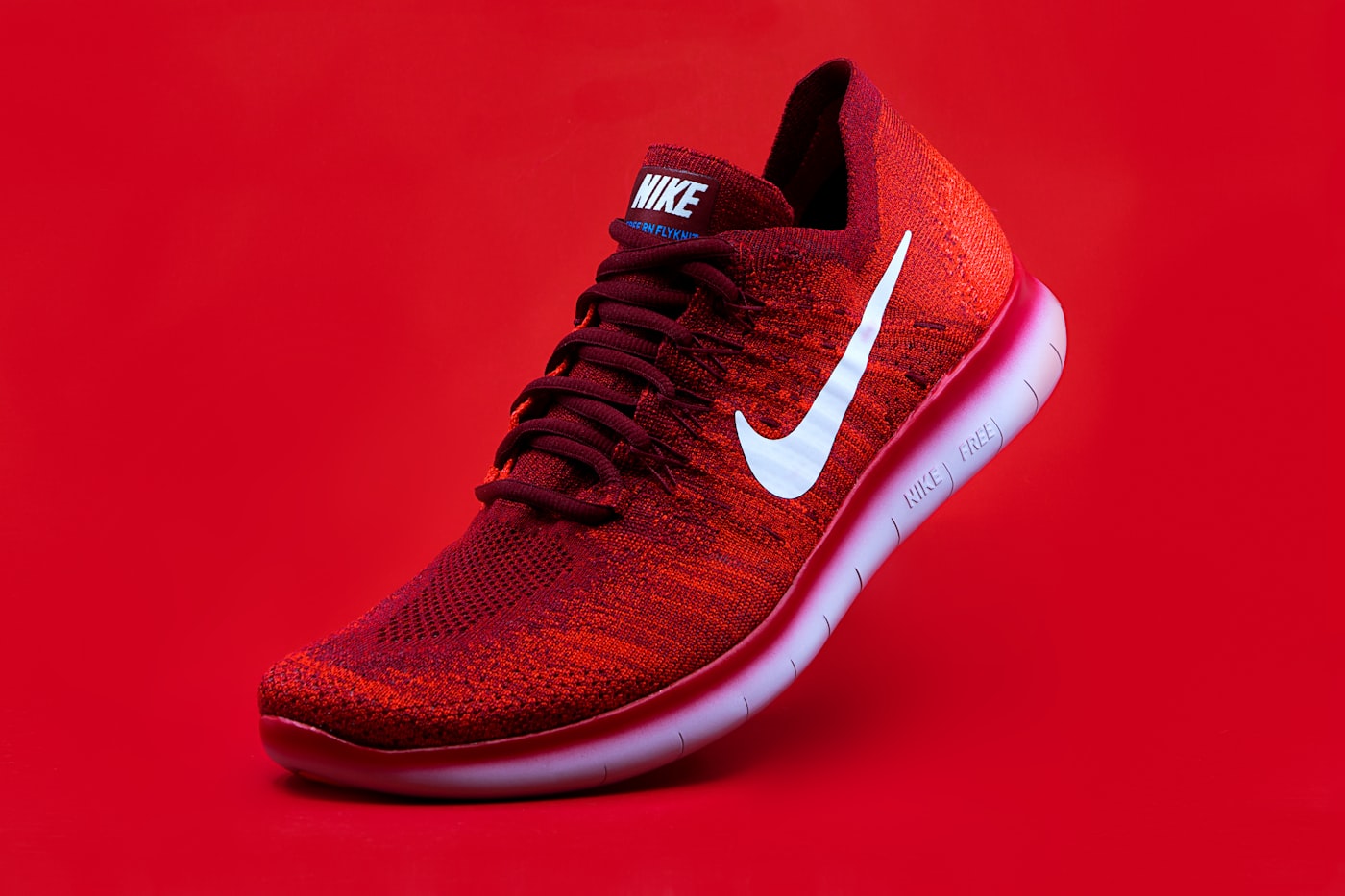
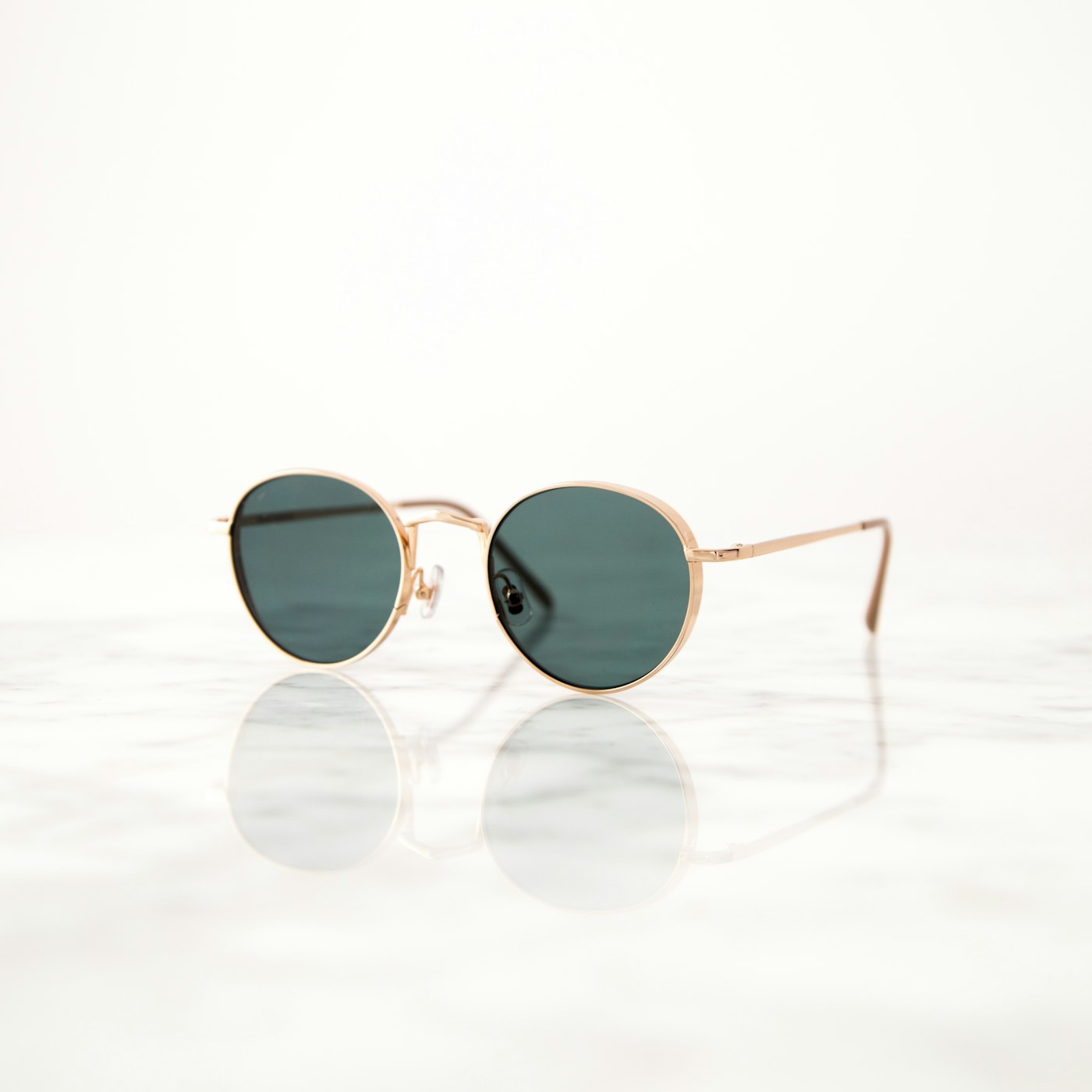
Ref2VA matters because fashion SKUs are judged on body context. A flat-lay dress tells fabric; it does not tell fit story. A side-profile sneaker still hides how the upper sits above the sole on a foot. Sunglasses on white infinity tell lens tint; they do not tell bridge width on a face. MiniMax H3 Ref2VA closes that gap without casting.
Deep comparison of engines: AI image to video ecommerce · Seedance 2.0 ecommerce product video.
Ref2VA vs first-frame lock vs text-to-video
| Mechanism | Engine class | Identity model | Best for |
|---|---|---|---|
| First-frame lock | Seedance-class Product shot | Opening frame frozen | Amazon gallery, PDP packshot, batch catalogue |
| Ref2VA | MiniMax H3 Wearable | Reference image across frames | Apparel, footwear, eyewear try-on |
| Text-to-video | Generic playgrounds | None — prompt only | Mood boards, not listings |
First-frame lock excels when the product is the hero: bottles, tools, beauty, hard goods, and fashion packshots. The SKU never leaves the pedestal. AmazVid Product shot mode wraps Seedance-class generation with URL ingest, silent export, and credit retries — see ecommerce product AI video.
Ref2VA excels when the product must be worn. The model, pose, and background can change; the SKU identity should not. That is AmazVid Wearable try-on for apparel, footwear, and eyewear — powered by MiniMax H3. Category deep dives: AI sunglasses eyewear try-on · apparel try-on AI for Shopify · footwear try-on without model casting.
Text-to-video is the trap. Prompting “model in red dress” without a reference still produces a red dress — not your red dress. Logos invent. Hem lengths drift. Returns spike. Keep text-only generation off marketplace uploads.
How AmazVid uses MiniMax H3 Ref2VA
AmazVid is not a raw model playground. It is a seller workflow that maps jobs to engines:
- Product shot → Seedance-class first-frame lock for packshots and catalogue orbits
- Ad creative → cinematic hooks from the same still for Meta and TikTok
- Wearable try-on → MiniMax H3 Ref2VA for on-body fashion proof
Workflow steps operators actually run:
- Paste an Amazon, Shopify, Etsy, or Temu URL — or upload a photo (turn product URL into video)
- Confirm the extracted still matches the listing hero
- Choose Wearable try-on and category: apparel · footwear · eyewear
- Optional: upload a model reference for recurring brand faces
- Pick 768P to draft or 2K when the placement needs sharpness (+1 credit)
- Download silent MP4; add music and captions downstream (silent product video no watermark)
Start here: Create account — Wearable mode · Wearable homepage demo · Pricing.
Wearable is 6 credits base, +1 for 2K. Product shot and Ad creative for the same SKU remain available at their own rates — budget dual assets, not single-mode hope.
Product shot vs Wearable: the routing decision
Do not run every fashion SKU through Ref2VA on day one. Route by channel and risk:
| Destination | Mode | Why |
|---|---|---|
| Amazon main gallery | Product shot | Packshot trust; policy-safe default (Amazon listing video requirements) |
| Shopify PDP hero | Product shot | Buyers compare still + silent orbit before ATC |
| Reels / TikTok / Meta | Wearable + Ad creative | Face and body proof in second one |
| Brand Story / A+ modules | Wearable | Lifestyle motion when packshot already exists |
| Email / lookbook | Wearable | Editorial loops without reshoots |
Rule of thumb: PDP and gallery keep Product shot. Social and fashion proof get Wearable. Paid tests get Ad creative. That dual-asset strategy is how conversion and brand heat coexist — expanded in Wearable vs Product vs Ad creative.
Amazon operators: how to make Amazon product videos · best AI tool for Amazon product videos · white background product video Amazon.
Still prep checklist before you burn Ref2VA credits
Bad photography is the number-one cause of bad try-ons. Fix the still before generation — same discipline as convert product photos to video.
Apparel
- Flat-lay or invisible mannequin with clear silhouette
- One colourway per still — no multi-SKU collages
- Fabric texture visible; avoid crushed folds that hide the hem
- Match the buy-box colour name exactly
Footwear
- Side or gentle 3/4 showing upper and sole edge
- Sharp lace eyelets and tread — soft focus makes Ref2VA guess
- Single shoe per reference unless the listing sells pairs as one ASIN
Eyewear
- Front or 3/4 with bridge and temples visible
- Lens tint / mirror must match the SKU title
- No lifestyle crops that hide hinge detail
Universal rules:
- Remove marketplace watermarks and price stickers
- Fill the frame — tiny products waste model attention
- Export from raws when JPEG compression mushifies logos
- One honest hero per render — not a Pinterest mood board
Prompt habits that protect Ref2VA fidelity
Winning prompts for MiniMax H3 Ref2VA are deliberately boring:
- “Fashion model wears this exact product, slow push-in, studio soft light, keep silhouette and colour identical, no logo invent.”
- “Footwear try-on, natural stance, product identity locked to reference, no extra accessories.”
- “Eyewear on-face, catchlights in lenses, frame shape matches reference.”
Avoid: “surreal,” “cyberpunk,” “exploding fabric,” “luxury logo on sleeve,” celebrity name drops, and multi-outfit wardrobe changes in one clip. Aggressive language belongs in Ad creative experiments that never replace the gallery packshot.
Engine shopping outside AmazVid: AmazVid vs Runway vs Kling · top 10 AI product video tools 2026. Insist on reference identity, not demo glamour.
QA gate before you publish Ref2VA clips
Print this next to your render queue:
- [ ] Silhouette matches listing hero (hem, sole curve, frame shape)
- [ ] Colourway matches SKU title — not “close enough”
- [ ] No invented logos, tags, or packaging text
- [ ] Materials look plausible ( leather vs patent, knit vs woven )
- [ ] Product visible for majority of runtime — face should not eat the SKU
- [ ] Aspect matches destination (1:1 gallery vs 9:16 Reels)
- [ ] File is silent — captions added downstream
- [ ] PDP still has Product shot for packshot trust
When QA fails, fix the still first, shorten the prompt second, re-render third. Do not upload and pray.

Playground MiniMax vs AmazVid seller workflow
Teams often compare raw MiniMax H3 playground output against AmazVid wrapped workflows. Both can use Ref2VA-class motion; the difference is everything sellers pay for after the render finishes:
| Capability | MiniMax playground | AmazVid workflow |
|---|---|---|
| URL → still extract | Manual download | Built-in |
| Mode routing (Product / Wearable / Ad) | You invent | Preset per job |
| Silent commercial MP4 | Varies | Default |
| Credit retries on failure | Unclear | Operator-friendly |
| Batch catalogue habits | Manual | Product shot batching (batch catalog) |
| Listing QA culture | None | Documented checklists |
Playground clips win screenshot battles. AmazVid wins Tuesday catalogue shipping. If your ops team lives in Seller Central and Shopify admin, wrapper value compounds fast.
Credit math for a fashion drop
Example week for a 10-SKU apparel line on Growth or mixed PAYG:
| Action | Credits (approx.) |
|---|---|
| 10× Product shot 5s (gallery) | ~20 |
| 4× Wearable hero colourways (Ref2VA) | ~24 |
| 4× Ad creative 9:16 hooks | ~20 |
| Total | ~64 |
Draft Wearable in 768P; promote winners to 2K (+1 each). Cap experimental SKUs — rank by margin × traffic before you render the long tail.
UGC-style social without creators: AI UGC product video for Amazon · AI UGC TikTok Shop & Amazon 2026.
Channel recipes using Ref2VA
Amazon fashion
- Gallery: Product shot silent clip — safest default
- Brand Story / Posts / off-Amazon: Wearable + Ad creative
- Rufus-era shoppers ask fit questions — on-face demos help AEO when honest (Amazon AEO Rufus guide)
- Length: ecommerce product video length guide
Shopify DTC
- PDP: packshot under the fold; Wearable as secondary media
- Launch pages: Wearable loop above the fold
- Shopify product video best practices · apparel try-on AI for Shopify
Meta, TikTok, Reels
- Lead with body + SKU in frame one
- Export 9:16 Wearable and Ad variants — instagram reels from photos · facebook ads product video
Common Ref2VA failure modes (and fixes)
Silhouette morphs mid-clip. Still was angled or soft. Reshoot front or 3/4; crop tighter; re-run Wearable.
Colour drifts from “Navy” to royal blue. Reference underexposed. Export brighter from raws; verify monitor calibration.
Invented logo on chest or temple. Prompt too “luxury.” Shorten prompt; sharpen still; QA every frame mentally at phone size.
Model face dominates; product disappears. Ask for medium shot keeping garment / shoe / frames visible both lenses or full upper.
Credits vanish on experiments. Lock a hero quartile list before batching — same portfolio logic as eyewear drops in AI sunglasses try-on.
One-day Ref2VA sprint
Morning
- Pull five live listings with sharp heroes
- Run Product shot 5s for each — gallery masters
Afternoon
- Pick two strongest SKUs → Wearable (category correct)
- Flip both into Ad creative 9:16 — turn Amazon listing into video ad
Evening
- QA against heroes; upload packshots to PDP/gallery
- Schedule Wearable to Reels; note winners for 2K promotion
Start: Register — Wearable mode · Wearable demo · Pricing.
Legal and listing hygiene
- Do not claim guaranteed fit or sizing from fashion clips alone — show the SKU honestly
- Prefer generated models over scraping celebrity faces as references
- Keep packaging and titles aligned with what the video shows
- Separate playground demos from live listing uploads in client reports
Bottom line
MiniMax H3 Ref2VA for ecommerce is how fashion sellers ship on-body proof without a casting call — when the job is wear, not orbit. Pair Ref2VA Wearable clips with Seedance-class Product shot for trust and Ad creative for paid hooks. Fix stills first, QA like returns depend on it, and route modes by channel instead of by hype.
Ship your first Ref2VA clip: AmazVid · Wearable demo · Register — Wearable · Pricing · AI wearable try-on guide · Seedance vs MiniMax deep dive.
*Stock photographs in this article are from Unsplash (free to use under the Unsplash License).*
Team & job landings
Solutions by team · use cases by job — open the hub that matches how you ship.
Frequently asked questions
What is MiniMax H3 Ref2VA for ecommerce?
Ref2VA (reference-to-video) uses your product image as an identity anchor across the whole clip, not only frame one. AmazVid Wearable mode applies MiniMax H3 Ref2VA so generated models wear the real apparel, footwear, or eyewear SKU for listing-accurate try-on video.
How is Ref2VA different from first-frame lock?
First-frame lock (Product shot / Seedance-class) keeps the opening frame identical and moves the camera around a packshot. Ref2VA keeps product identity while inventing a model and pose — essential for on-body fashion proof. Both fight SKU drift; they solve different jobs.
When should I use Product shot instead of Wearable?
Use Product shot for Amazon gallery trust, white-background PDP orbits, and batch catalogue work. Use Wearable when shoppers need to see drape, sole, or frames on a face — Reels, lookbooks, Brand Story, and secondary PDP media.
Can I use raw MiniMax playground instead of AmazVid?
Playground output can look cinematic but often lacks URL ingest, mode routing, silent export, credit retries, and seller QA habits. AmazVid wraps MiniMax H3 Ref2VA inside Wearable and Seedance-class Product shot so operators ship files, not experiments.
How many credits does Wearable (Ref2VA) cost?
Wearable try-on on AmazVid is 6 credits base, plus 1 additional credit if you select 2K over 768P. Product shot and Ad creative for the same SKU bill separately — see pricing for plan math.
Is text-to-video ever safe for product listings?
No for live ASINs or Shopify heroes. Text-to-video without a reference still invents packaging, logos, and colourways. Reserve prompt-only generation for internal mood boards, not marketplace uploads.
Related guides
- AmazVid homepage — AI product video generator
- Seedance 2.5 vs MiniMax H3
- AI Wearable Try-On Product Video
- Wearable vs Product vs Ad Creative
- AI Image to Video for Ecommerce
- AmazVid vs Runway vs Kling
- AI Sunglasses Eyewear Try-On Video
- Ecommerce Product AI Video Guide
- Make Product Video from Photo
- Best AI Tool for Amazon Product Videos
- Make Product Videos for Amazon
- AI UGC Product Video for Amazon Sellers
- Silent Product Video, No Watermark
- Seedance 2.0 Ecommerce Product Video
- Batch Product Videos for Ecommerce
- AmazVid use cases — job playbooks
- AmazVid pricing
Sources
Ready to generate product video?
Paste a product link, lock the first frame, export silent 1080p — 2 free credits. No prompts required.