Blog · packshot to ad creative
Packshot to Ad Creative Images — White Background to Campaign Stills
Turn a white packshot into AI ad creative images: 1:1, 4:5, 9:16 SKU-true stills, then AmazVid Ad creative video. Sparkle campaigns without a fake SKU.
Updated 2026-08-27 · 11 min read · AmazVid Editorial
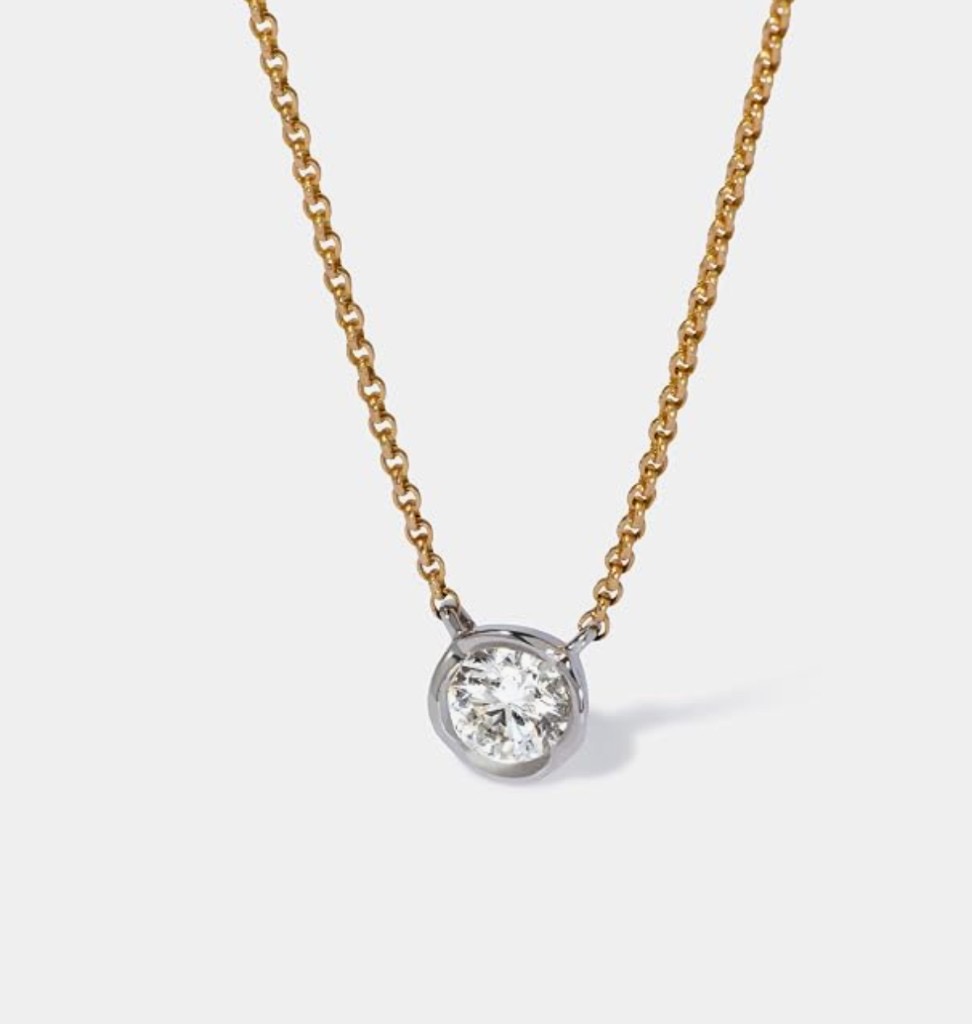
Packshot to ad creative images is the stills job behind AmazVid’s Ad image path: take the white-background hero you already sell, make it the ad, then add campaign energy without inventing a prettier fake SKU.
Quiet still → sparkle / lifestyle still → optional 9:16 video. One product. Three assets.
Hubs: AI ad creative · AI ad animation · Turn static ads into video · Compare vs AdCreative
Related: AI product ad images from listing photos · 9:16 product ad video · Product ad vs listing video · White-background listing video
Why the boring still has to win first
Paid clicks bounce when the feed shows extra diamonds the PDP does not. Amazon and Shopify returns follow the same lie. AmazVid’s constraint is the listing photo as product truth. Ad image may change light, crop, and atmosphere. It may not change the SKU.
Use AdCreative-class tools when you need scored banner volume. Use AmazVid when the object on the ad must match the ASIN.
Static ratio checklist
| Ratio | Where it lives | Packshot crop rule |
|---|---|---|
| 1:1 | Meta feed, catalogs | Full product, even padding |
| 4:5 | Feed / Explore | Slightly taller; keep logo in the safe centre |
| 9:16 | Stories, Reels, TikTok | Vertical canvas; do not clip the hero |
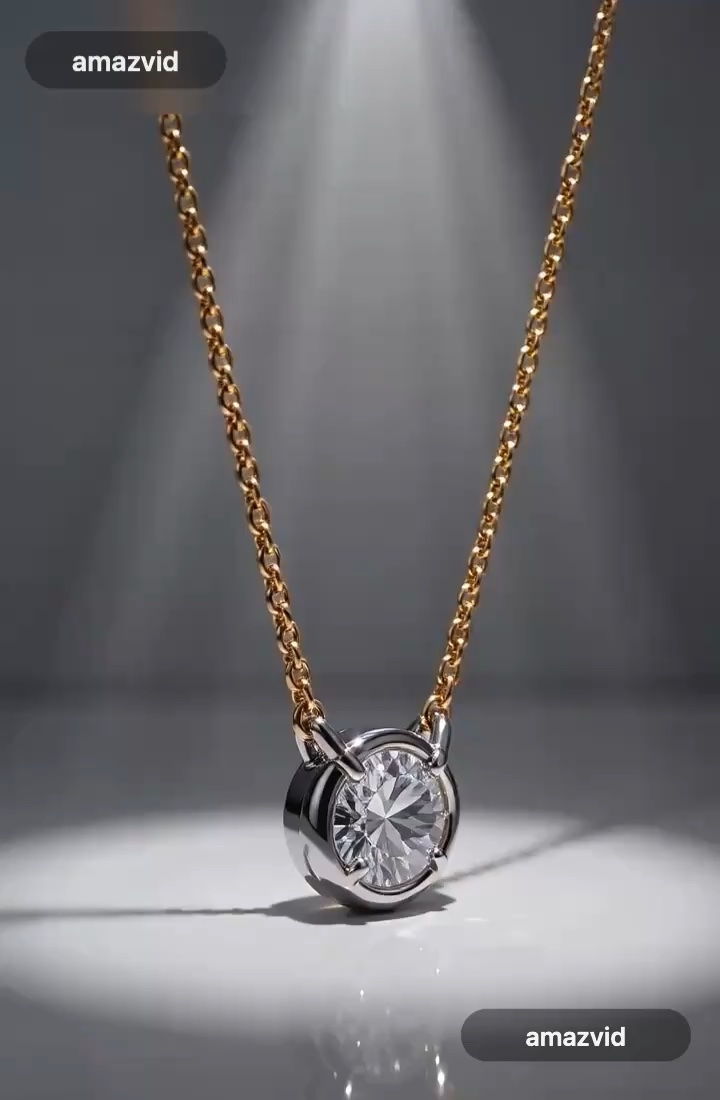
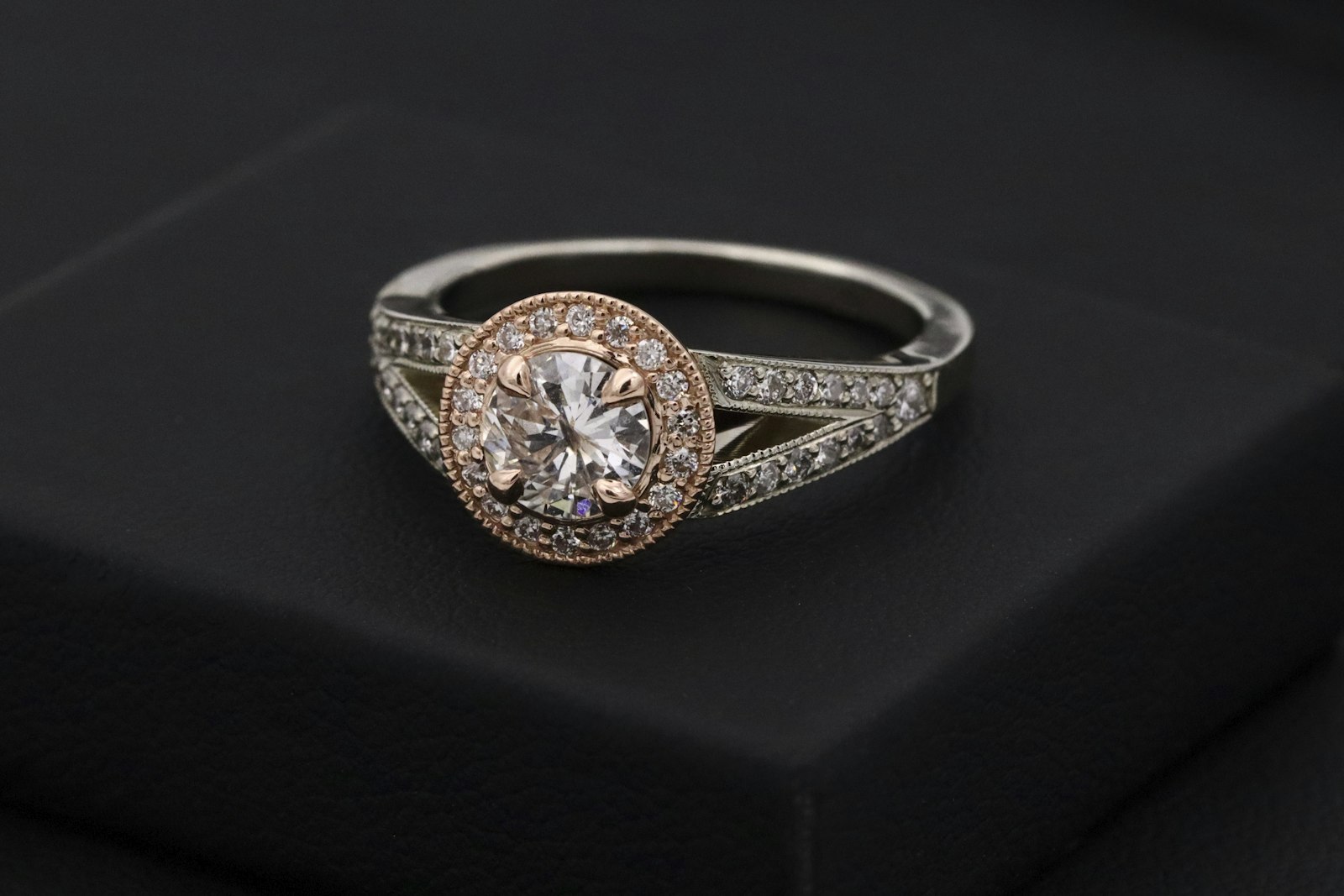
Then the campaign still: sparkle, rim light, lifestyle set — same chain, same stone count, same hardware.
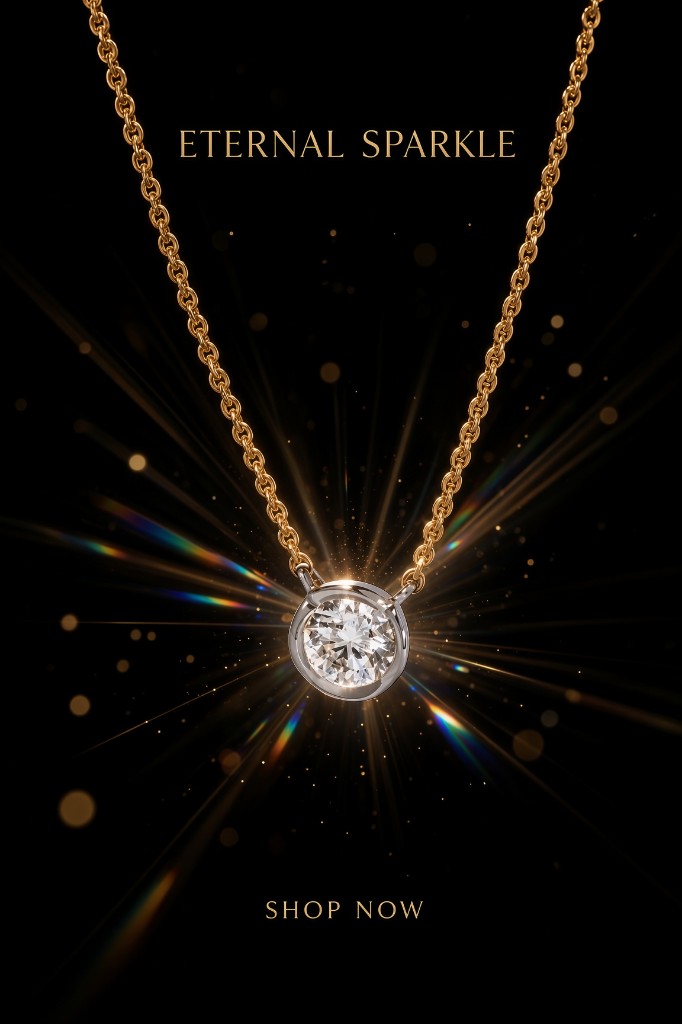
Packshot → stills → video
- Paste the listing URL or upload the main image (product URL → video ingest works for stills too).
- Export the three crops as honest static ads.
- Run Ad image for the sparkle / lifestyle campaign still when the quiet packshot fatigues.
- QA freeze-frame vs PDP — same discipline as gallery QA.
- Animate winners with Ad creative (5 credits, 10s). Native 9:16, not a letterbox.
Credits: trial = 4 · Ad creative = 5 · Product shot 2–3 if you also need listing video · calculator.
Category notes
Jewelry — metal colour and prong count are the fail line. See AI jewelry try-on if you also need on-neck proof.
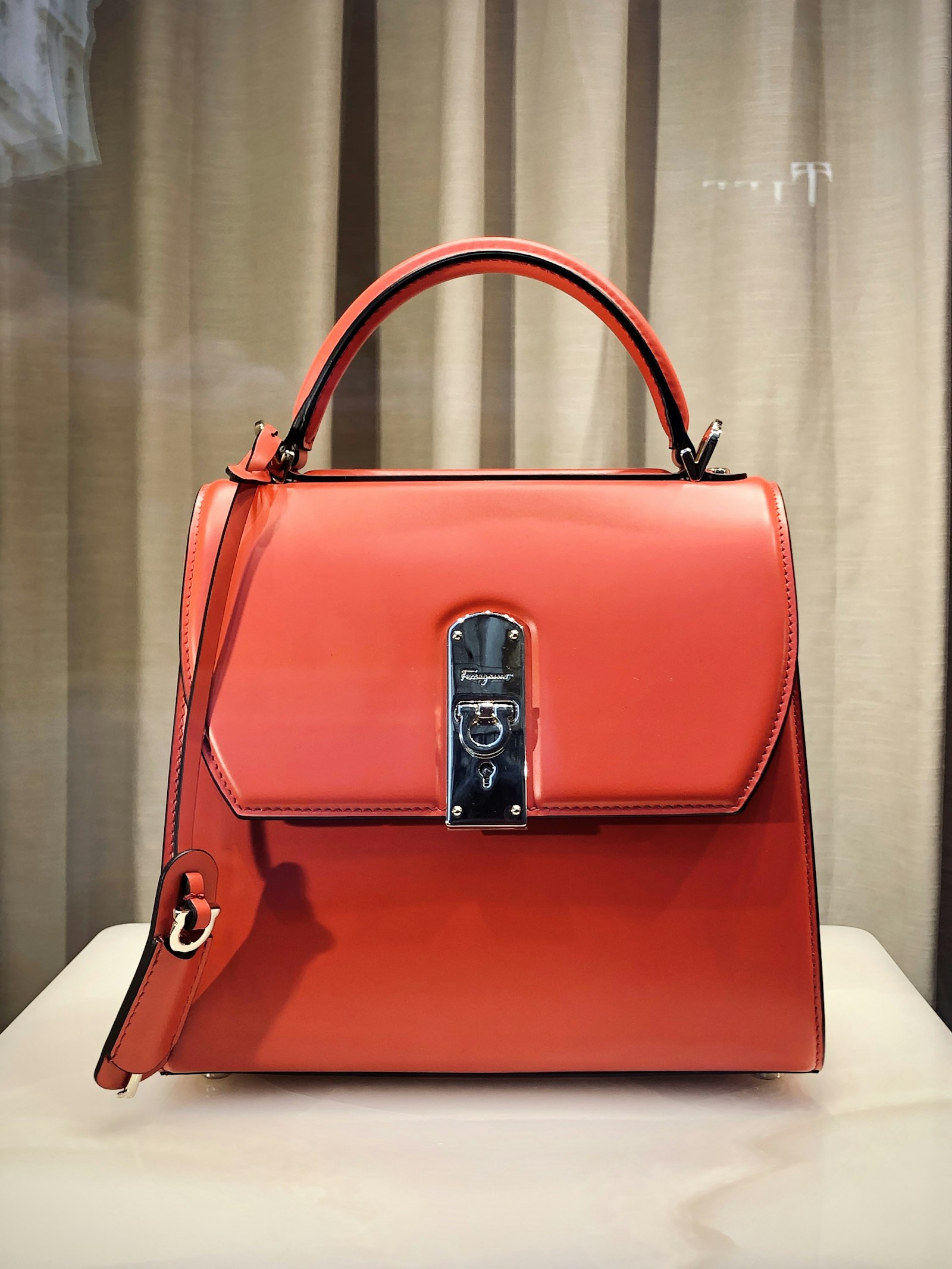
Bags — hardware, stitch, silhouette. Lifestyle on-model is a second still, not a replacement packshot. AI handbag video.
3C / drinkware / kitchen — stay on the packshot. Lifestyle that hides the label is a bounce.
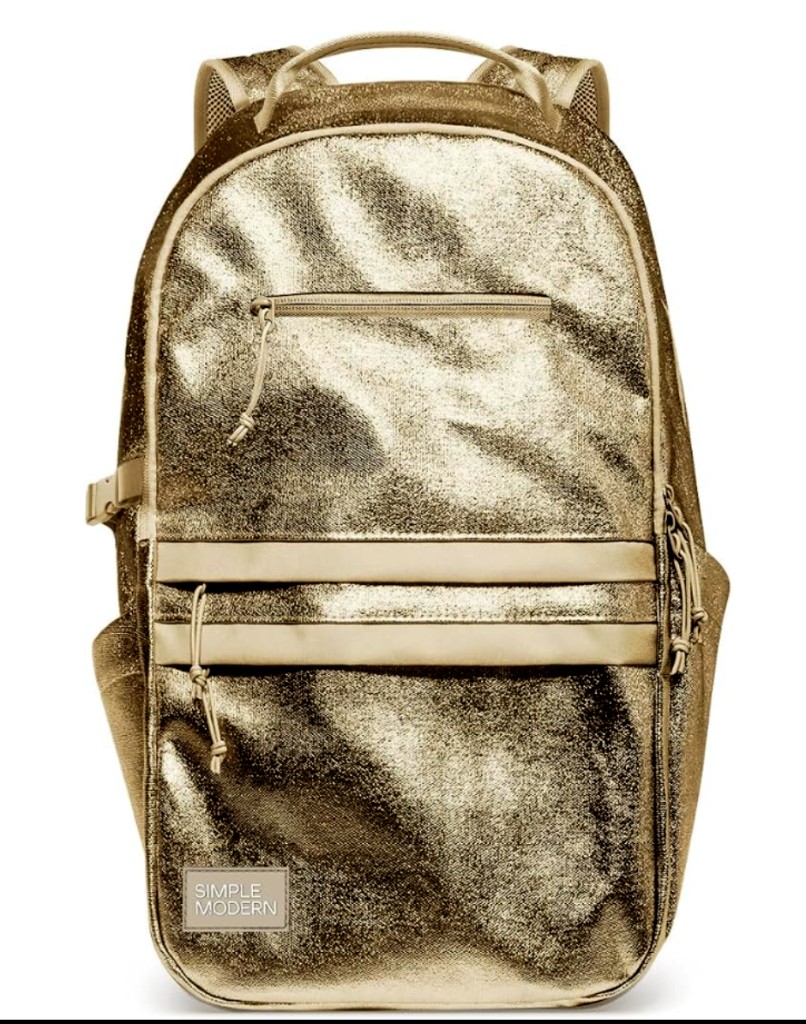
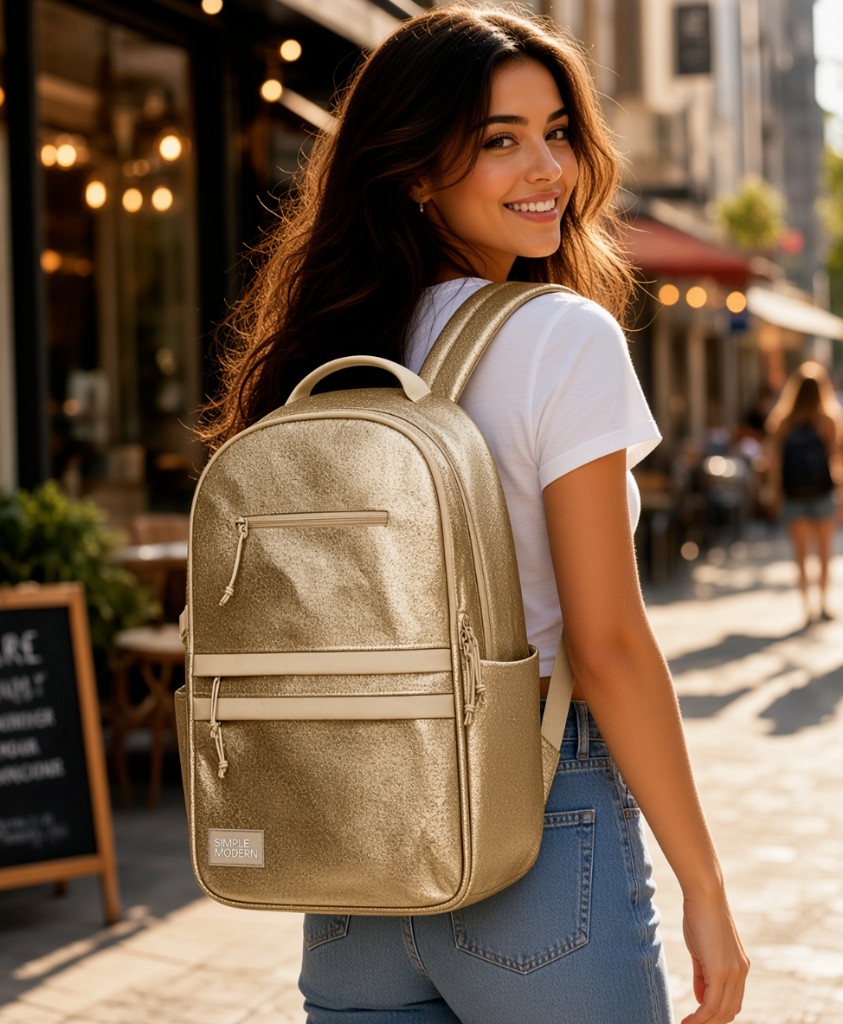
Agencies: static ad to video. Modes: Wearable vs Product vs Ad creative.
Start the job
Register — Ad image · Register — Ad creative · AI ad creative hub
Team & job landings
Solutions by team · use cases by job — open the hub that matches how you ship.
Frequently asked questions
Can I turn a white-background photo into an ad creative?
Yes. Crop 1:1 / 4:5 / 9:16 from the packshot, optionally run AmazVid Ad image for campaign lighting, then Ad creative video from the same SKU.
Is this the same as AdCreative.ai?
No. AdCreative scores many banner layouts. AmazVid keeps the listing still as product truth, then adds sparkle or motion. See AmazVid vs AdCreative.
Should SHOP NOW be burned into the image?
Prefer offers in Ads Manager so they do not go stale. If you do burn type, keep it off the product and match the landing page.
Packshot video or sparkle still first?
Static campaign stills first (cheap tests). Add Ad creative video when CTR stalls. Listing gallery still uses Product shot — see product ad vs listing video.
Related guides
- AmazVid homepage — AI product video generator
- AI Product Ad Images from Listing Photos
- 9:16 Product Ad Video from Photos
- Product Ad Video vs Listing Video
- AI Ad Animation for Meta & TikTok
- White Background Product Video for Amazon
- Static Ad to Video for Agencies & Paid Social
- Facebook Ads Product Video from Photos
- Wearable vs Product vs Ad Creative
- Turn Amazon Listing into a Video Ad
- AI Jewelry Try-On Video
- AI Handbag Product Video
- AmazVid use cases — job playbooks
- AmazVid pricing
Sources
Ready to generate product video?
Paste a product link, lock the first frame, export silent 1080p — 2 free credits. No prompts required.