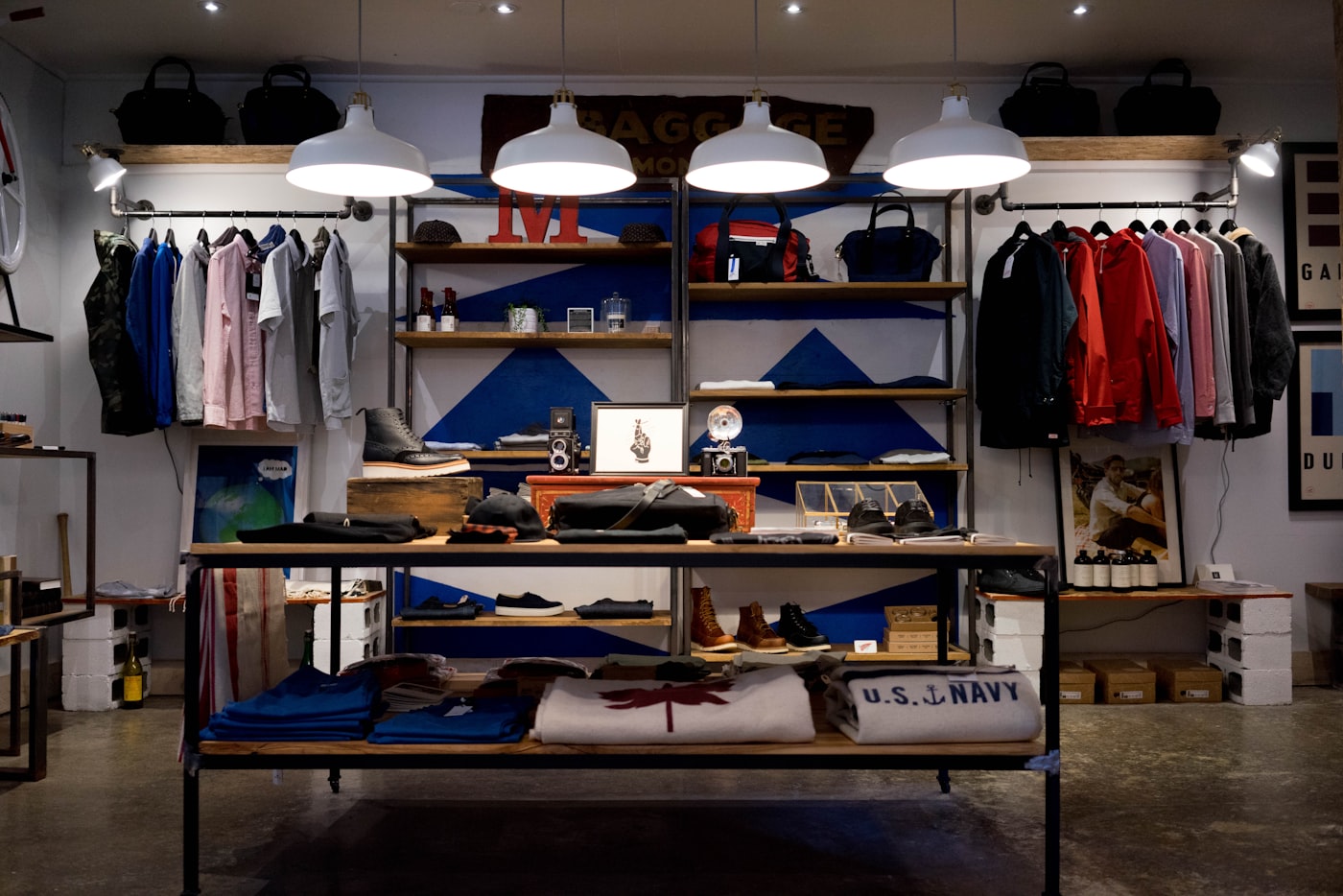
Blog · Wearable vs Product vs Ad creative
Wearable vs Product vs Ad Creative: Which AmazVid Mode Should You Run?
Wearable vs Product shot vs Ad creative on AmazVid: decision matrix for PDP, Amazon gallery, Meta, TikTok, and lookbooks — credits, conversion playbooks, and mode CTAs for fashion and hard-goods sellers.
Updated 2026-08-12 · 17 min read · AmazVid Editorial
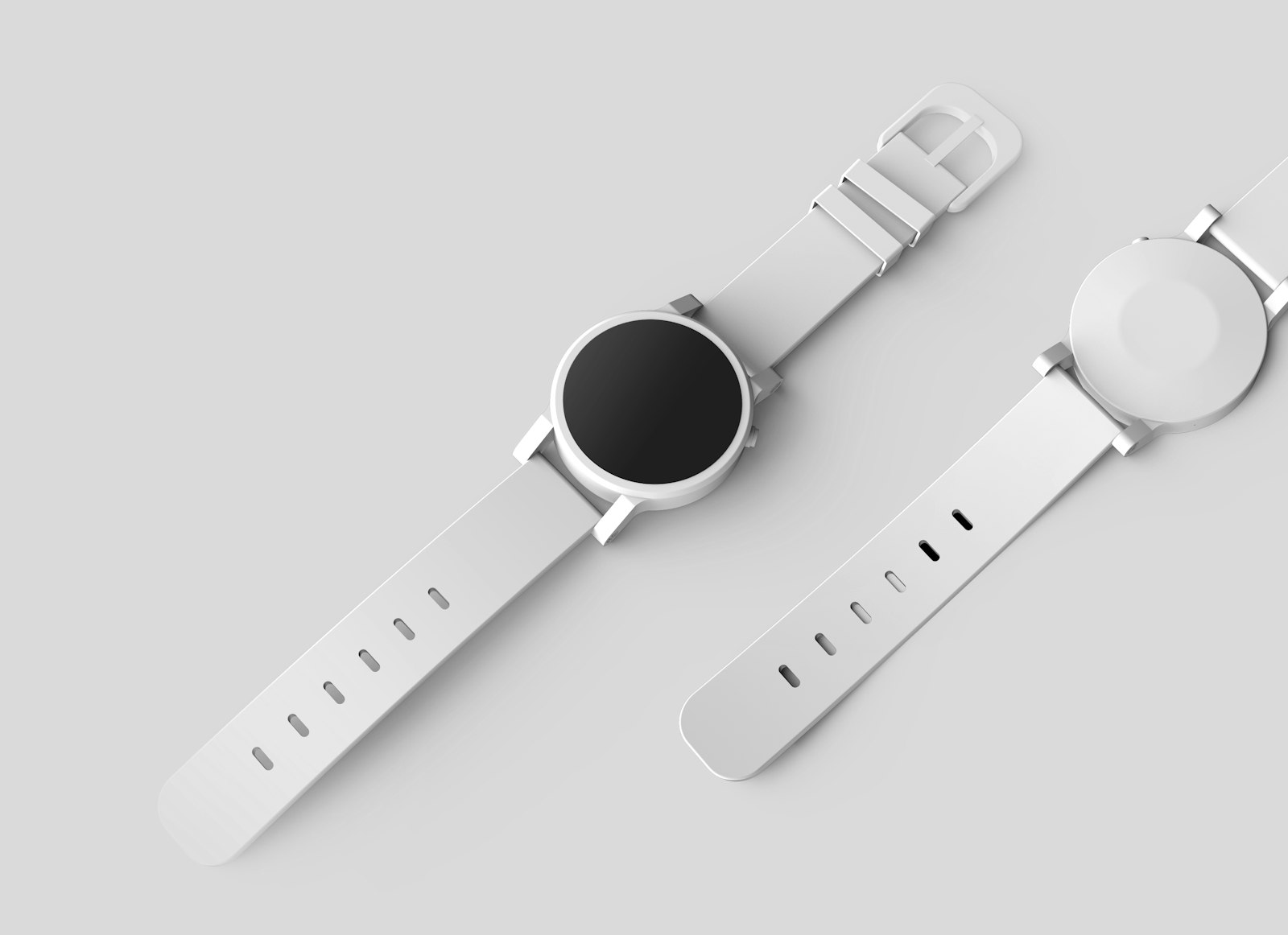
Wearable vs Product vs Ad creative is the decision AmazVid sellers make after they paste a link. The wrong mode wastes credits and confuses shoppers. The right mode matches the destination — Shopify PDP, Amazon gallery, Meta hook, TikTok scroll-stopper, or fashion lookbook — and keeps the SKU honest.
This is a conversion playbook, not a feature tour. You will leave with a destination matrix, credit math, channel recipes, strong CTAs for each mode, and a one-afternoon sprint you can run on a live catalogue today.
Start here: Product shot mode · Ad creative mode · Wearable try-on · Pricing · AI wearable try-on product video.
Direct answer (August 2026)
| Destination | Mode | Why |
|---|---|---|
| Shopify / Amazon PDP, silent proof under the fold | Product shot | First-frame lock, catalogue angles, listing-true packaging |
| Amazon main / secondary gallery slots | Product shot | Policy-safe packshot motion shoppers can compare to the buy box |
| Meta, TikTok, Reels, Sponsored traffic | Ad creative | 10s cinematic pacing and aspect flip from the same still |
| Apparel / footwear / eyewear on-body proof | Wearable try-on | MiniMax H3 Ref2VA model pre-wear without casting |
| Lookbooks, seasonal drops, fashion Reels | Wearable try-on | On-body loops that PDP packshots cannot deliver alone |
| Multi-ASIN catalogue refresh | Product shot (batch) | Shared camera presets across SKUs |
If you only remember one line: Product proves. Ads hook. Wearable shows it on a body.
Broader context: ecommerce product AI video · AI image to video ecommerce · MiniMax H3 Ref2VA for ecommerce · Amazon fashion listing video 2026.
Why "one AI video button" fails sellers
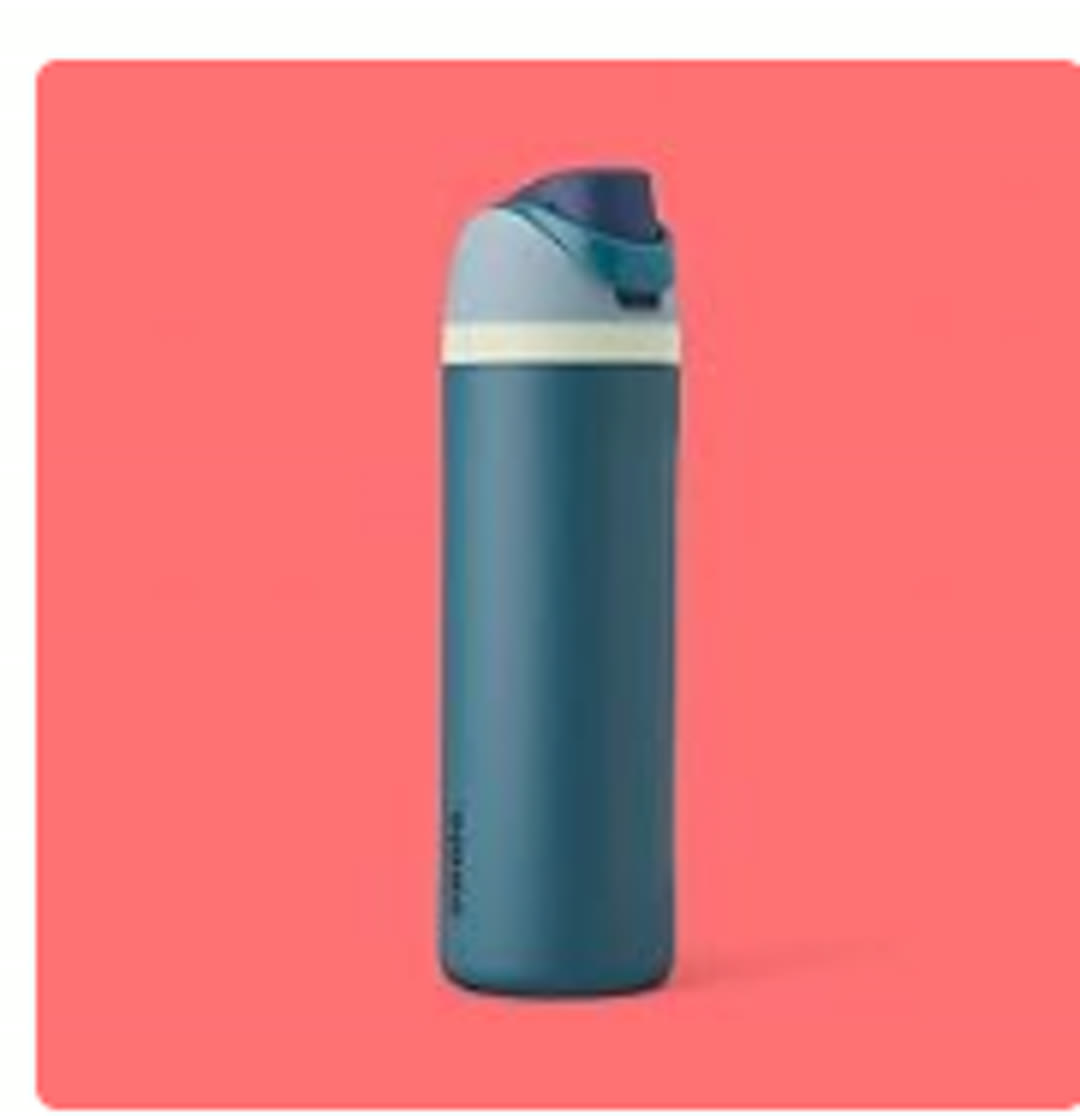
Generic image-to-video tools optimise for wow. Marketplaces optimise for trust. Shoppers compare motion to the main image. If the bottle neck, sole tread, or aviator bridge drifts, conversion drops even when the clip looks expensive.
That is why AmazVid splits modes instead of pretending one prompt fits Amazon gallery and TikTok Shop:
- Product shot inherits first-frame lock discipline for silent product video no watermark PDPs.
- Ad creative borrows the paid-social job from how to turn Amazon listing into video ad and facebook ads product video from photos.
- Wearable answers the fashion gap in AI wearable try-on product video, apparel try-on AI for Shopify, and footwear try-on without model casting.
Engine stack: Seedance 2.5 · MiniMax H3 product video.
Decision matrix by destination (print this)
Shopify PDP
Shoppers on your owned site tolerate lifestyle energy — but they still compare video to the hero image. Product shot belongs under the fold as silent proof. Ad creative feeds your Meta retargeting. Wearable belongs on apparel and eyewear PDPs when fit story matters.
→ Run Product shot first: Create account — Product shot
Amazon gallery
Amazon shoppers punish drift. Gallery slots expect listing-true motion, not cinematic hooks. Product shot is the default. Wearable is a complement for fashion accessories — never the only asset. Ad creative is for off-Amazon traffic, not a substitute for gallery honesty.
→ Batch Product shots: Create account — Product shot · Amazon fashion listing video 2026
Meta (Feed, Stories, Advantage+)
The feed rewards motion in the first second. Ad creative at 9:16 or 1:1 is built for this job. Pair with a Product shot on the landing PDP so ROAS does not die on a mismatch.
→ Test hooks this week: Create account — Ad creative
TikTok and Reels
Vertical, fast, native-feeling clips win. Ad creative for paid tests; Wearable for organic fashion loops that feel like try-on content. See also UGC-style try-on without creators and instagram reels product video from photos.
→ Ship a 9:16 hook: Create account — Ad creative
Lookbooks and seasonal drops
Lookbooks need bodies, not lonely packshots. Wearable is the mode — apparel, footwear, eyewear. Keep Product shot on the buy path for packaging trust.
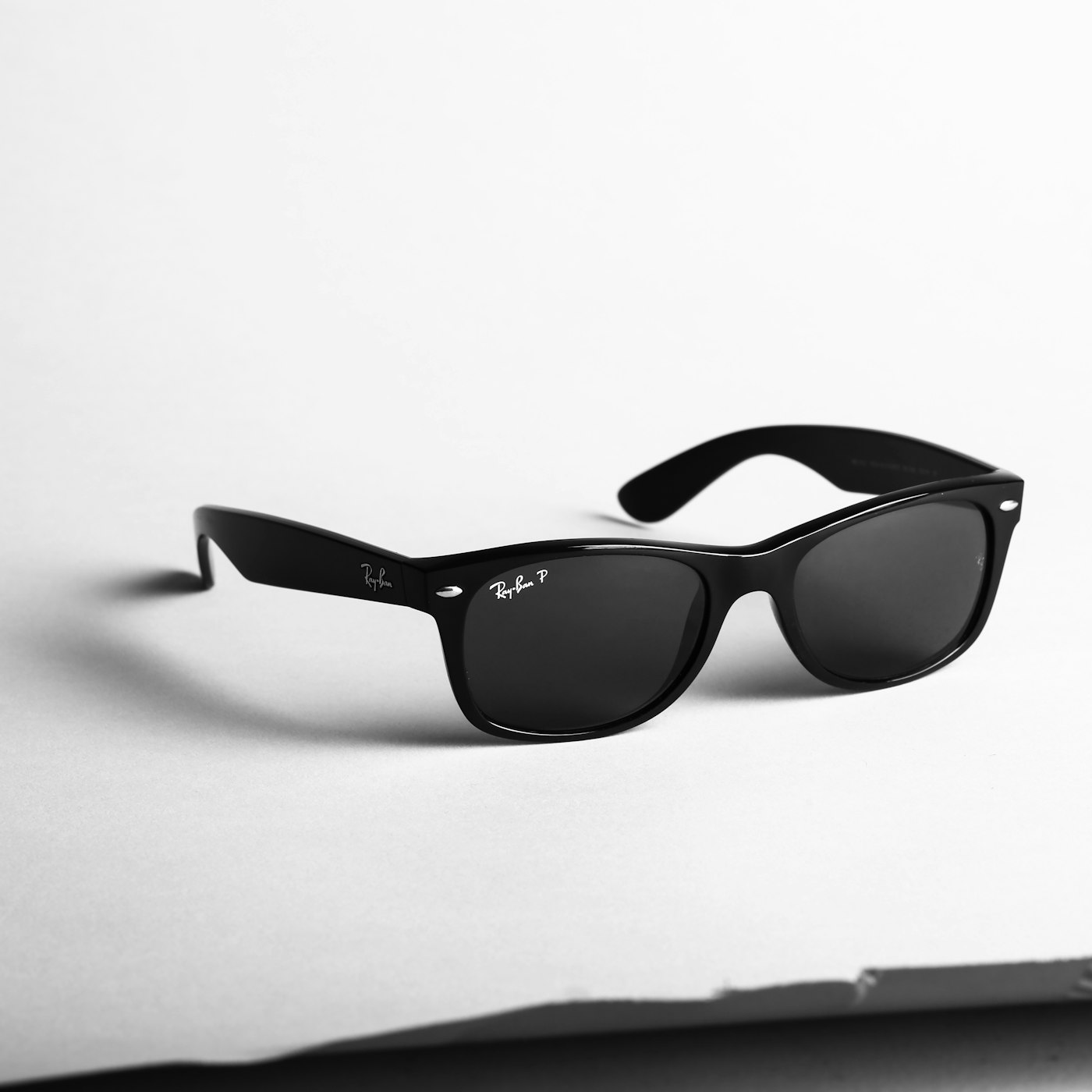
→ Launch try-on today: Create account — Wearable · AI sunglasses eyewear try-on video
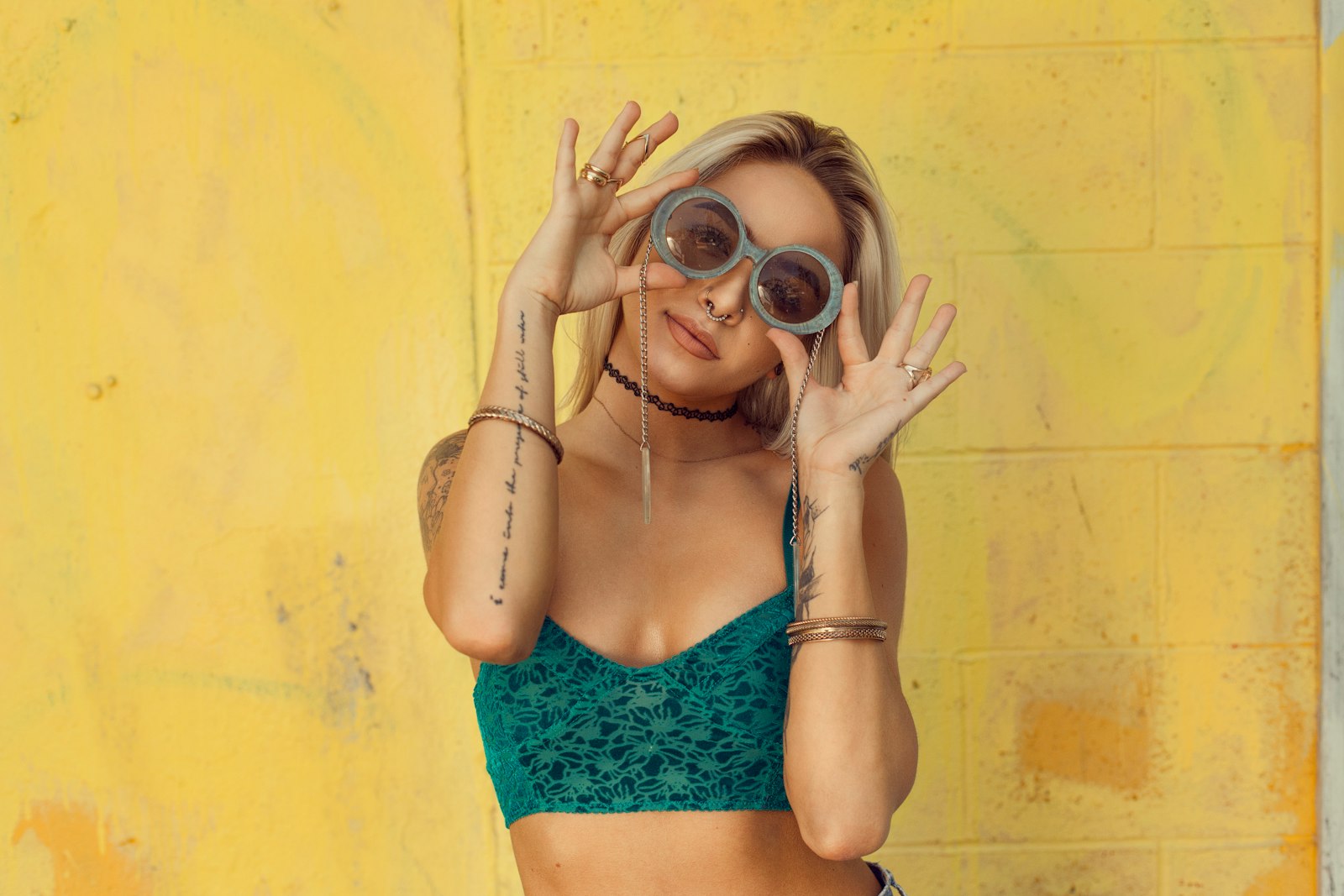
Mode deep dive #1 — Product shot
Job: Make the listing photo move without inventing a new product.
Best for: Amazon main and gallery clips, Shopify PDP secondary media, Etsy texture proof, white-bg catalogue refreshes.
How it feels in the wizard: Import URL or photo → pick angles and light → 5s or 10s → download silent 1080p-class MP4.
Credits: 2 for 5s, 3 for 10s; +1 if you select 2K over 768P. Failed jobs can be retried without spending extra credits.
Playbook:
- Use the live listing hero, not a moodboard crop — see convert product photos to video.
- Prefer soft orbit or push-in over chaos. Buyers need readable packaging — white background product video Amazon still applies as a quality bar.
- Keep clips short. Length guidance: ecommerce product video length guide.
- Stay silent in-master. Captions belong in the platform editor.
When Product shot is the wrong tool: You need a face wearing the frames, or a 9:16 hook with lifestyle energy. That is Wearable or Ad creative — not a harder Product prompt.
CTA: Start with Product shot — free account
Amazon operators: how to make Amazon product videos · Amazon listing video requirements.
Shopify operators: Shopify product video best practices · Shopify product page video size.
Mode deep dive #2 — Ad creative
Job: Earn the click. Same SKU identity, different pacing and aspect.
Best for: Meta prospecting and retargeting, TikTok and Reels hooks, Amazon off-Amazon traffic, weekly creative refresh without CapCut all-nighters.
How it feels: One product at a time, ~10s cinematic brief, export for 9:16, 1:1, or 16:9.
Credits: Flat 5 per render (+1 for 2K).
Playbook:
- Start from the same still you used for Product shot so colourways match PDP and ads.
- Flip to 9:16 for Reels and TikTok — tiktok shop product video requirements.
- Test hooks, not products. One SKU → three Ad creatives with different openings beats one "perfect" film.
- Pair with listing truth: traffic that lands on a mismatched gallery burns ROAS.

When Ad creative is the wrong tool: You are filling an Amazon gallery slot that needs a calm, policy-safe packshot. Do not upload a hype hook where Amazon expects listing-true motion.
CTA: Run Ad creative now · compare spend in cost of studio model vs AI try-on
Paid social recipes: facebook ads product video from photos · short-form shoppable video strategy.
Mode deep dive #3 — Wearable try-on
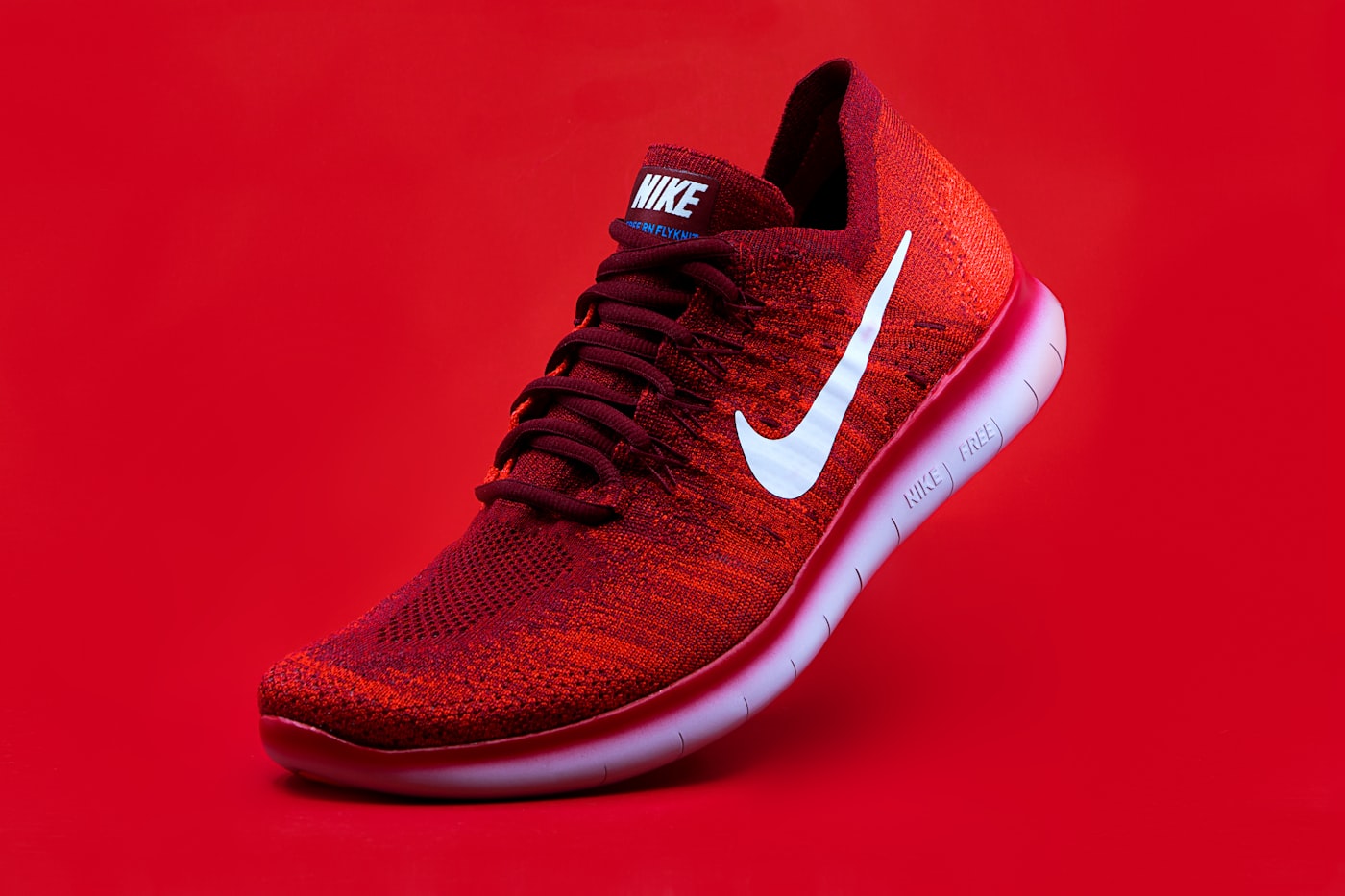
Job: Put the SKU on a body so fashion buyers stop guessing.
Best for: Eyewear, apparel, footwear — Reels, lookbooks, fashion PDPs, launch calendars that cannot wait on casting.
How it feels: Choose Wearable → category (apparel / footwear / eyewear) → optional model reference → MiniMax H3 Ref2VA render.
Credits: 6 base (+1 for 2K). Requires MiniMax path — Seedance first-frame alone cannot invent honest try-on.
Playbook:
- Feed a clear product still (front or 3/4). Lifestyle crops that hide the SKU create wrong try-ons.
- Match category honestly — do not force bottles into Wearable.
- Optional model reference if you have brand talent faces you want to keep consistent.
- Ship 5–15s loops to Reels first; keep a Product shot on the PDP for packaging trust.
- QA silhouette, frame shape, sole, fabric colour against the listing hero.
Category deep dives: apparel try-on AI for Shopify · footwear try-on without model casting · AI sunglasses eyewear try-on video · AI wearable try-on product video.
When Wearable is the wrong tool: Hard goods, liquids, tools, headphones-on-stand packshots. Those win with Product shot orbits — product turntable video without equipment.
Side-by-side matrix (full comparison)
| Dimension | Product shot | Ad creative | Wearable try-on |
|---|---|---|---|
| Primary buyer question | "Is this the real SKU?" | "Do I care enough to click?" | "How does it look on a person?" |
| Identity method | First-frame lock | First-frame + cinematic brief | Ref2VA reference identity (MiniMax H3) |
| Typical length | 5s / 10s | ~10s | 5s+ try-on loops |
| Credits (base) | 2 / 3 | 5 | 6 |
| 2K surcharge | +1 | +1 | +1 |
| Batch | Up to 5 SKUs | One at a time | Fashion SKUs, intentional |
| Best channels | PDP, Amazon gallery, Etsy | Meta, TikTok, Reels | Lookbooks, fashion Reels, apparel PDP |
| Risk if misused | Boring ads | Policy-odd galleries | Wrong category hallucinations |
Credit math that prevents regret
AmazVid pricing is mode-first. Know the numbers before you sprint:
| Mode | 5s / base | 10s | 2K add-on |
|---|---|---|---|
| Product shot | 2 credits | 3 credits | +1 |
| Ad creative | 5 credits (flat ~10s) | — | +1 |
| Wearable try-on | 6 credits | — | +1 |
Free plan: 6 credits — enough for one Wearable test, one Ad creative, or three Product 5s clips. That is deliberate: you can feel all three modes on a live SKU before upgrading. See full tiers on pricing.
Assume you are on Growth (70 credits/month) or Seller (40):
| Mix | Rough spend | Outcome |
|---|---|---|
| 10× Product 5s | ~20 credits | Catalogue coverage |
| 4× Ad creative | ~20 credits | Weekly hook tests |
| 3× Wearable | ~18 credits | Fashion proof set |
| Hybrid week (6 Product + 2 Ad + 1 Wearable) | ~12+10+6 ≈ 28 | Balanced sprint |
Add +1 per 2K render only when the channel needs it. Draft in 768P. Compare AI spend to studio days in cost of studio model vs AI try-on.
Conversion recipes by store type
Amazon catalogue seller
- Batch Product shot for the weekly ASIN refresh — batch product videos for ecommerce catalog.
- Pick 2 hero ASINs → Ad creative 9:16 for Sponsored and Meta.
- If the category is fashion accessories → one Wearable for Brand Story and social, not as the only gallery asset.
→ Product shot for gallery · Amazon fashion listing video 2026
Shopify DTC brand
- PDP: Product shot under the fold.
- Weekly ads: two Ad creative variants from the same hero.
- Apparel and eyewear drops: Wearable for launch Reels the same afternoon — apparel try-on AI for Shopify.
→ Ad creative for Meta · Wearable for drops
Fashion / eyewear brand
- Dual asset rule: Product shot on buy path, Wearable on social.
- UGC-feeling loops without creator contracts — UGC-style try-on without creators.
- Eyewear-specific QA — AI sunglasses eyewear try-on video.
One-afternoon sprint (do this once)
- Pick one live SKU with a sharp hero still.
- Run Product shot 5s 1:1 or 16:9 → upload to PDP or gallery. Start here
- Run Ad creative 9:16 → schedule as a Meta or TikTok draft. Start here
- If wearable category → run Wearable → post as organic Reels. Start here
- Compare comments and CTR after 72 hours. Keep the winning mode as default for that category.
QA gate before anything goes public
- Colourway matches the buy box or PDP hero
- No invented logos or melted packaging text
- Mode matches destination (no hype clip in a strict gallery slot)
- Aspect matches the platform
- Master is silent — captions added downstream
- Wearable silhouette matches the real SKU
Common objections (and honest answers)
"Why not always Wearable? It looks cooler." Cool is not conversion. Amazon shoppers still need packshot trust. Wearable is a complement, especially for fashion.
"Ad creative is enough for the PDP." Sometimes for DTC brand sites. Rarely for Amazon. Keep silent packshot discipline on-marketplace.
"We will hire UGC creators instead." Do both if budget allows. AI modes win on speed and SKU fidelity; creators win on personality. Hybrid playbook: UGC-style try-on without creators. Studio math: cost of studio model vs AI try-on.
"Which engine is best?" Wrong question. Ask which mode matches the job, then which engine AmazVid routes (Seedance-class vs MiniMax H3). Deep dive: MiniMax H3 Ref2VA for ecommerce.
Bottom line
Wearable vs Product vs Ad creative is a routing problem:
- Product shot → prove the SKU on the listing — register?mode=product_shot
- Ad creative → earn the click in the feed — register?mode=ad_creative
- Wearable try-on → show fashion on a body without casting — register?mode=wearable
Run them from the same URL or photo, spend credits on purpose, and let destination — not demo envy — pick the mode. Plan your budget on pricing.
Next steps: Ecommerce AI video hub · AI wearable deep dive · Footwear try-on without model casting · AI product video pricing credits.
---
*Illustration photos in this article are from Unsplash under the Unsplash License.*
Team & job landings
Solutions by team · use cases by job — open the hub that matches how you ship.
Frequently asked questions
What is the difference between Wearable, Product shot, and Ad creative?
Product shot is catalogue motion with your photo as frame one. Ad creative is a 10s cinematic promo for paid social from the same still. Wearable try-on uses MiniMax H3 Ref2VA so a generated model wears apparel, footwear, or eyewear while keeping SKU identity.
Which mode converts better on Amazon?
Start with Product shot for gallery and A+ honesty. Add Wearable only for fashion categories where on-body proof raises trust. Use Ad creative for Sponsored Brands and off-Amazon traffic, not as a substitute for a listing-true packshot.
How many credits does each mode cost?
Product shot is 2 credits for 5s and 3 for 10s (plus 1 if you pick 2K). Ad creative is a flat 5 credits. Wearable try-on is 6 credits (plus 1 for 2K). The free plan includes 2 credits for one 5s Product shot at 768P.
Can I run all three modes from one product photo?
Yes. AmazVid is built so one listing still or URL can feed Product shot, Ad creative, and Wearable when the category supports try-on. That is how teams refresh PDPs and ads in the same afternoon.
When should I not use Wearable?
Skip Wearable for bottles, tools, electronics bricks, and anything that is not worn. Those SKUs belong in Product shot or Ad creative with first-frame lock.
Can I run Product shot and Wearable on the same SKU?
Yes — that is the recommended hybrid for fashion. Product shot proves packshot truth on the gallery; Wearable adds on-body proof in secondary media or paid social.
Related guides
- AmazVid homepage — AI product video generator
- AI Sunglasses Eyewear Try-On Video
- AI Wearable Try-On Product Video
- UGC-Style Try-On Without Creators
- Cost of Studio Model vs AI Try-On
- AI Image to Video for Ecommerce
- Ecommerce Product AI Video Guide
- Turn Amazon Listing into a Video Ad
- 9:16 Product Ad Video from Photos
- Product Ad Video vs Listing Video
- Facebook Ads Product Video from Photos
- Instagram Reels Product Video From Photos
- Silent Product Video, No Watermark
- Seedance 2.5 vs MiniMax H3
- Shopify Product Video Best Practices
- Batch Product Videos for Ecommerce
- AmazVid use cases — job playbooks
- AmazVid pricing
Sources
Ready to generate product video?
Paste a product link, lock the first frame, export silent 1080p — 2 free credits. No prompts required.