Blog · AI image to video ecommerce
AI Image to Video for Ecommerce: Photo-to-Clip Workflow That Ships
AI image to video for ecommerce: turn product photos into silent 1080p clips with first-frame lock, Seedance/Kling paths, Amazon QA, and AmazVid URL workflows.
Updated 2026-09-05 · 12 min read · AmazVid Editorial
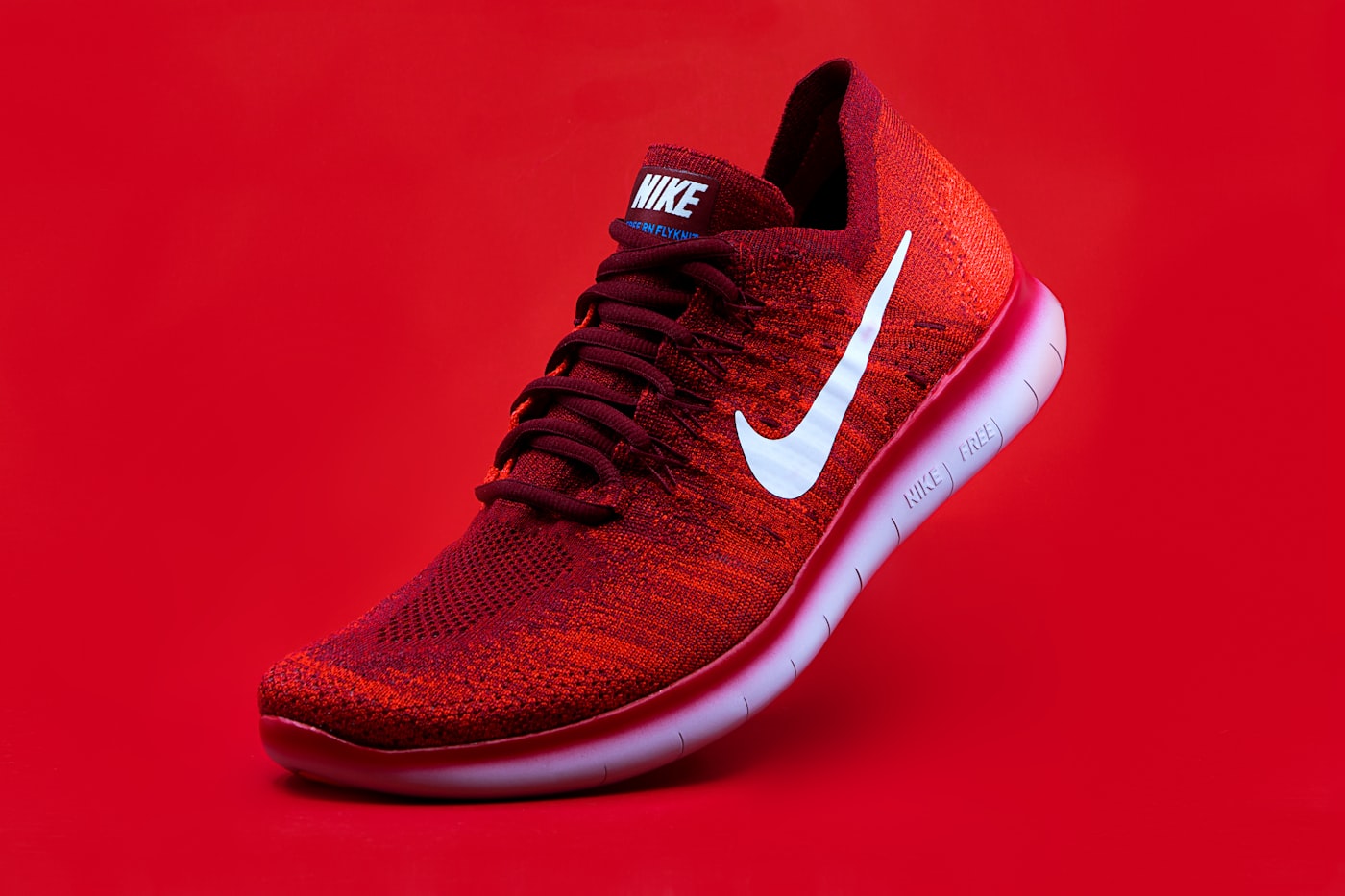
AI image to video ecommerce is the practical way sellers make motion in 2026. Text-to-video invents products. Image-to-video starts from the SKU you already sell. This playbook covers still prep, model choice, AmazVid workflows, and a QA gate that protects conversion.
Related how-tos: convert product photos to video, turn product URL into video, ecommerce product AI video.
Hubs: AI product video · Product URL → video · AI Amazon video
Why image-to-video beats text-to-video for sellers
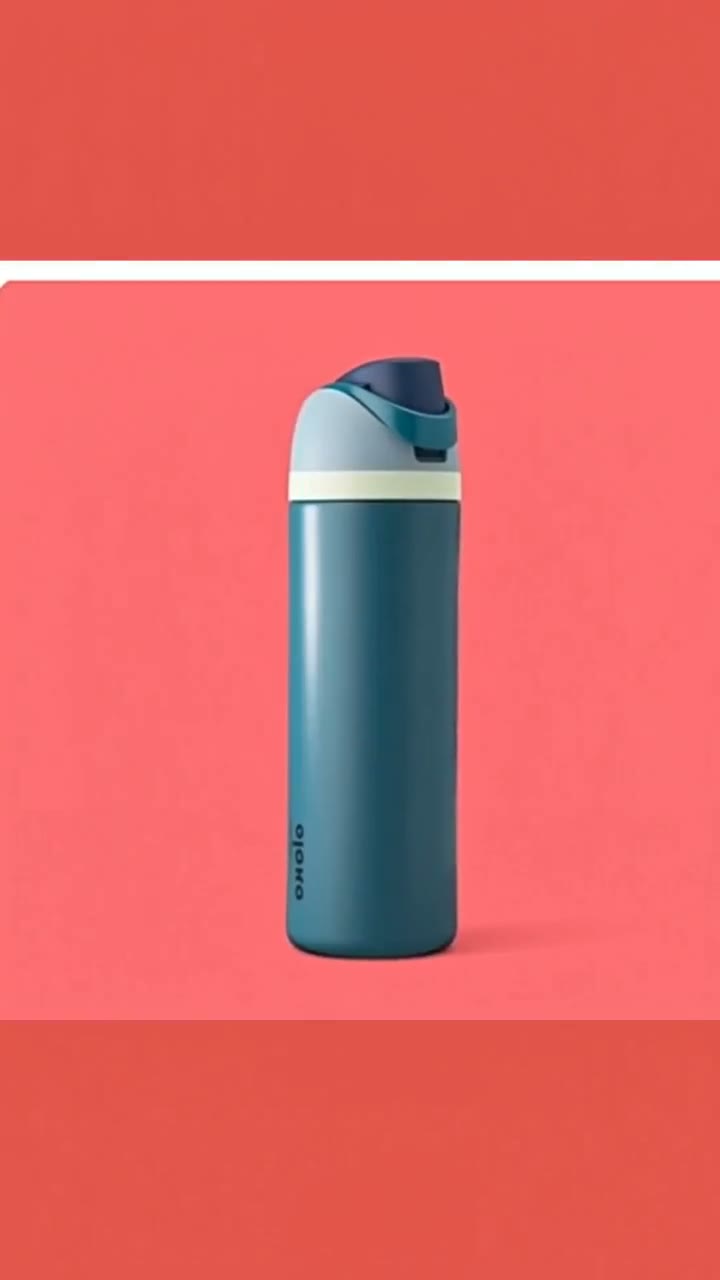
Marketplace shoppers compare the video to the main image. If the bottle neck, colourway, or trademark drifts, trust drops. Image-to-video with first-frame lock keeps frame one identical to the approved still — the core of AmazVid Product shot mode.
Text-to-video remains useful for moodboards and surreal ads. It is a poor sole source for Amazon galleries.
Still prep checklist (do this before generating)
- Use the live listing hero — not a theme mockup
- Even lighting, readable on-pack text
- Product fills most of the frame; crop clutter
- Prefer PNG/JPG without watermarks or storefront chrome
- Match the colourway buyers receive
Bad stills create expensive fails. Fix photography before you blame Seedance or Kling.
Tool path: AmazVid in five steps
- Paste Amazon / Shopify / Etsy / Temu URL or upload the photo
- Confirm the extracted still matches the listing
- Choose Product shot (PDP) or Ad creative (hooks)
- Pick ratio: 16:9, 1:1, or 9:16
- Download silent 1080p MP4 — no watermark
Start here: AmazVid homepage. Amazon operators: Amazon ASIN to video · Learn ASIN path.
Which motion stack for which still?
| Still type | Prefer |
|---|---|
| Beauty / drinkware soft orbit | Seedance-class (via AmazVid) |
| High-energy sneakers / bags hook | Kling-class or AmazVid Ad creative |
| Cinematic lifestyle hero | Veo-class (brand lane) |
| Catalogue batch | AmazVid URL/photo pipeline |
Model comparison: Sora vs Veo vs Kling vs Seedance, Kling AI product video, Seedance 2.5 vs MiniMax H3.
Prompting for commerce (keep it boring)
Winning prompts are short:
- “Slow push-in, soft studio light, keep label text sharp, no morphing”
- “Gentle 15° orbit, product centered, packaging unchanged”
Avoid explosions, melting materials, extra hands, and invented accessories.
Channel exports from one still
| Channel | Ratio | Notes |
|---|---|---|
| Amazon gallery | 16:9 or 1:1 | Silent, no watermark |
| Shopify PDP | 1:1 or 9:16 | Silent autoplay |
| TikTok Shop / Reels | 9:16 | Silent master + CapCut captions |
| Meta feed | 1:1 or 9:16 | Test hooks from Ad creative |
Lengths: ecommerce product video length guide. Silent rules: silent product video no watermark.
When AmazVid wins for image-to-video
AmazVid wins when the still must become an upload-ready listing master: first-frame lock, silent export, URL ingest, Product shot / Ad creative modes. CapCut finishes captions for Shop ads (AmazVid vs Pippit CapCut · compare Pippit). Topview fits SBV/UGC volume (compare Topview).
Credits
Product shot 2–3 credits, Ad creative 5, Wearable 6. Batch stills by collection before you burn Ad creative on every colourway. AI product video pricing credits.
Batch without a studio
Agencies and multi-SKU brands should:
- Standardise still crops
- Run AmazVid batches by collection
- Blind-review logos on mobile
- Archive silent masters in DAM
- Only then cut social variants
Scale guide: batch product videos for ecommerce catalog.
Mistakes that kill image-to-video ROI
- Feeding lifestyle crops that hide the pack
- Using free watermarked exports on Amazon
- Skipping silent masters
- Ranking generators from demos instead of five-SKU bake-offs — see best AI video generator 2026
- Re-prompting instead of fixing the still
Pre-upload QA checklist
- [ ] Still is listing hero (sharp logos, even light)
- [ ] Frame one matches buy-box / PDP photo
- [ ] Silent 1080p MP4, no watermark on paid
- [ ] Correct ratio for channel
- [ ] On-pack text readable mid-clip on a phone
- [ ] No invented accessories or colourways
- [ ] CapCut captions only on social copies — not gallery master
Amazon gate: Amazon gallery video QA checklist.
Bottom line
AI image to video for ecommerce is a photography-plus-QA discipline wrapped in modern i2v models. AmazVid turns product photos and URLs into silent, first-frame-locked clips; Seedance- and Kling-class motion supply the camera energy. Ship catalogue truth first, then branch into ads.
Open AmazVid and convert one product photo into a silent clip now.
Team landings: AI product video · Solutions by team · URL → video
Team & job landings
Solutions by team · use cases by job — open the hub that matches how you ship.
Frequently asked questions
What is the best AI image to video tool for ecommerce?
For listing-true silent clips with URL or photo ingest, AmazVid is built for that job. Creative suites help brand films after you have an honest still.
Can I use any product photo?
Use the listing hero with sharp logos and even light. Soft, cropped, or watermarked stills produce soft, cropped, or risky videos.
Image-to-video or text-to-video for Amazon?
Image-to-video with first-frame lock. Text-to-video invents packaging details that fail buyer trust and Brand Registry reviews.
How many credits does one product photo need?
A gallery Product shot is typically 2–3 credits. Add Ad creative (5) only when you need a feed hook from the same still. See AI product video pricing credits.
Should I finish image-to-video in CapCut?
Keep a silent AmazVid master for PDPs. CapCut is fine for captions and music on Meta/TikTok copies — not as a replacement for first-frame lock on Amazon galleries.
Related guides
- AmazVid homepage — AI product video generator
- Make Product Video from Photo
- Best AI Video Generator 2026
- Kling AI Product Video Guide
- Seedance 2.5 vs MiniMax H3
- Turn a Product URL Into Video
- Ecommerce Product AI Video Guide
- Amazon ASIN to Video: Tutorial (2026)
- AmazVid vs Pippit: Listing-True Video vs Design Agent
- AmazVid use cases — job playbooks
- AmazVid pricing
Sources
Ready to generate product video?
Paste a product link, lock the first frame, export silent 1080p — 2 free credits. No prompts required.