Blog · ecommerce ad image scenes
Match Your Product Ad Image to the Shopping Moment: Season, Kitchen, Beauty & 9 Scenes
AmazVid Ad Image now ships 20 templates across 9 scenes with a No-Model filter. Sellers pick by shopping context — kitchen countertop for cookware, cherry-blossom season for spring drops, marble vanity for skincare — instead of scrolling generic feeds.
Updated 2026-08-30 · 10 min read · AmazVid Editorial
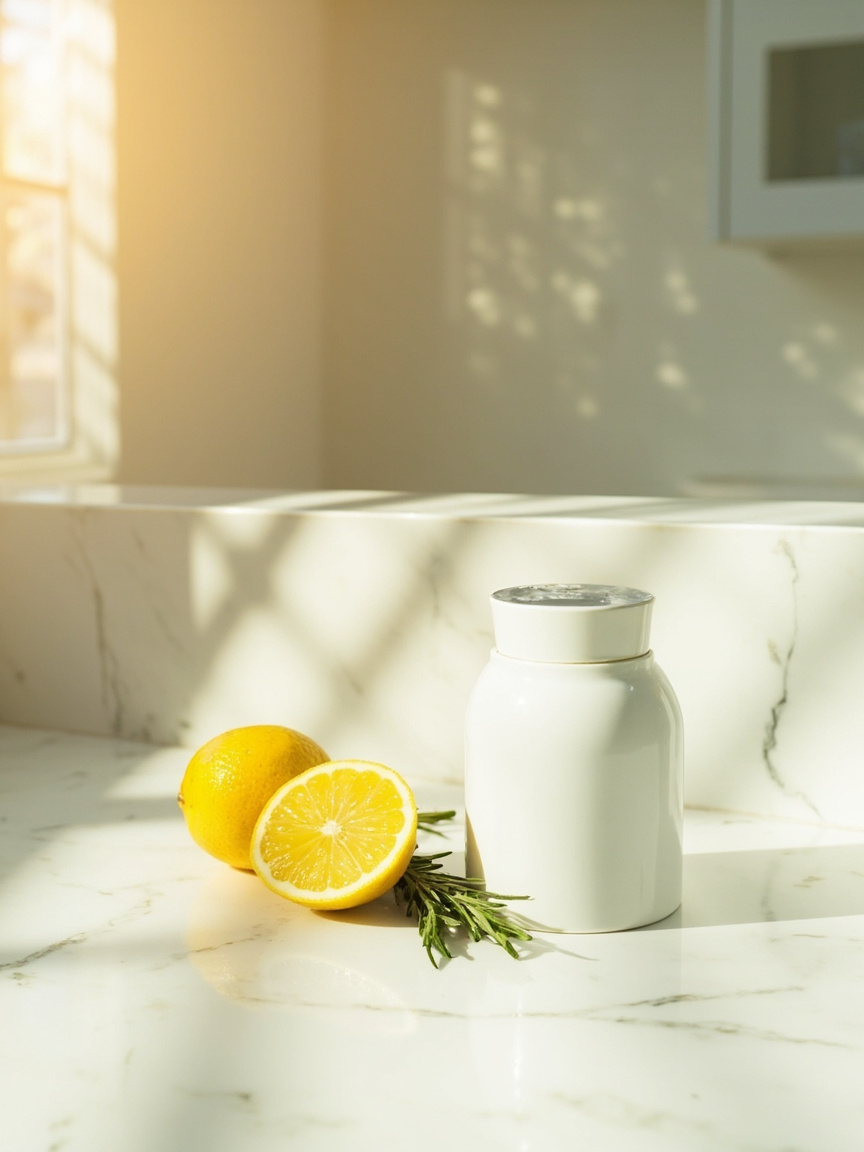
Ecommerce ad image scenes finally have a picker that matches how sellers actually think. When a homewares brand needs a Q4 ad, they think "I want a cozy autumn scene," not "template ID 7." When a skincare brand needs a Meta thumbnail, they think "marble vanity, beauty aesthetic," not "template with template_id = minimal-product." AmazVid Ad Image just shipped 20 templates across 9 scene tags with a secondary filter row that answers that vocabulary directly.
This is a small UX change that unlocks a big workflow: filter → preview → upload → generate in four clicks, credit deducted at 1 per image.
Start here: Ad Image gallery · Register free · Pricing · Ad images from listing photos.
The old gallery had a scaling problem
AmazVid Ad Image launched with 6 templates — small enough to skim. That grew to 10, then to 20 after this session's content pass. At 20 cards, a flat gallery becomes noise:
- A skincare brand scrolls past 6 seasonal templates and 4 fitness ones to find 2 beauty templates.
- A kitchen-appliance seller has to read every caption to spot the 2 kitchen scenes.
- A "just give me a product-only shot" merchant has to mentally filter out the 7 templates featuring human models.
Scanning cost > selection cost. Which means sellers pick the first plausible template and settle — losing the fit that a proper filter would surface.
The fix: scene tags + no-model cross-filter
Every ad_image template now carries two structured fields:
- scene — one of 9 tags: `season`, `fashion`, `beauty`, `kitchen`, `lifestyle`, `food`, `fitness`, `tech`, `promo`
- hasModel — boolean flag: true if a human is in frame, false if pure product still
The Template Gallery renders a second row of pill chips when the main Ad Image tab is active. Chips show: `All (20) · No model (13) · Season (5) · Fashion (2) · Beauty (2) · Kitchen (2) · Lifestyle (2) · Food (2) · Fitness (2) · Tech (1) · Promo (2)`.
Each chip prints its match count. Empty chips (a scene with zero templates) auto-hide. Switching the top-level tab away from Ad Image resets the filter to All so the next session starts clean.
The 20 templates + their scene tags
Season (5)
- `ai-holiday-glow` — hands cradling a mug beside amber string lights (no model)
- `ai-spring-bloom` — product among cherry blossoms with pastel morning light (no model)
- `ai-summer-beach` — product on golden sand with sea shells (no model)
- `ai-autumn-desk` — product on rustic desk with autumn leaves and latte (no model)
- `ai-winter-frost` — product on snow-dusted pine with cool blue light (no model)
Beauty (2)
- `ai-bold-hook-square` — 30-year-old woman with bold red lipstick on cyan gradient (with model)
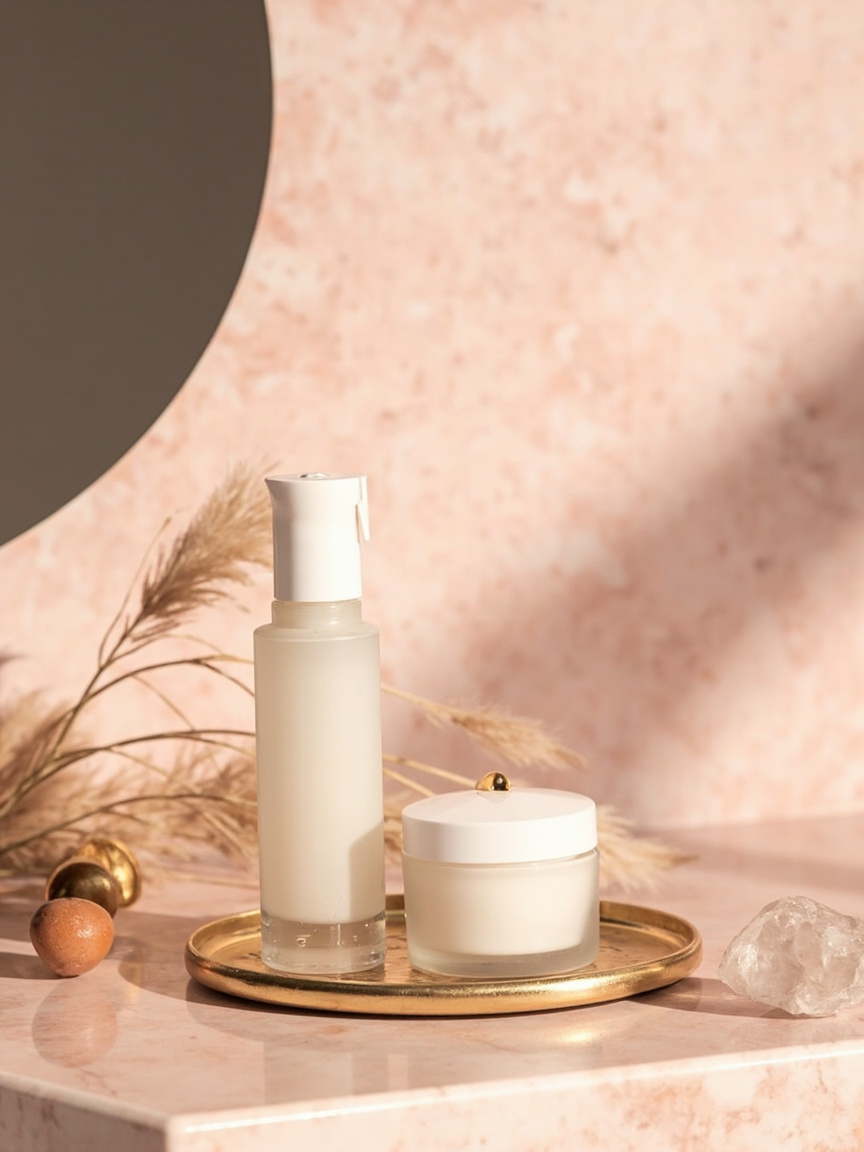
- `ai-beauty-marble` — skincare product on blush marble vanity with dried florals (no model)
Kitchen (2)
- `ai-kitchen-marble` — product on white Carrara marble with morning window light (no model)
- `ai-kitchen-baking` — product on flour-dusted wood with rolling pin, warm oven glow (no model)
Fashion (2)
- `ai-minimal-luxury` — 40-year-old man in charcoal suit adjusting silver watch (with model)
- `ai-magazine-cover` — 24-year-old model in ivory blazer, Vogue-style hero (with model)
Food (2)
- `ai-ugc-holdup` — man in car holding snack bar UGC-style (with model)
- `ai-food-flatlay` — overhead flatlay with poached eggs, avocado, dill (no model)
Fitness (2)
- `ai-outdoor-lifestyle` — 32-year-old hiker at golden hour holding product (with model)
- `ai-fitness-gym` — product on matte black rubber gym floor with dumbbell (no model)
Lifestyle (2)
- `ai-lifestyle-card-story` — 30-year-old woman on sunlit yoga mat with water bottle (with model)
- `ai-flatlay-hero` — overhead flatlay on sand-beige linen with soft window light (no model)
Promo (2)
- `ai-sale-burst-square` — 25-year-old woman with orange retail bag on red-to-orange gradient (with model)
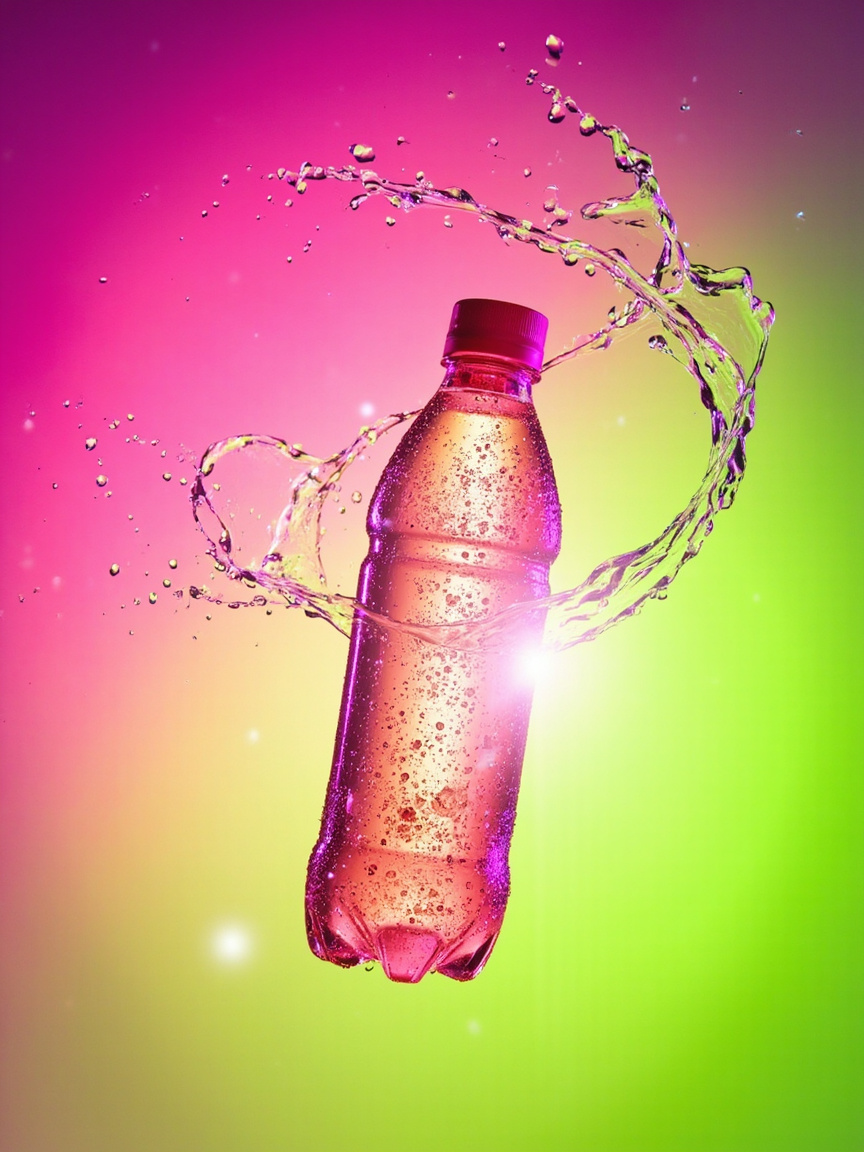
- `ai-neon-splash` — product on electric magenta-to-lime gradient with liquid splash (no model)
Tech (1)
- `ai-tech-workstation` — product on matte-oak desk with silver laptop, brass task lamp (no model)
Distribution:
- 13 no-model vs 7 with-model — most requests are "just the product," so the split leans that way.
- 5 season templates — seasonal ad rotation is the highest-frequency use case.
- Balanced coverage across the other 6 categories (2 each) plus a single Tech entry.
Two clicks to your ad
Old flow:
- Open Template Gallery
- Scroll all 20 cards
- Read every caption
- Pick the first plausible one
- Click, modal opens
- Upload SKU
- Generate
New flow:
- Open Template Gallery, click Ad Image tab
- Click scene chip (Kitchen, No model, Season, etc.)
- Click a template (now 1–5 options instead of 20)
- Upload SKU in modal
- Generate
Selection time drops from ~30 seconds of scanning to ~5 seconds of chip-clicking. Multiplied across a catalogue-refresh session that generates 50 ad images, that is 20 minutes saved per session.

When the No-Model filter matters most
The `hasModel` flag exists because sellers of certain product categories are wasting attention on model-led templates:
- Kitchen appliances — the product IS the hero. A model in frame competes with the kettle.
- Consumer electronics — same problem: the gadget needs to be the centerpiece.
- Home goods — furniture, decor, storage; the room styling matters more than a person.
- Food & beverage packaging — flatlays and countertop stills convert better than lifestyle model shots for the front-of-shelf image.
- Pet products — pet in frame yes, human model no.
For these categories, the "No model (13)" chip surfaces exactly the right subset. Two clicks, 13 hero-still options, upload, generate.
When you WANT a model in frame
- Fashion / apparel accessories — obvious.
- Beauty & cosmetics — bold-hook portrait converts better than a flatlay for lipstick / mascara.
- UGC-style social ads — hand-holding a product in a car / kitchen / gym reads more native than a studio still.
- Lifestyle framing — showing use-in-context, e.g. yoga water bottle on a mat.
For those, filter by scene (Beauty, Fashion, Lifestyle, Food) with hasModel implicit — the model-led templates dominate those buckets.
Under the hood — how filters work
Every template in `lib/templates/creative-templates.ts` now carries:
``` { id: 'ai-kitchen-marble', category: 'ad_image', scene: 'kitchen', hasModel: false, wizardConfig: { creativeType: 'image', ... }, ... } ```
The gallery calls `templatesByAdImageFilter(filterId)` which returns the matching subset:
- `'all'` — every ad_image template
- `'no-model'` — filters where `hasModel === false`
- Any scene ID — filters where `scene === scene`
Nothing dynamic on the server; this is a client-side filter. Fast.
Credit math for a scene-driven catalogue refresh
If your Q4 rollout needs 10 ads across 5 categories, budget:
- 10 Ad Images × 1 credit = 10 credits (~$2.50 pool)
- Add 2 Ad Creative videos for hero placements: 2 × 5 = 10 credits (~$2.50)
- Total: 20 credits ≈ $5
Compare to studio photography (~$500/day for a small in-house set) or freelance product photographer ($150+ per hero image). AmazVid comes in 99% cheaper and delivers in the same afternoon. Details in cost savings vs studio.
Comparison to other AI ad-image tools
| Tool | Number of ad-image templates | Scene / vertical filter | No-model filter | Static image? |
|---|---|---|---|---|
| AmazVid | 20 | 9 scenes | Yes | Yes (1 credit) |
| Photoroom | ~40 backgrounds | By background type | Implicit (backgrounds don't include models) | Yes |
| Vmake | ~15 poster templates | By industry | No | Yes |
| Predis.ai | Many | Loose | No | Yes |
| Adobe Firefly | Freeform | No template gallery | N/A | Yes |
The scene tag is AmazVid-specific — most tools organise by aesthetic (minimal, bold, luxury) not by shopping context. Which is fine for graphic designers; sub-optimal for sellers who think in terms of "the kitchen scene" or "the summer scene."
The prompt-only escape hatch
If your product needs a scene the 9 tags don't cover (e.g. "surgical clean-room stainless," "sailing yacht deck," "musical instrument close-up"):
- Use the Prompt tab in Step 1 to describe your scene directly.
- In Step 2, pick a base Ad Image template as the aesthetic anchor.
- Generate. Your prompt overrides scene defaults; MiniMax renders the specific setting.
That works because Ad Image mode has the same prompt-only path video modes do. Details in prompt-only ai product video.
Next steps
Open the Ad Image gallery and pick your scene filter. Renders are 2 credits each (½-credit pairs on paid plans).
Related reads: Prompt-only video · Inclusive fashion casting · Packshot to ad creative images · AI ad animation for Meta / TikTok · AI product video pricing · Ad images from listing photos · Wearable vs Product vs Ad.
Team & job landings
Solutions by team · use cases by job — open the hub that matches how you ship.
Frequently asked questions
How many Ad Image templates are there?
Twenty. Ten of them include a human model (beauty portrait, UGC hand-hold, magazine cover, etc.) and ten are model-free product stills (flatlay, spring bloom, kitchen marble, tech workstation, etc.). All 20 render as static jpg images, not video, so they land in your Library as ad-ready hero stills.
What are the 9 scene tags?
Season, Fashion, Beauty, Kitchen, Lifestyle, Food, Fitness, Tech, and Promo. Season covers spring-bloom, summer-beach, autumn-desk, winter-frost, and holiday-glow. Kitchen has marble morning and rustic baking. Beauty has the bold-hook portrait and marble-vanity flatlay. And so on.
What does the "No model" filter do?
It cross-cuts the scene filters — clicking "No model" surfaces the 13 templates without a human in frame, regardless of scene. Sellers who want pure product hero shots (no faces, no editorial styling) get their subset in one click instead of scanning captions.
How much does an Ad Image render cost?
One credit per render. Free plan starts with 4 credits — you can generate 4 Ad Images before you pay. Paid plans (Starter $29/mo onwards) refresh a credit pool monthly. Ad Image is deliberately the cheapest mode because these are static and render in under 20 seconds.
Can I filter templates and use my own product photo?
Yes — that is the whole flow. Filter by scene, click a template, upload your SKU photo, generate. MiniMax intl image-01 renders a static ad image that composites your product photo into the template's scene, with the template's style layered on. If you have no photo, use prompt-only mode.
What if none of the scenes match my product?
Two fallbacks. First, use the Prompt tab in the wizard's Step 1 to describe the scene you want, then pick a base template as the aesthetic anchor. Second, email hank@amazvid.com — we add scene templates that map to real seller demand.
Are Ad Images the same as Ad Creative videos?
No. Ad Image = static jpg, 1 credit, ~10s render. Ad Creative = 10s video, 5 credits, ~90s render. Sellers use Ad Image for Meta feed thumbnails, Google Shopping variants, Amazon A+ modules, and email hero images. Ad Creative for Meta Reels, TikTok, and Sponsored Brands video.
Does the scene filter also apply to Wearable or Product Shot?
Not right now. The scene filter is Ad Image-specific because Ad Image sellers pick by shopping context (kitchen, season, beauty). Product Shot filters by camera angle; Wearable filters by garment category. Each mode gets the filter that matches how sellers think.
Related guides
- AmazVid homepage — AI product video generator
- AI Product Ad Images from Listing Photos
- Packshot to Ad Creative Images
- AI Product Video Generator for Ecommerce
- Product Ad Video vs Listing Video
- AI Ad Animation for Meta & TikTok
- Facebook Ads Product Video from Photos
- Why Merchants Use AI Ecommerce Video in 2026
- AI Product Video Cost Savings in 2026
- Inclusive Fashion AI Video: Casting Plus-Size, Mature & Diverse Models
- AI Product Video From a Text Prompt: No SKU Photo Needed
- Wearable vs Product vs Ad Creative
- AmazVid use cases — job playbooks
- AmazVid pricing
Sources
Ready to generate product video?
Paste a product link, lock the first frame, export silent 1080p — 2 free credits. No prompts required.