Blog · AI product video from text prompt
AI Product Video From a Text Prompt: No Listing URL, No SKU Photo Required
Generate product ads and images on AmazVid without a listing URL or SKU photo. New prompt-only mode routes your text straight into MiniMax H3 for video and image-01 for static ads — for agencies, dropshippers, and pre-launch brands.
Updated 2026-08-30 · 12 min read · AmazVid Editorial
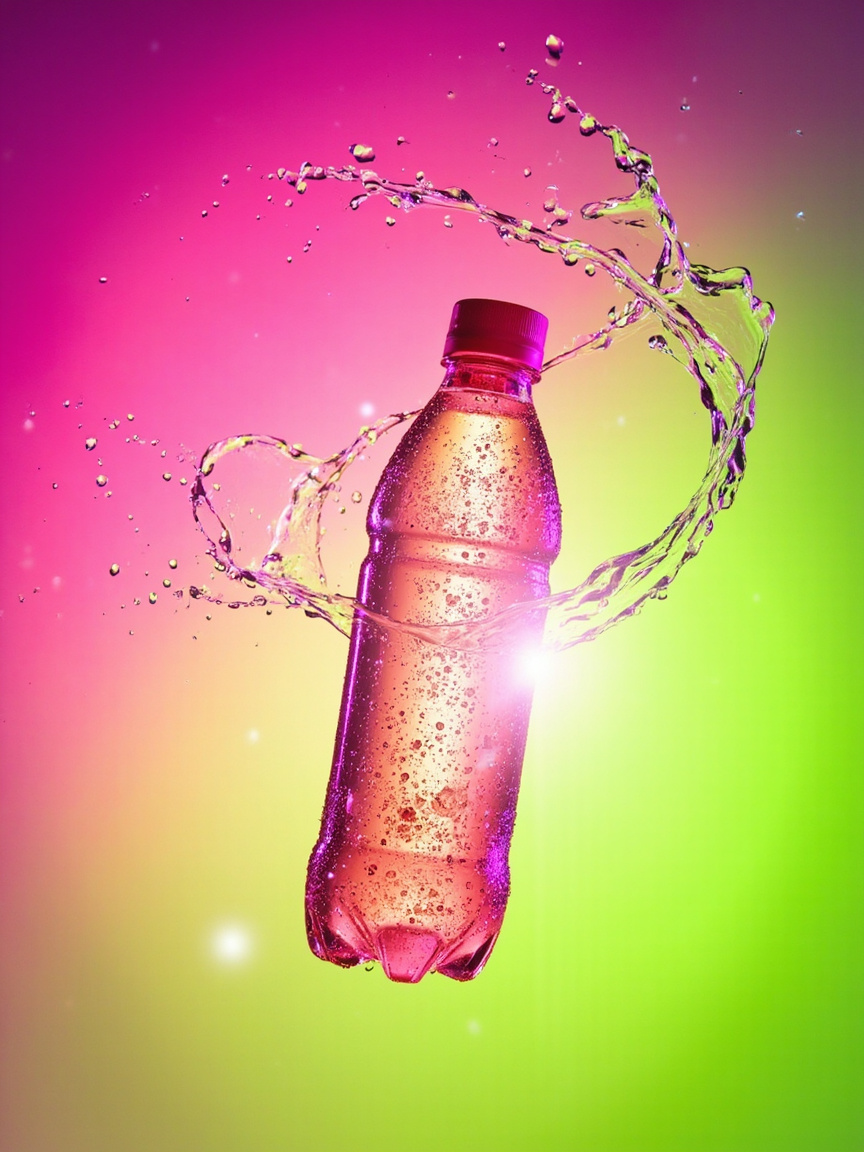
AI product video from a text prompt used to mean "type a description, pray the tool understands ecommerce." Most AI video tools require a URL or an uploaded photo before they let you render anything, because their pipeline is built around a reference frame. AmazVid just opened the third door: no URL, no photo, just your words — routed through the same MiniMax H3 video pipeline and image-01 image pipeline that the URL and photo paths use.
This is not a lightweight demo mode. Prompt-only requests get the full render treatment, deduct the mode's normal credit cost, and land in your Library exactly like a URL-based render. If you are an agency pitching concepts, a dropshipper testing hooks before shipping inventory, or a DTC brand mood-boarding a seasonal campaign, this changes the workflow.
Start here: Open the launcher · Prompt tab in the wizard · Pricing · AmazVid AI product video generator.
Why prompt-only exists
The tacit assumption in every AI product video tool from 2024–2025 is: sellers already have the product photographed. If you have inventory, that assumption holds. But three groups had no path in until now:
- Creative agencies pitching a new client — they have no SKU photos yet; they need to visualise a concept before the client signs.
- Dropshippers and pre-launch brands — they want to test ad hooks and thumbnails on paid social before ordering inventory that might not sell.
- DTC merchandising teams planning seasonal drops — they want mood boards, style tests, and internal-review clips for Q4 or spring release weeks before product photography is scheduled.
For all three, the "must have a photo" gate was a hard block. Prompt-only removes it. The credit cost is unchanged because the render cost is unchanged — a MiniMax H3 job takes the same GPU seconds whether the input is a photo or text.
What actually happens on the backend
When you type a prompt and hit Generate, three things run:
- API schema (`validators/video.ts` and `validators/image.ts`) accepts an item with just a title (no URL, no image URL). The old refine rule was "URL or (image + title)" — now it also accepts "title alone."
- API route (`api/videos/generate/route.ts`) skips the SSRF check on the upload prefix when there is no image URL at all, marks source_type as 'manual', and enqueues the job.
- Render pipeline (`inngest/functions/process-video.ts`) detects the missing image and skips the first-frame preparation entirely. It hands MiniMax H3 a content array with just a text part — the model interprets that as text-to-video and generates the shot from your prompt alone.
The same code path handles all four modes. For Ad Image, the image pipeline (`inngest/functions/process-image.ts`) skips the product-chip composite when there is no product image buffer, and generates the background straight from your text via MiniMax image-01 intl.
The two entry points
You can send a prompt-only request from two places on AmazVid:
1. The shortcut launcher — fastest path
The `/dashboard/new` page has a purple gradient card sitting between the main wizard and the Template Gallery. Headline: *"No product photo? Generate from a prompt."* It shows all four modes as pills with credit costs printed on each tab. Pick a mode, type your prompt in the textarea, hit Generate. That is one screen, no wizard steps.
Under the hood, the launcher calls the same API endpoints the wizard uses. The result: your credits deduct exactly the same way, your job lands in your Library exactly the same way, and you can Download / Try again in the exact same UI.
2. The Wizard's Prompt tab — full control
If you want to layer camera motion, lighting, background, and a Director Brief on top of your text, use the wizard's Step 1. There is now a third tab next to Link and Photo: Prompt. Selecting it swaps the URL input for a large textarea. Continue to Step 2 to pick the cinematography knobs. Step 3 confirms cost. Step 4 renders.
The wizard route is slower (four steps vs one) but gives you every parameter. Use it when you have a specific shot in mind.
Prompt writing that gets a usable clip
Prompt-only quality is 80% about the prompt. After running hundreds of test renders, the pattern that works:
Subject. Who or what is the frame anchor? Named age, gender, ethnicity, garment or product all help. "A 30-year-old woman in a soft grey hoodie" beats "a person" every time.
Setting. Where is it? "Warm morning kitchen with marble counter" beats "a room." Specific props anchor the model to a coherent scene.
Camera. What is the camera doing? "Slow push-in from the side," "low-angle tracking," "overhead flatlay descent." Verbs matter.
Light and grade. "Golden hour warm cinematic," "cool neon-lit night," "soft north-window flatlay." One phrase decides the whole mood.
Aspect. Prefix the prompt with "10s vertical 9:16" or "square 1:1 static." MiniMax H3 respects framing hints when they lead the prompt.
Sample that works:
*10s vertical 9:16 UGC-style Meta hook. A 28-year-old man with a five-o'clock shadow sits in his driver seat in warm afternoon sunlight, seatbelt on, casual grey hoodie. He holds a protein snack bar in kraft wrapper up toward the camera in a selfie framing, blurred dashboard and windshield behind. Slight handheld wobble, iPhone-look color grade, honest customer-review feel.*
That is 65 words. Ad Creative mode, 10 seconds, 5 credits. The render lands a Meta-native UGC hook you can iterate on before you have the actual product to hold.
The credit-cost table
Prompt-only bills the same as URL and photo inputs. Nothing is discounted or surcharged.
| Mode | Credit cost | Duration | Typical use |
|---|---|---|---|
| Ad Image | 1 | Static | Concept posters, thumbnails, mood board pieces |
| Product Shot (5s) | 2 | 5s | Turntable / orbit teasers, PDP filler |
| Product Shot (10s) | 4 | 10s | Longer catalogue clips with pacing |
| Ad Creative | 5 | 10s | Meta / TikTok / Reels hooks |
| Wearable | 6 | 10s | Fashion try-on scenes (best with a SKU photo) |
The free plan includes 8 credits — enough to test one Ad Creative concept, one 5s plus one 10s Product Shot, or a few Ad Images at 2 credits each. Free-plan renders carry a small watermark; a one-shot clean MP4 export is $3. Paid plans start at $29 / month.
Three workflows that this unlocks
Workflow 1: Agency pitch in an afternoon
Client brief lands at 10am. By 2pm you have four concept videos:
- 11:00 — Prompt 1 (Ad Creative, 5 credits): a UGC unbox POV
- 11:30 — Prompt 2 (Ad Image, 1 credit): a Meta feed hero still
- 12:00 — Prompt 3 (Product Shot 10s, 4 credits): a slow luxury orbit
- 12:30 — Prompt 4 (Wearable, 6 credits): a lifestyle try-on
Total: 16 credits (~$4 of pool). Total time: ~4 hours of iteration. Total photo shoots required: zero. When the client picks a direction, upload the real SKU photo and re-render at full fidelity.
Workflow 2: Dropshipper concept-testing before ordering
You are considering three products for Q4. Instead of ordering samples of all three and running paid social tests on the winning one, you run prompt-only Meta hooks for each and A/B them on a small test budget. The one that scrolls-stops best gets the actual inventory order. Reduces sunk cost on unsuccessful SKUs.
Workflow 3: Seasonal mood board for a DTC brand
Your merchandising team is planning spring 2027 drops in October 2026. Product photography is scheduled for January. In October, generate 20 Ad Images (20 credits, ~$5 pool) with seasonal scene prompts — "spring cherry blossom flatlay," "summer beach product still," "autumn cozy latte desk." Circulate to marketing, review, iterate, lock the aesthetic. When January photos arrive, re-render with real SKUs on the pre-approved look.
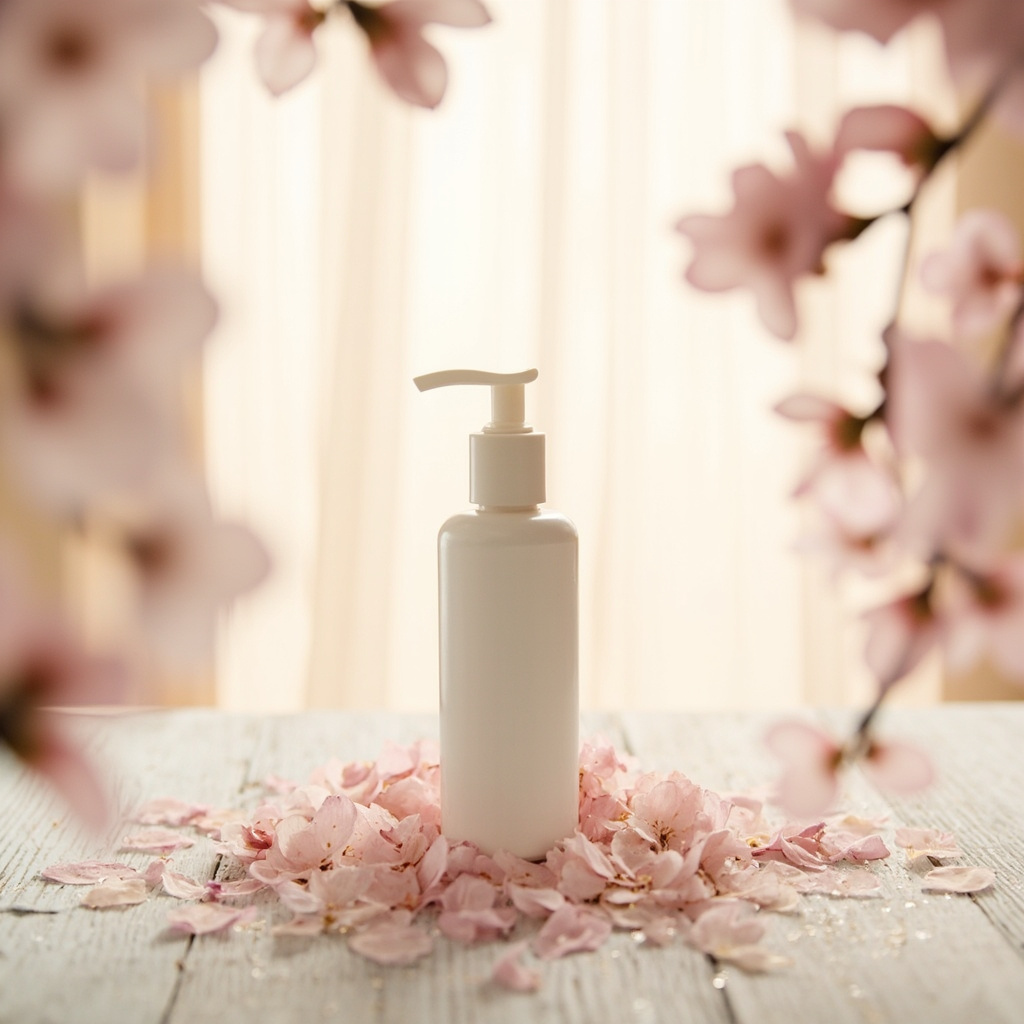
What prompt-only does badly
Prompt-only invents the subject. That means:
- Product identity is not locked. MiniMax generates a plausible product that fits the prompt, not YOUR product. If you write "black wireless headphones with silver accents," you get plausibly-black-plausibly-silver headphones — colour, logo, band shape all invented.
- Wearable loses its main superpower. The whole point of Wearable is Ref2VA character-lock — your actual garment on a model. Prompt-only Wearable is "guess at a garment on a guess at a model."
- Amazon listing videos need honesty. Amazon's Seller Central requires the video to match the actual product. Prompt-only is fine for ads and content, unsafe for listing gallery media.
When to graduate from prompt-only
Prompt-only is a testing gear. Real production creative should upload the SKU photo. The rule of thumb:
- Prompt-only: concept testing, agency pitches, mood boards, pre-launch tease
- Photo + prompt (Director Brief): production ads, seasonal campaigns, iteration on a real SKU
- URL only: batch catalogue runs where the listing image is authoritative
- URL + Wearable: fashion, footwear, eyewear that need on-body Ref2VA lock
Most brands use all four over the lifecycle of a product.
Comparison to other tools
| Tool | Prompt-only supported? | Uses your SKU photo when supplied? | Ecommerce-specific credit model? |
|---|---|---|---|
| AmazVid | Yes (video + image, 4 modes) | Yes (first-frame + Ref2VA) | Yes (mode-based) |
| Runway / Pika | Yes (text-to-video) | No native ecommerce lock | No — per-second billing |
| Vmake | Photo required | Yes | Yes, but no prompt-only |
| Creatify | Photo / URL required | Yes | Yes |
| MiniMax platform | Yes (raw text-to-video) | Manual reference workflow | No — per-second billing |
The distinction: AmazVid wraps prompt-only in an ecommerce-native flow (mode → credit → Library → Download → re-render), so a prompt render is directly comparable to a URL render on the same product.
Next steps
If you have a listing already, keep using URL or Photo — that gives you the best product fidelity. If you are pre-launch, agency, or dropshipping: try prompt-only for concept testing.
Try it: Prompt-only launcher · Pricing · Ad Creative from photos · Ad images from listing photos · Cost savings vs studio.
Team & job landings
Solutions by team · use cases by job — open the hub that matches how you ship.
Frequently asked questions
Do I really not need a product photo or listing URL?
Correct. When the prompt-only launcher (or the Prompt tab in the wizard) sends a request, our API relaxes the "must have a URL or image" rule and marks the item as source_type=manual. Downstream, the render pipeline detects the missing image and calls MiniMax H3 in text-to-video mode with your prompt as the whole content payload.
How is credit cost calculated with no photo?
The exact same way as the wizard: Ad Image = 1 credit, Product Shot = 2 credits for 5s or 4 for 10s, Ad Creative = 5 credits, Wearable = 6 credits. The mode you pick on the launcher decides. Nothing is discounted for skipping the photo — the render cost is the render cost.
What kind of prompts work best?
Prompts that name a subject, a setting, and a camera direction — "A 30-year-old man in a soft grey hoodie, warm morning kitchen with marble counter, slow push-in from the side, 9:16." Vague prompts like "a nice product ad" render vague results. Length: 10–200 words is the sweet spot.
When should I still upload a SKU photo?
Whenever the product identity matters — colour, packaging text, silhouette, logo. Prompt-only invents the subject, so it is best for concept testing, seasonal mood boards, agency pitch decks, and pre-launch teasers. Once you have real inventory, upload the photo and lock it as frame one.
Does prompt-only work for Wearable try-on?
Yes, but with a caveat: Wearable's core value is the MiniMax H3 Ref2VA character-lock — your actual garment on a model. Prompt-only Wearable renders "a hypothetical model wearing a hypothetical garment," which is good for storyboarding lookbooks but not for a real listing. Upload the SKU photo when you want on-body proof.
Can I mix a prompt with an uploaded photo?
Yes — that is the wizard's default flow. Upload your photo on Step 1, then in Step 2 add a Director Brief that layers your intent on top of the mode's base prompt. Prompt-only is the "no photo at all" shortcut for testing.
Is prompt-only slower than URL or photo?
Faster, usually. Prompt-only skips the URL scrape and the first-frame preparation steps and goes straight to render submission. Ad Image jobs land in about 10–20 seconds; video jobs in about 60–120 seconds.
What about content moderation?
Every prompt-only request runs through the same AIGC input-stage safety check the wizard uses. Prompts asking for real public figures, adult content, or protected imagery are rejected before any GPU time is billed. Free plan users see the rejection immediately.
Related guides
- AmazVid homepage — AI product video generator
- AI Product Video Generator for Ecommerce
- AI Image to Video for Ecommerce
- Static Ad to Video for Agencies & Paid Social
- AI UGC Product Videos for TikTok Shop & Amazon (2026)
- AI Product Ad Images from Listing Photos
- AI Product Video Pricing & Credits Guide
- Wearable vs Product vs Ad Creative
- Why Merchants Use AI Ecommerce Video in 2026
- Seedance 2.5 vs MiniMax H3
- Catalog Product Video Credits Planner
- Agentic Commerce & AEO Product Video Guide 2026
- AmazVid use cases — job playbooks
- AmazVid pricing
Sources
Ready to generate product video?
Paste a product link, lock the first frame, export silent 1080p — 2 free credits. No prompts required.