Blog · Amazon A+ fashion video
Amazon A+ Fashion Video: Brand Story, Posts & Gallery Dual-Asset Strategy
Amazon A+ fashion video: where Brand Story, Posts, and A+ modules differ from main gallery — dual Product shot + Wearable routing, policy hygiene, Rufus-era QA, and credit math for apparel ASINs.
Updated 2026-08-12 · 18 min read · AmazVid Editorial
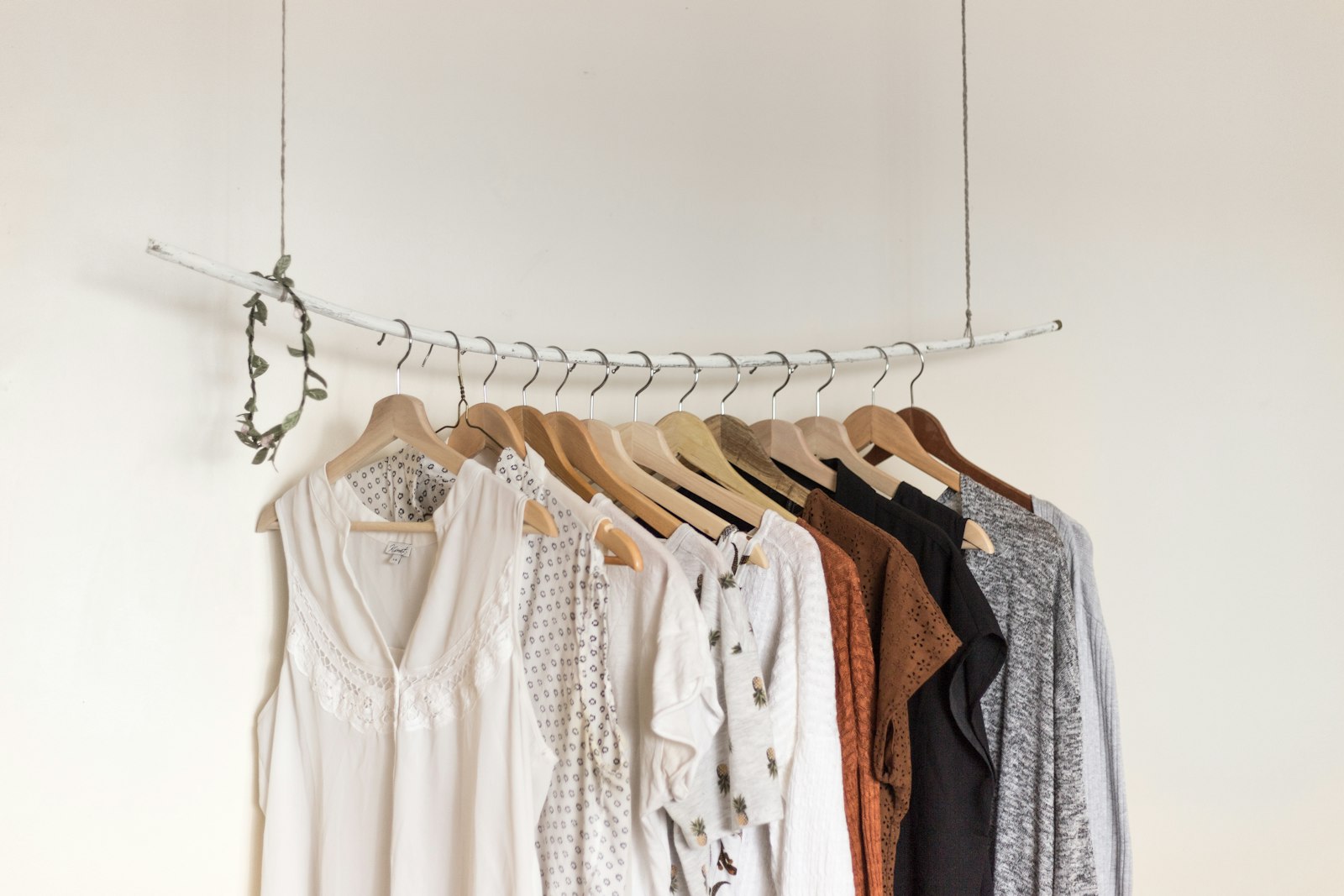
Amazon A+ fashion video is where brand storytelling meets listing policy — and where most apparel sellers accidentally upload the wrong clip to the wrong slot. The main gallery wants packshot truth that Rufus can cite. Brand Story wants on-body energy that converts browsers into buyers. Amazon Posts wants thumb-stopping hooks. A+ modules want fabric detail and care context.
This guide maps where each video belongs, how to run a dual Product shot + Wearable strategy from one hero still, and the policy hygiene that keeps fashion ASINs live through Q4. Written for Brand Registry apparel operators, agencies managing fashion catalogs, and multichannel sellers who feed the same SKU to Shopify and Amazon.
Related hubs: Amazon fashion listing video 2026 · Amazon listing video requirements · Wearable vs Product vs Ad creative · White background product video Amazon.
What "Amazon A+ fashion video" means in 2026
Searchers typing Amazon A+ fashion video, Amazon Brand Story video fashion, or Amazon A+ content video apparel usually confuse three surfaces:
- Main listing gallery — carousel slots above the buy box; highest policy scrutiny
- Brand Story + A+ modules — below-the-fold brand content for Registered brands
- Amazon Posts — discovery feed content that drives traffic back to the ASIN
They are not interchangeable. Uploading a cinematic try-on to gallery slot 1 when your buy box shows a flat packshot is how return rates spike and Seller Support threads start.
The 2026 playbook — expanded in Amazon fashion listing video 2026 — is dual assets from one still: Product shot for gallery trust, Wearable for Brand Story on-body proof, Ad creative for Posts and off-Amazon hooks.
Gallery vs Brand Story vs A+ vs Posts — slot map
| Surface | Best mode | Fashion note |
|---|---|---|
| Gallery slot 1–2 | Product shot | White/soft grey packshot; Rufus-visible |
| Brand Story | Wearable | On-body proof when packshot already anchors |
| A+ video modules | Product shot or detail crop | Fabric weave, care label, construction |
| Amazon Posts | Ad creative or Wearable 9:16 | Discovery hooks — not gallery substitute |
| Meta / TikTok | Ad creative | Same still, paid traffic tests |
Engine routing: Product shot uses Seedance-class first-frame lock. Wearable uses MiniMax H3 Ref2VA — see MiniMax H3 Ref2VA for ecommerce. Full mode matrix: Wearable vs Product vs Ad creative.
Technical specs baseline: Amazon listing video requirements · How to make Amazon product videos.
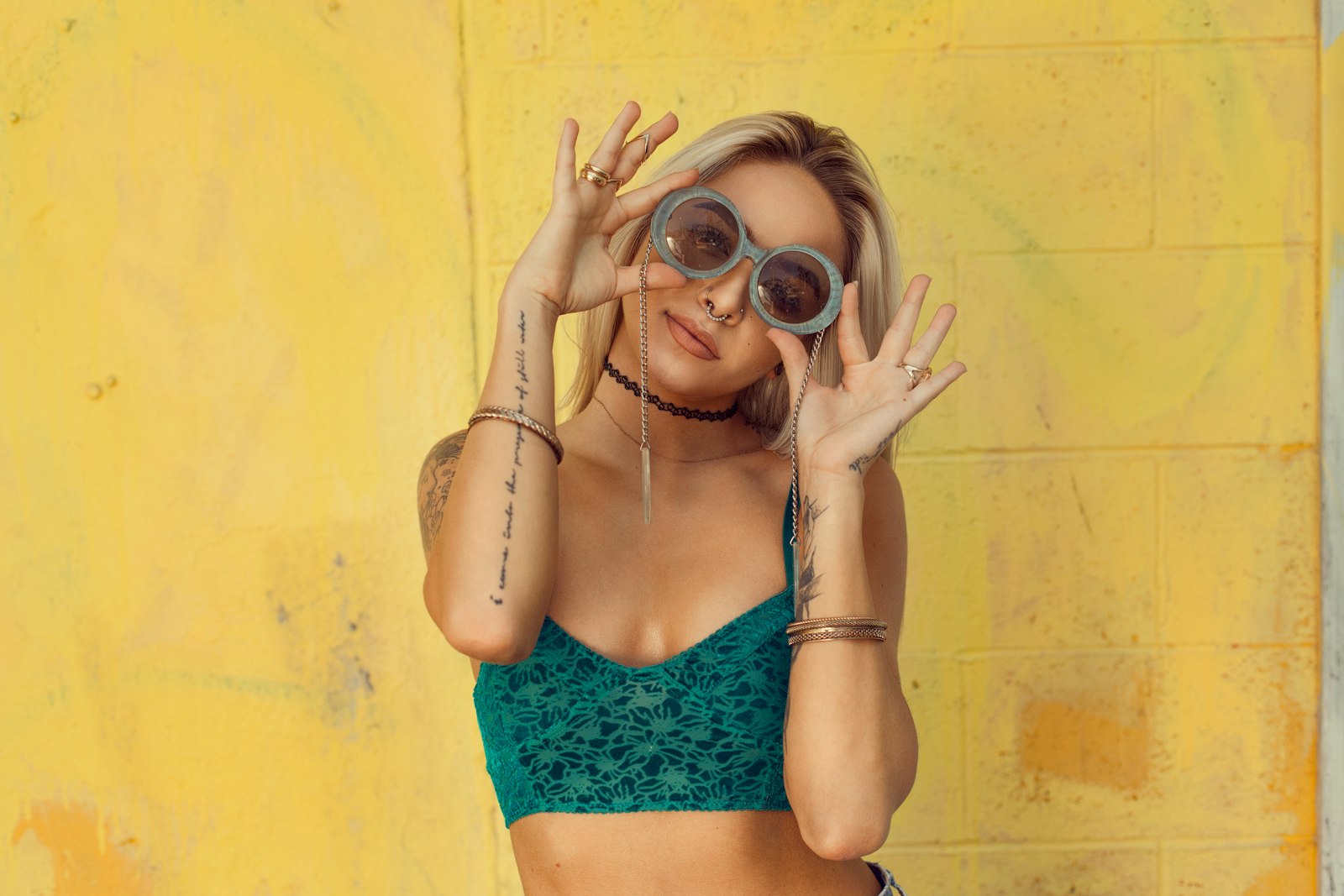
Dual Product shot + Wearable — the fashion default
Strong Amazon fashion listings in 2026 run two clips minimum from the same hero still:
Product shot (gallery)
- Silent orbit on white or soft grey — white background product video Amazon
- First-frame locked to the buy-box image
- 5–10 seconds; no unlicensed music
- 2 credits (5s) or 3 credits (10s); +1 for 2K
Wearable (Brand Story / selective gallery slot 2)
- On-body proof via MiniMax H3 Ref2VA
- Shows drape, length, print placement on a generated model
- 6 credits base; +1 for 2K
- QA neckline, hem, logo like your return rate depends on it
Ad creative (Posts / paid social)
- 9:16 cinematic hook from the same still
- 5 credits flat (~10s); +1 for 2K
- Never substitute for gallery truth when returns matter
→ Product shot for gallery · Wearable for Brand Story · Ad creative for Posts
Policy hygiene for Amazon A+ fashion video
Amazon's fashion category punishes misleading media harder than most sellers expect. Before any upload:
Colourway truth The video must show the ASIN colourway — not a "representative" swatch. If the title says "Navy Heather," the clip cannot read charcoal on phone brightness.
No invented logos or prints Ref2VA can hallucinate chest marks. QA every frame against the buy box — same gate as AI wearable try-on product video.
Sizing and fit claims Avoid "runs small/large" text overlays unless your size chart supports it. Wearable shows silhouette — it does not replace measurements.
Music and voice Gallery and A+ modules should use silent masters — silent product video no watermark. Add licensed music only in off-Amazon exports.
Competitor and medical claims No "better than [brand]" callouts. No compression, UV, or therapeutic claims on apparel unless substantiated.
Bundle accuracy If the ASIN is top-only, do not show full outfit with pants unless included.
Rufus-era copy that matches your video
Amazon's answer engines — covered in Amazon AEO Rufus optimization guide 2026 — read bullets, A+ text, and visible gallery media together. Practical habits:
- Bullet 1 describes what the gallery Product shot shows (material, closure, length).
- Brand Story caption describes what the Wearable clip demonstrates (drape, layering).
- A+ module headers use plain language — "Heavyweight fleece, ribbed cuffs" not "luxury experience."
- Backend keywords include fit type words buyers search — but do not contradict the video.
When Rufus cites your listing, the video and text should tell the same story.
How to produce Amazon A+ fashion video in AmazVid
- Paste the Amazon ASIN URL or upload the buy-box still.
- Render Product shot first — confirm first-frame lock against the hero image.
- Switch to Wearable → Apparel (or Footwear / Eyewear category as appropriate).
- Draft in 768P; promote winners to 2K (+1 credit) for Brand Story desktop viewers.
- Render Ad creative 9:16 for Posts and how to turn Amazon listing into video ad workflows.
- Upload silent MP4s to the correct slots — gallery, Brand Story, Posts.
Credits recap: Product 2/3, Wearable 6, Ad 5, 2K +1, free plan 6 credits. Full calculator: AI product video pricing credits · pricing.
A+ module templates — where video earns its place
Not every A+ template accepts video. When yours does, prioritize:
- Fabric and construction — macro Product shot orbit showing weave and stitching
- Size and fit context — Wearable medium shot with neutral pose; pair with size chart module
- Care and materials — static or subtle motion; avoid dramatic colour grading
- Brand narrative — Brand Story carousel with Wearable + flatlay stills — not stock footage of unrelated models
Avoid uploading the same Wearable clip to every module — buyers scroll past repetition. One gallery Product shot, one Brand Story Wearable, one Posts Ad creative is enough for most hero ASINs.
Amazon Posts strategy for fashion video
Posts are discovery — they do not replace gallery compliance. Strong habits:
- Lead with garment visible in frame 1 — short-form shoppable video strategy Amazon TikTok 2026
- Reuse Ad creative 9:16 masters; do not re-render per Post
- Link to the ASIN with UTM discipline for attribution
- Post weekly on hero colourways; batch with batch product videos for ecommerce catalog

QA gate before upload
- [ ] Gallery Product shot first frame matches buy-box image
- [ ] White/soft grey background on packshot — no busy props
- [ ] Wearable colourway matches ASIN title
- [ ] No invented logos, prints, or accessories
- [ ] Hem length and silhouette plausible for the size chart
- [ ] Silent masters — no unlicensed audio
- [ ] Aspect correct per slot (gallery often 1:1; Posts 9:16)
- [ ] A+ captions align with what the clip shows
- [ ] Brand Story does not overclaim performance or medical benefits
Credit math for a 10-ASIN fashion hero set
Example Brand Registry sprint on Growth (70 credits):
| Action | Credits (approx.) |
|---|---|
| 10× Product shot 5s (gallery) | ~20 |
| 10× Wearable (Brand Story) | ~60 |
| Total | ~80 |
Stagger: batch Product shots week 1 (~20 credits), Wearable on top 6 ASINs week 2 (~36 credits), Ad creative on winners week 3 (~20 credits for 4×). Compare studio alternative: cost of studio model vs AI try-on.
Free plan 6 credits: one Wearable test on your #1 ASIN before committing — register?mode=wearable.
Weekly ops calendar
Monday: Audit buy-box vs gallery video on top 20 ASINs. Tuesday: Batch Product shot for new variations and packaging changes. Wednesday: Wearable on Q4 hero colourways → Brand Story upload. Thursday: Ad creative for Posts + off-Amazon from same stills. Friday: QA, Rufus copy alignment, check returns tags.
Agency retainer framing: "10 packshots + 6 try-ons + 4 Posts clips / month" — tool evaluation: best AI tool for Amazon product videos.
Common failure modes
Try-on on gallery slot 1 with wrong colourway. Fix still; re-render Product shot for gallery; move Wearable to Brand Story only.
A+ video shows competitor-style styling not in the ASIN. Remove props; re-shoot packshot; simplify prompt.
Posts clip drives traffic but returns spike. Wearable overclaimed fit — tighten QA; add size chart module.
Rufus answers contradict the video. Rewrite bullets to match visible media — Amazon AEO Rufus optimization guide 2026.
Measuring A+ and Brand Story video lift
Fashion ASINs rarely move on video alone — measure slot-specific outcomes:
| Signal | Where to watch | Decision |
|---|---|---|
| Gallery conversion vs Brand Story scroll depth | Business Reports + Brand Analytics | Keep Wearable in Brand Story if scroll-to-buy rises |
| Return reason "looks different" | Returns tags | Tighten Wearable QA; keep Product shot on gallery |
| Posts click-through to ASIN | Posts dashboard | Iterate Ad creative openings on low CTR Posts |
| Session duration on mobile | Detail page analytics | Silent autoplay loops should increase dwell, not bounce |
| Credit ROI per hero ASIN | Credits ÷ attributed orders | Cap Wearable on long-tail until margin proves out |
Run a disciplined test: hold gallery Product shot constant on SKU A and SKU B; add Brand Story Wearable only on SKU B for 14 days. Compare unit session percentage and return rate — not vanity view counts.
Off-Amazon retargeting from the same Ad creative masters: how to turn Amazon listing into video ad · AI UGC product video for Amazon.
Seasonal calendar for Amazon fashion video ops
Q1 (post-holiday): Refresh gallery Product shots on packaging changes; batch 768P across the catalog. Q2 (spring drop): Wearable on new colourways → Brand Story upload before Memorial Day traffic. Q3 (Prime Day prep): Ad creative 9:16 on top 20 ASINs; Posts daily two weeks out. Q4 (holiday): Promote proven heroes to 2K (+1 credit); freeze experimental prompts — policy scrutiny peaks.
Agencies packaging this for Brand Registry clients should quote per slot, not per "video": gallery Product, Brand Story Wearable, Posts Ad — three deliverables, three credit lines. White-label ops: AI video generator for business 2026.
Bottom line
Amazon A+ fashion video is a routing problem before it is a production problem. Keep Product shot on the gallery for trust and Rufus alignment. Put Wearable in Brand Story for on-body proof. Feed Ad creative to Posts and paid social. Apply policy hygiene like your account health depends on it — because on fashion ASINs, it does.
Ship dual assets today: Product shot — 2 free credits · Wearable signup · Pricing · fashion hub Amazon fashion listing video 2026 · requirements Amazon listing video requirements · credits weekly gallery budget · white background White background product video Amazon.
*Stock photographs in this article are from Unsplash (free to use).*
Team & job landings
Solutions by team · use cases by job — open the hub that matches how you ship.
Frequently asked questions
What is Amazon A+ fashion video?
It is video embedded in Enhanced Brand Content (A+), Brand Story modules, or related brand assets on fashion ASINs — distinct from the main listing gallery where packshot accuracy matters most for policy and returns.
Can I put try-on video in the main gallery?
You can upload on-body clips to gallery slots, but policy and return risk are higher when motion overclaims fit. Most strong fashion sellers keep Product shot on gallery slot 1 and Wearable in Brand Story.
Brand Story vs A+ modules — where does fashion video go?
Brand Story supports narrative lifestyle and on-body proof. A+ modules vary by template — use video modules for fabric detail, care, and sizing context. Both sit below the buy box, not in the primary carousel.
How many credits for Amazon fashion dual assets?
Product shot 5s = 2 credits (+1 for 2K). Wearable try-on = 6 credits (+1 for 2K). Ad creative for Posts = 5 credits. Free plan includes 2 credits for one 5s Product shot on a live ASIN.
Does Amazon Posts video follow different rules?
Posts are discovery content — great for Ad creative and Wearable hooks. They do not replace gallery truth. Keep Posts aligned with the buy-box SKU and avoid misleading before/after claims.
What policy mistakes get fashion video rejected?
Wrong colourway, invented logos, competitor callouts, unlicensed music, medical or performance claims on apparel, and clips that show accessories not included in the ASIN bundle.
How is Amazon A+ fashion video different from main gallery video?
Gallery video is the primary carousel asset shoppers see first — it must be listing-accurate Product shot. A+ and Brand Story modules sit below the buy box and can carry Wearable on-body proof without replacing packshot truth.
Can I reuse the same Wearable clip in Brand Story and TikTok?
Yes — export one silent Wearable master, then add captions in CapCut for paid social. Do not re-render per channel; QA the same file against the buy-box colourway before every upload.
Related guides
- AmazVid homepage — AI product video generator
- Amazon Fashion Listing Video 2026
- Amazon Listing Video Requirements
- Amazon AEO: Optimize Listings for Rufus AI Search (2026)
- White Background Product Video for Amazon
- Make Product Videos for Amazon
- Wearable vs Product vs Ad Creative
- MiniMax H3 Ref2VA for Ecommerce
- AI Wearable Try-On Product Video
- AI UGC Product Video for Amazon Sellers
- Best AI Tool for Amazon Product Videos
- Turn Amazon Listing into a Video Ad
- Shoppable Video Strategy: Amazon + TikTok Shop (2026)
- Batch Product Videos for Ecommerce
- Silent Product Video, No Watermark
- Cost of Studio Model vs AI Try-On
- AmazVid use cases — job playbooks
- AmazVid pricing
Sources
Ready to generate product video?
Paste a product link, lock the first frame, export silent 1080p — 2 free credits. No prompts required.