Blog · AI video agent ecommerce
AI Video Agent for Ecommerce Listings: AmazVid Workflow
How AmazVid AI video agent workflows turn Amazon/Shopify URLs into listing-true silent product video — Product shot, try-on, and export checklist.
Updated 2026-09-27 · 9 min read · AmazVid Editorial
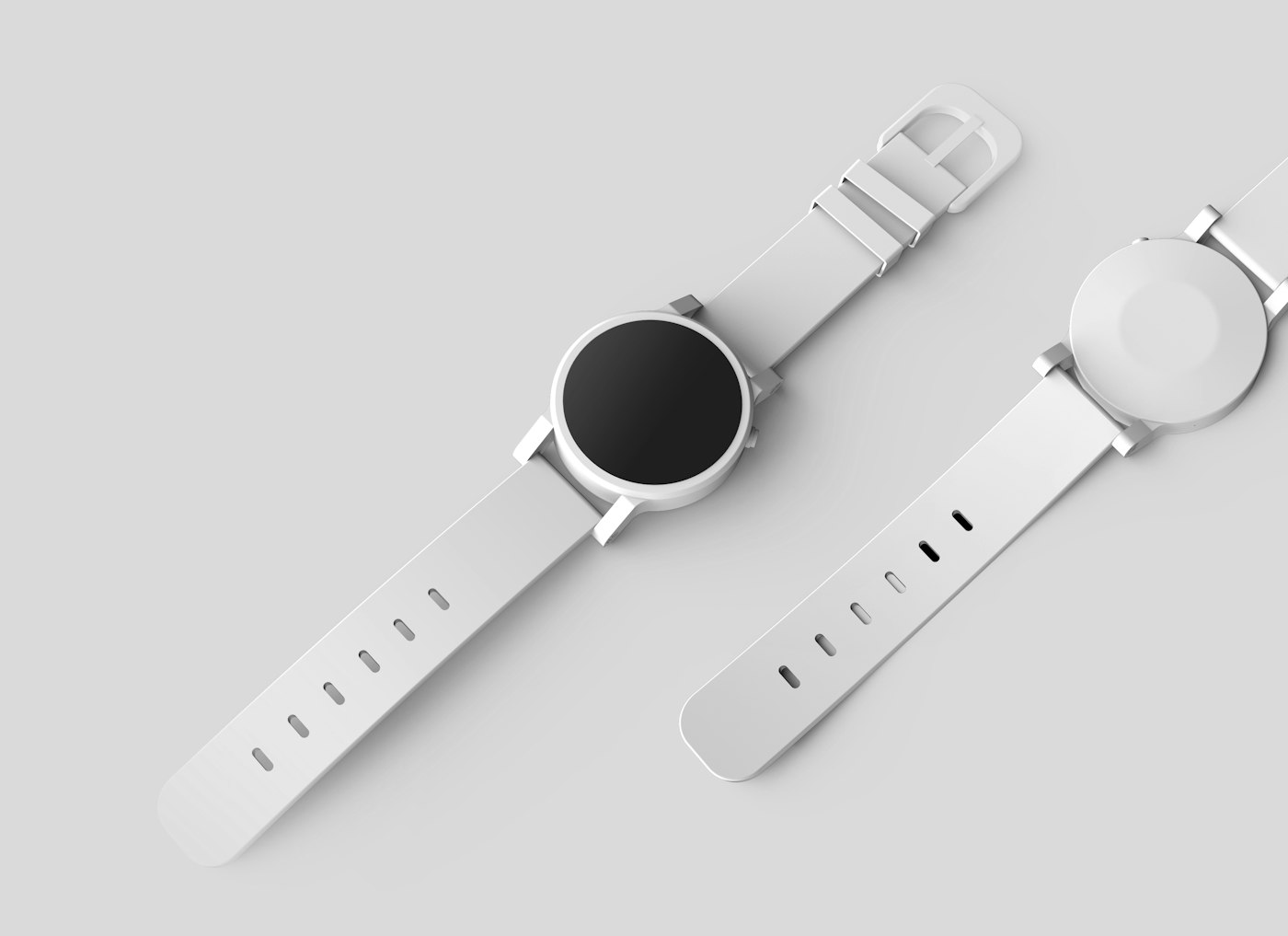
AI video agent ecommerce search usually mixes two jobs: talking avatars and listing-true catalogue motion. AmazVid is built for the second.
Hubs: AI video agent ecommerce · URL → video · ASIN → video
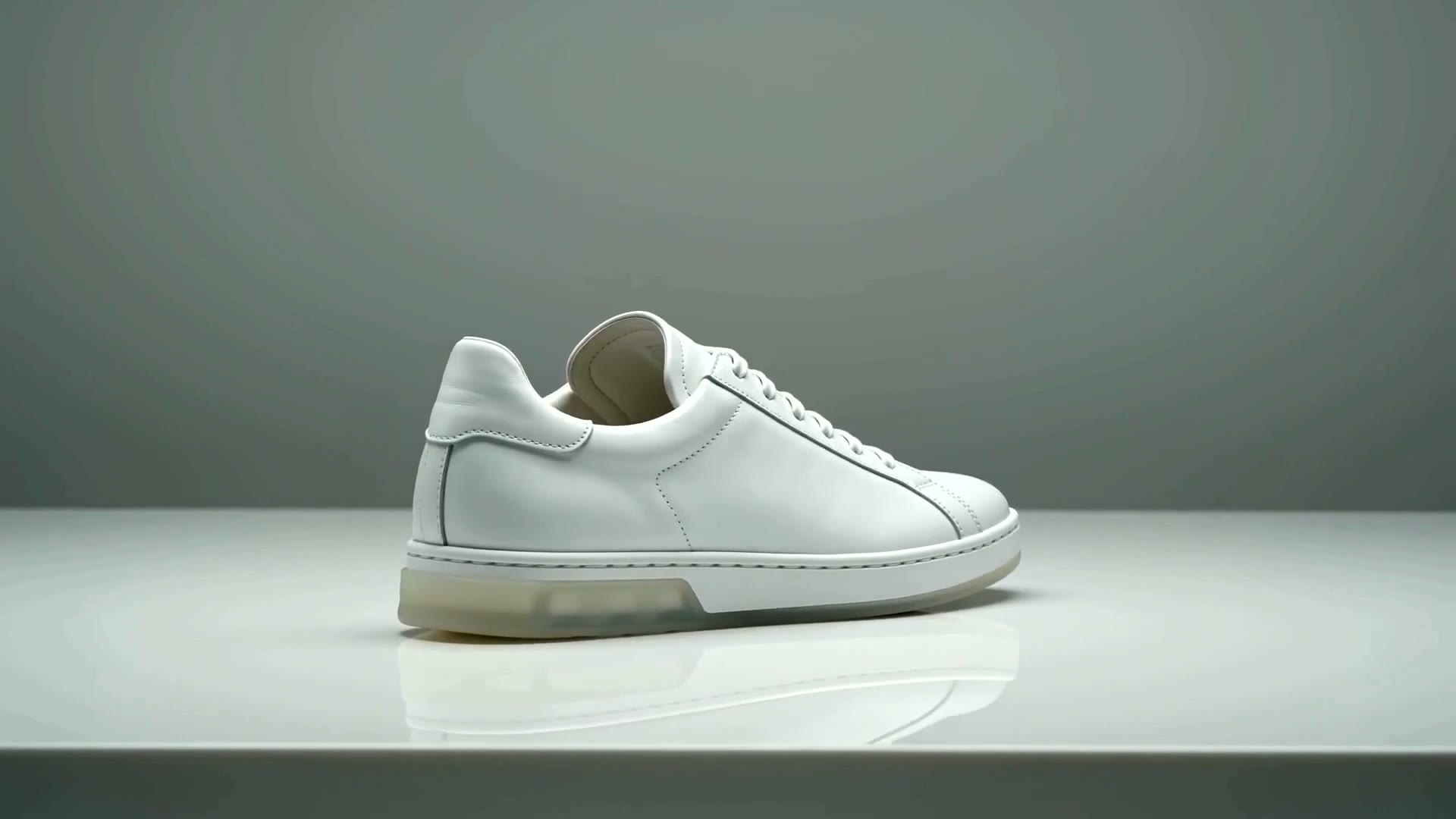
Agent job vs avatar job
Avatar tools excel at explainers and training (AmazVid vs HeyGen). Listing galleries need product fidelity: first frame matches the main image, motion stays SKU-honest, audio stays off for autoplay policies.
AmazVid’s agent-shaped workflow: URL or photo in → muted MP4 out. Related: Amazon creative agent 2026, agentic commerce AEO.
End-to-end listing workflow
- Ingest — Amazon / Shopify URL or main image (turn product URL into video)
- Lock — first frame = listing hero
- Generate — Product shot (or Wearable for apparel/jewelry)
- Plan multi-beat — Story film board if Brand Story needs more than one shot
- Assemble — Library stitch for continuous muted master
- Export — aspect ratio per channel; no free watermark on live listings
Prompt constraints: how to write AI product video prompts.
Where humans still decide
Agents accelerate ingest and generation. Humans still pick which SKUs go live, beat order, and whether the clip is gallery, A+, or paid social. That split avoids over-automation and policy risk.
Conclusion
Start from an Amazon or Shopify URL in AmazVid, lock the hero as frame one, and run the listing workflow for your first silent Product shot. Register free — no studio queue required.
Team & job landings
Solutions by team · use cases by job — open the hub that matches how you ship.
Frequently asked questions
Is AmazVid an autonomous agent that publishes to Amazon?
No. It generates listing-true video. You (or your ops tool) upload to Seller Central / Shopify.
Can the agent add voiceover?
Default export is silent for galleries. Add VO in your ad stack after you have a listing-true master.
What is the difference from a design agent?
Design agents explore creative directions. AmazVid’s listing workflow prioritises first-frame lock and gallery-safe silence.
Do credits apply to planning?
Credits apply per generation. Planning and Library organization do not consume generation credits.
Related guides
- AmazVid homepage — AI product video generator
- Amazon ASIN to Video: Tutorial (2026)
- Story Film Board AI Product Video
- Amazon Creative Agent AI Video (2026 Guide)
- Turn a Product URL Into Video
- Agentic Commerce & AEO Product Video Guide 2026
- How to Write AI Product Video Prompts
- AmazVid vs HeyGen: Listing-True Video vs Design Agent
- AmazVid use cases — job playbooks
- AmazVid pricing
Sources
Ready to generate product video?
Paste a product link, lock the first frame, export silent 1080p — 2 free credits. No prompts required.