Blog · ecommerce product AI video
Ecommerce Product AI Video: How Sellers Ship Listing-True Clips
Ecommerce product AI video playbook for Amazon and Shopify: Seedance 2.5, MiniMax H3, first-frame lock, silent 1080p exports, and a QA checklist that protects conversion.
Updated 2026-08-08 · 10 min read
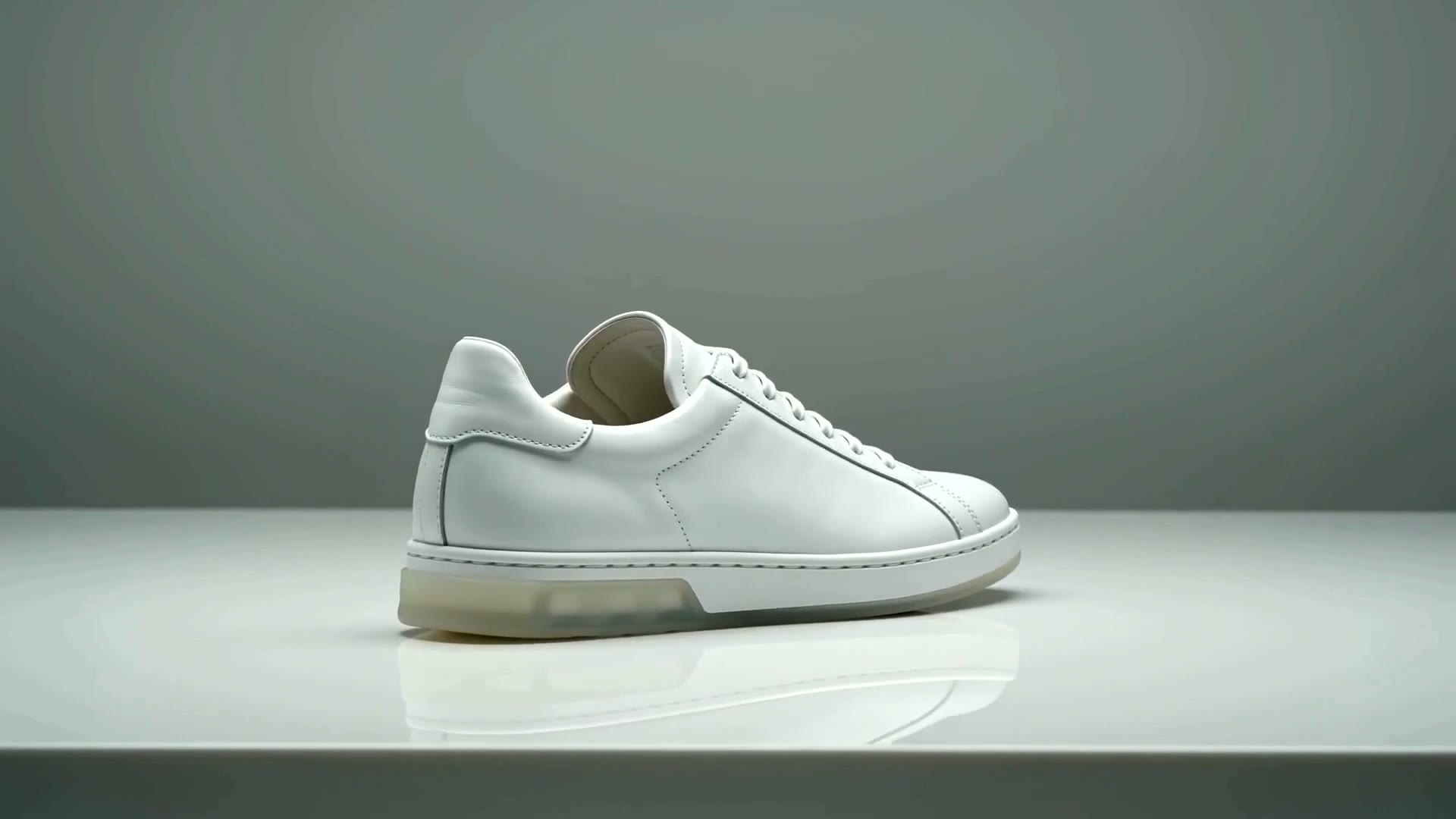
If you sell online, ecommerce product AI video is no longer optional creative — it is a conversion layer. Shoppers skim stills in seconds; a silent 1080p clip that keeps packaging honest earns the scroll stop. This guide is for operators who need catalogue motion at scale, not film-school demos.
AmazVid is built for that job: paste an Amazon, Shopify, Etsy, or Temu link (or upload a SKU photo), lock the first frame, and export listing-ready or ad-ready clips. Under the hood we lean on modern image-to-video stacks such as Seedance 2.5 and evaluate alternatives like MiniMax H3 when fidelity and motion quality matter.
What “ecommerce product AI video” actually means
Generic AI video tools optimise for spectacle. Ecommerce tools optimise for product truth:
- The SKU in frame one matches the SKU buyers receive
- Logos, colourways, and on-pack text stay stable across frames
- Exports are silent by default for PDP autoplay
- Aspect ratios match channels: 16:9, 1:1, and 9:16
- You can run the same workflow across dozens of ASINs without a studio day
If a model invents a second bottle neck or melts the trademark, it fails the ecommerce test — even if the render looks “cinematic.” Compare the operator checklist in AI product video generator for ecommerce.
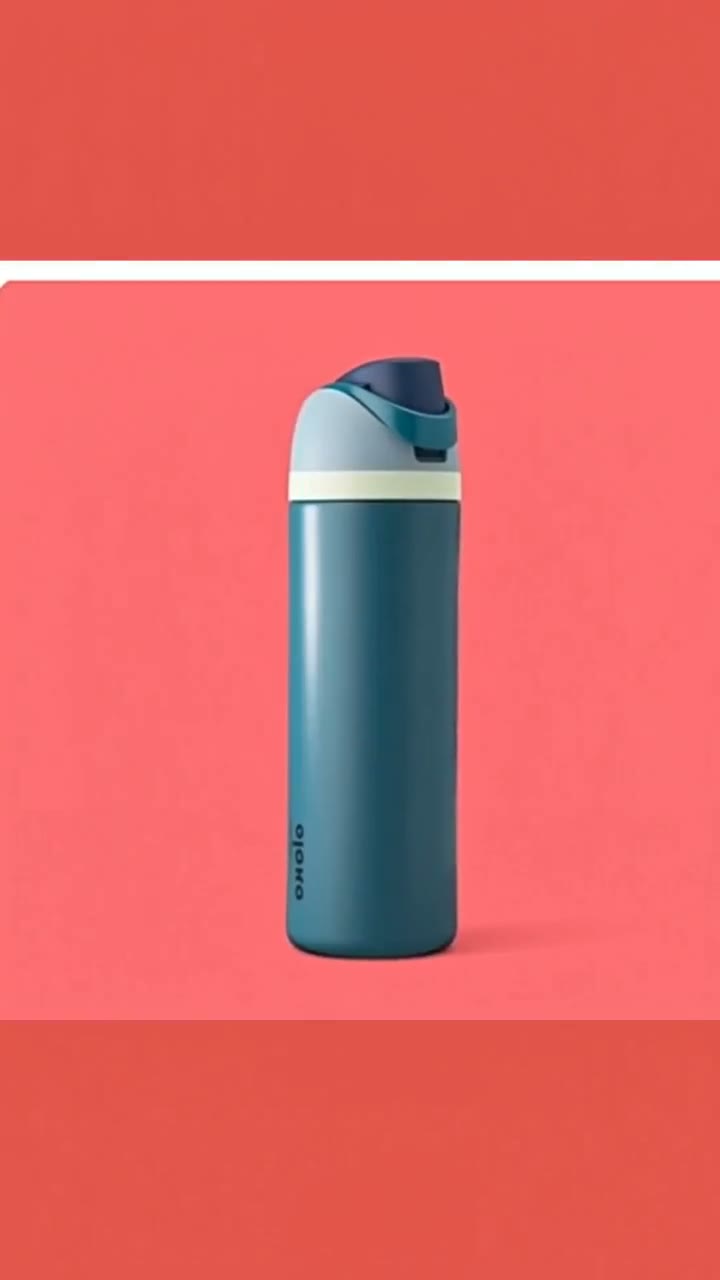
Why Seedance 2.5 and MiniMax H3 show up in seller searches
Search demand clusters around model names because sellers hear peers say “we used Seedance” or “try MiniMax H3.” Treat those strings as capability shorthand, not magic.
- Seedance 2.5 — strong image-to-video continuity when the still is clean; useful for soft orbits and lighting push-ins on beauty, drinkware, and soft goods.
- MiniMax H3 — another high-attention motion model sellers compare for product demos; evaluate on packaging legibility, not only camera drama.
AmazVid’s product path wraps those capabilities in ecommerce constraints: URL import, first-frame lock, Product shot vs Ad creative modes, and commercial-ready MP4 download. For a deeper model comparison, see Seedance 2.5 vs MiniMax H3 for product video.
Operator workflow that ships this week
1. Start from the live listing asset
Copy the public PDP / ASIN URL or upload the same hero still used on Amazon or Shopify. Avoid theme previews, password pages, and lifestyle crops that hide the pack.
2. Lock the first frame
Confirm colour, label, and silhouette. This is the difference between ecommerce product AI video and entertainment AI video. Details in turn a product URL into video.
3. Choose the mode
- Product shot — catalogue trust for galleries and A+ modules
- Ad creative — punchier motion for Meta, Reels, TikTok Shop, and Pinterest
4. Export silent 1080p first
Mute autoplay on PDPs. Add music later in CapCut or Premiere if paid social needs a soundtrack. See silent product video, no watermark.
5. Run a 60-second QA before upload
- Packaging text readable at phone size
- No watermark on paid-plan exports
- Correct ratio for the destination
- No invented accessories
Channel map for ecommerce AI clips
| Channel | Prefer | Notes |
|---|---|---|
| Amazon gallery / A+ | Silent 16:9 or 1:1 | Match listing video requirements |
| Shopify PDP | Silent 1:1 or 9:16 | Theme-dependent; keep file size sane |
| TikTok Shop | 9:16 | Pair with shoppable hooks |
| Meta ads | 1:1 + 9:16 | Same SKU, two crops |
| 9:16 / 15s | See Pinterest product videos |
Batching matters when you refresh a catalogue. Batch product videos for ecommerce catalog covers shared camera settings across SKUs.
Common failure modes (and fixes)
Soft logos. Re-import a sharper still; avoid screenshots of screenshots.
Wrong colourway. Confirm the first frame before generate — AI will faithfully animate the wrong photo.
Overlong clips. PDP shoppers bounce; keep catalogue shots short. Length guidance: ecommerce product video length guide.
Watermarks on free tiers. Never upload watermarked drafts to Brand Registry-sensitive listings.
One-ratio-only workflows. Generate once, export the ratios you need — do not reshoot for every channel.
Measurement that proves the video worked
Track what operators actually care about:
- PDP dwell / video plays (Shopify analytics, Amazon Brand Analytics where available)
- Ad CTR and CPC when the same SKU photo becomes motion
- Refund and “item not as described” rates after listing video launches — fidelity failures show up here
A pretty render that increases returns is not a win.
When to use AmazVid vs raw model playgrounds
Playgrounds are fine for creative exploration. Production catalogues need:
- Stable URL → asset ingest
- Credit accounting and retries
- Multi-locale storefronts
- Silent commercial exports without surprise watermarks
That is the gap AmazVid fills around Seedance-class and MiniMax-class motion: ecommerce packaging, not just a prompt box.
30-day rollout plan
Week 1 — Pilot 10 top ASINs / SKUs. Product shot only. Silent export. Internal QA.
Week 2 — Expand to 50. Add Ad creative for Meta tests on the top five converters.
Week 3 — Localise ratios for TikTok Shop and Reels. Keep first-frame lock identical.
Week 4 — Document a brand motion kit: approved angles, banned surreal prompts, credit budget per SKU.
Teams that skip documentation rebuild the same mistakes every catalogue season.
Bottom line
Ecommerce product AI video wins when fidelity beats novelty. Use Seedance 2.5 / MiniMax H3 class motion for look-and-feel, but ship through an ecommerce workflow: URL or photo in, first-frame lock, silent 1080p out, QA, then multi-channel upload. Start free on AmazVid, prove three SKUs, then scale the batch.
Ready to generate? Open the AmazVid homepage and paste your first product link.
Frequently asked questions
What is ecommerce product AI video?
It is image-to-video or URL-to-video motion made for listings and ads: packaging stays true, clips are usually silent 1080p, and ratios match Amazon, Shopify, and social channels.
Do I need Seedance 2.5 or MiniMax H3 specifically?
You need listing-true motion. AmazVid uses modern Seedance-class pipelines and evaluates MiniMax H3-class quality on fidelity — the workflow matters more than the model name alone.
Should PDP videos have music?
Default to silent for marketplace autoplay. Add audio later for paid social if the channel benefits from sound-on viewing.
Related guides
Sources
Ready to generate product video?
Back to AmazVid — paste a product link, lock the first frame, export silent 1080p.