Blog · AI image to video ecommerce
AI Image to Video for Ecommerce: Photo-to-Clip Workflow That Ships
AI image to video for ecommerce: turn product photos into silent 1080p clips with first-frame lock, Seedance/Kling paths, Amazon QA, and AmazVid URL workflows.
Updated 2026-08-09 · 10 min read
AI image to video ecommerce is the practical way sellers make motion in 2026. Text-to-video invents products. Image-to-video starts from the SKU you already sell. This playbook covers still prep, model choice, AmazVid workflows, and a QA gate that protects conversion.
Related how-tos: convert product photos to video, turn product URL into video, ecommerce product AI video.
Why image-to-video beats text-to-video for sellers
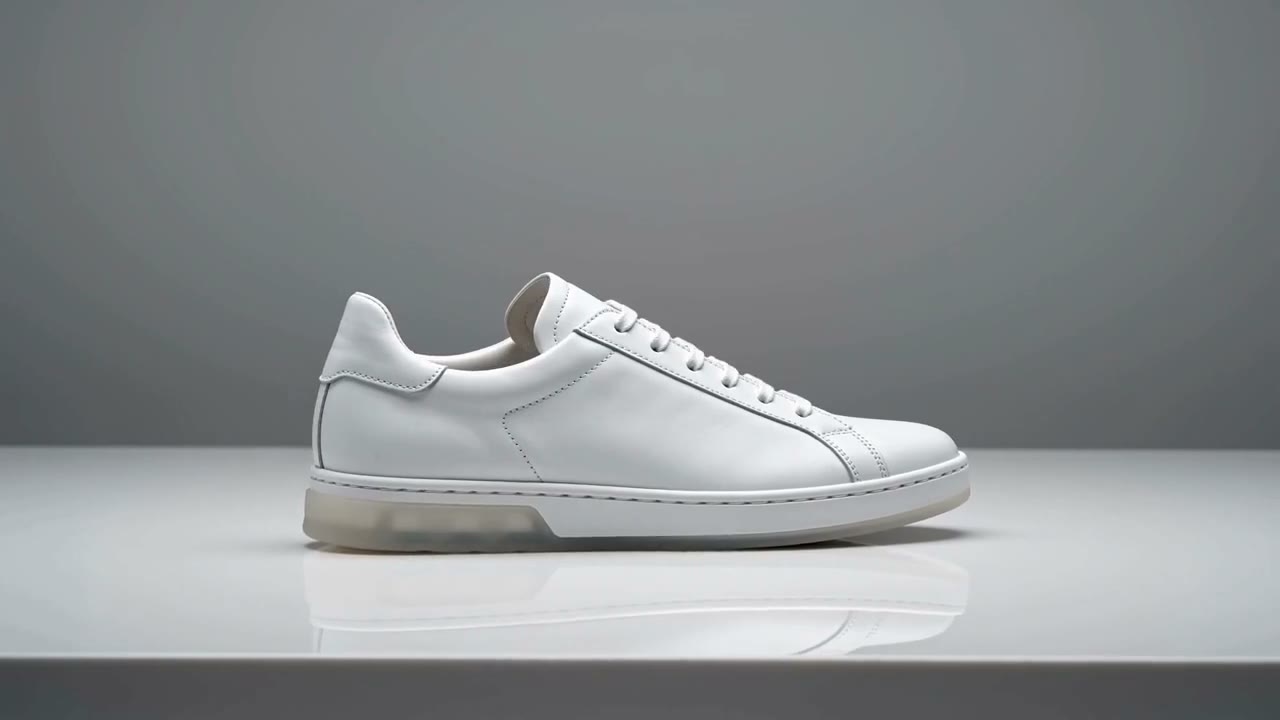
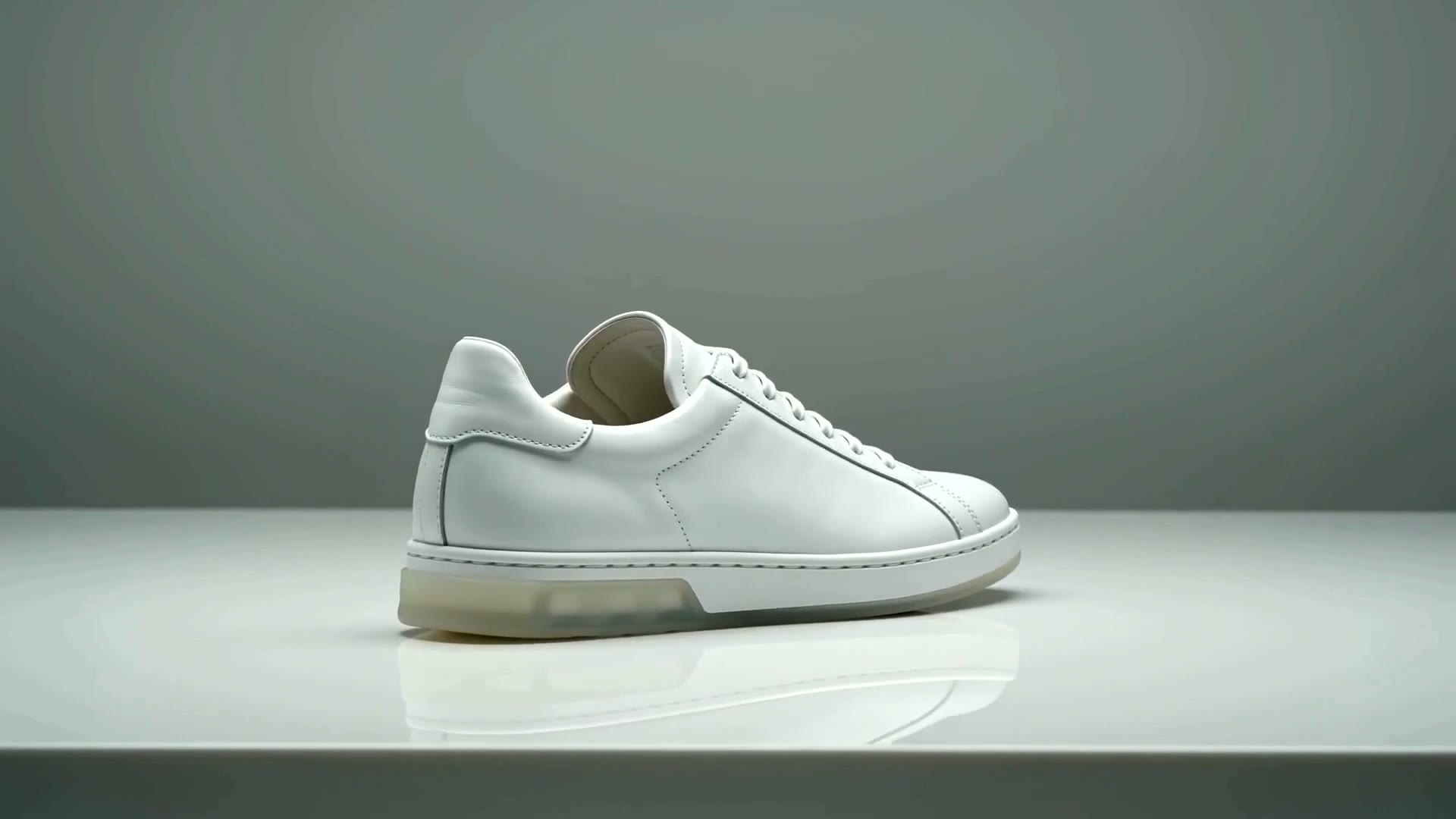
Marketplace shoppers compare the video to the main image. If the bottle neck, colourway, or trademark drifts, trust drops. Image-to-video with first-frame lock keeps frame one identical to the approved still — the core of AmazVid Product shot mode.
Text-to-video remains useful for moodboards and surreal ads. It is a poor sole source for Amazon galleries.
Still prep checklist (do this before generating)
- Use the live listing hero — not a theme mockup
- Even lighting, readable on-pack text
- Product fills most of the frame; crop clutter
- Prefer PNG/JPG without watermarks or storefront chrome
- Match the colourway buyers receive
Bad stills create expensive fails. Fix photography before you blame Seedance or Kling.
Tool path: AmazVid in five steps
- Paste Amazon / Shopify / Etsy / Temu URL or upload the photo
- Confirm the extracted still matches the listing
- Choose Product shot (PDP) or Ad creative (hooks)
- Pick ratio: 16:9, 1:1, or 9:16
- Download silent 1080p MP4 — no watermark
Start here: AmazVid homepage.
Which motion stack for which still?
| Still type | Prefer |
|---|---|
| Beauty / drinkware soft orbit | Seedance-class (via AmazVid) |
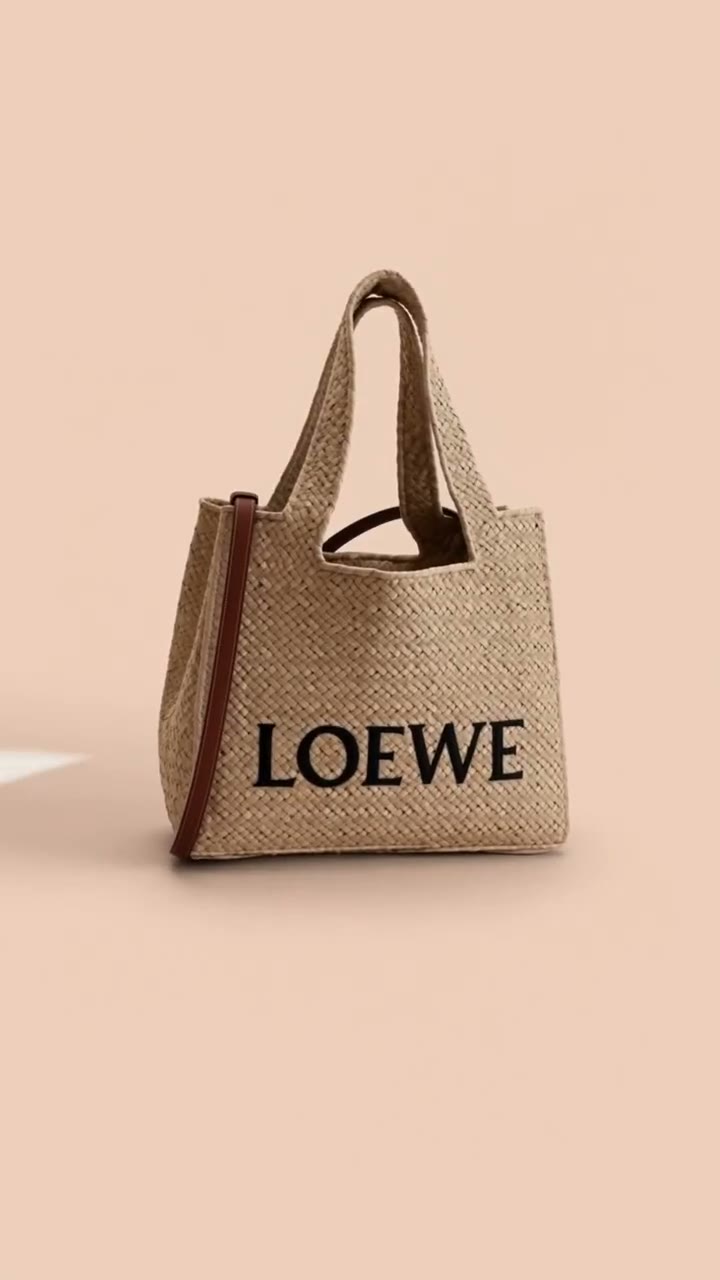
| High-energy sneakers / bags hook | Kling-class or AmazVid Ad creative |
| Cinematic lifestyle hero | Veo-class (brand lane) |
| Catalogue batch | AmazVid URL/photo pipeline |
Model comparison: Sora vs Veo vs Kling vs Seedance, Kling AI product video, Seedance 2.5 vs MiniMax H3.
Prompting for commerce (keep it boring)
Winning prompts are short:
- “Slow push-in, soft studio light, keep label text sharp, no morphing”
- “Gentle 15° orbit, product centered, packaging unchanged”
Avoid explosions, melting materials, extra hands, and invented accessories.
Channel exports from one still
| Channel | Ratio | Notes |
|---|---|---|
| Amazon gallery | 16:9 or 1:1 | Silent, no watermark |
| Shopify PDP | 1:1 or 9:16 | Silent autoplay |
| TikTok Shop / Reels | 9:16 | Silent master + CapCut captions |
| Meta feed | 1:1 or 9:16 | Test hooks from Ad creative |
Lengths: ecommerce product video length guide. Silent rules: silent product video no watermark.
Batch without a studio
Agencies and multi-SKU brands should:
- Standardise still crops
- Run AmazVid batches by collection
- Blind-review logos on mobile
- Archive silent masters in DAM
- Only then cut social variants
Scale guide: batch product videos for ecommerce catalog.
Mistakes that kill image-to-video ROI
- Feeding lifestyle crops that hide the pack
- Using free watermarked exports on Amazon
- Skipping silent masters
- Ranking generators from demos instead of five-SKU bake-offs — see best AI video generator 2026
- Re-prompting instead of fixing the still
Bottom line
AI image to video for ecommerce is a photography-plus-QA discipline wrapped in modern i2v models. AmazVid turns product photos and URLs into silent, first-frame-locked clips; Seedance- and Kling-class motion supply the camera energy. Ship catalogue truth first, then branch into ads.
Open AmazVid and convert one product photo into a silent clip now.
Frequently asked questions
What is the best AI image to video tool for ecommerce?
For listing-true silent clips with URL or photo ingest, AmazVid is built for that job. Creative suites help brand films after you have an honest still.
Can I use any product photo?
Use the listing hero with sharp logos and even light. Soft, cropped, or watermarked stills produce soft, cropped, or risky videos.
Image-to-video or text-to-video for Amazon?
Image-to-video with first-frame lock. Text-to-video invents packaging details that fail buyer trust and Brand Registry reviews.
Related guides
Sources
Ready to generate product video?
Back to AmazVid — paste a product link, lock the first frame, export silent 1080p.