Blog · AI wearable try-on product video
AI Wearable Try-On Product Video: Model Pre-Wear Without a Studio
AI wearable try-on product video for apparel, footwear, and eyewear: MiniMax H3 Ref2VA model pre-wear, SKU fidelity, Amazon/Shopify workflows, and AmazVid Wearable mode.
Updated 2026-08-08 · 9 min read · AmazVid Editorial
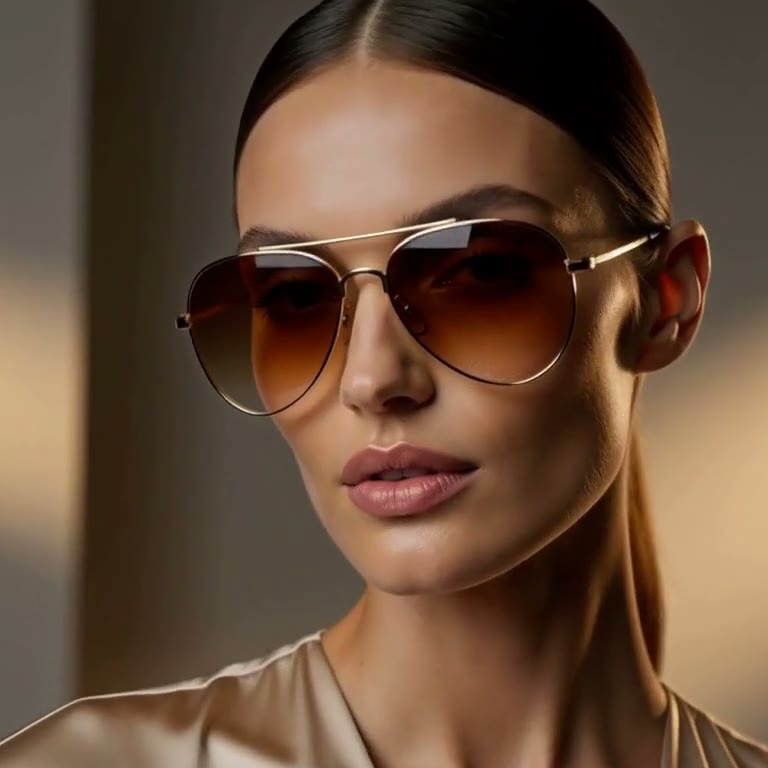
AI wearable try-on product video solves a fashion-seller problem packshots cannot: buyers want to see the SKU on a body before they trust size, drape, or face fit. Studio models are slow and expensive. AmazVid Wearable try-on mode turns a product still into a short pre-wear clip with MiniMax H3 Ref2VA.
Related: AI image to video ecommerce, Seedance 2.5 · MiniMax H3, AI UGC for Amazon.
Why sellers need wearable try-on (not just orbits)
Orbit and push-in clips win for bottles, tools, and jewelry. Fashion buyers still ask:
- How does this sit on a face / torso / foot?
- Does the colourway match the listing hero?
- Can I reuse the clip on Reels without a reshoot?
Virtual try-on product video answers those without a day rate. It is not a physics-perfect AR fitting room — it is a commerce-grade motion asset that keeps the SKU honest.
What AmazVid Wearable mode does
- Paste Amazon / Shopify / Etsy / Temu URL or upload the SKU photo
- Choose Wearable try-on and a category: apparel · footwear · eyewear
- Optional: add a model reference image for brand-consistent faces
- Pick 768P or 2K; download silent MP4 when MiniMax H3 finishes
Start from the AmazVid homepage Wearable section or create an account and open the new-project wizard.
MiniMax H3 Ref2VA vs first-frame packshots
| Job | Prefer |
|---|---|
| White-bg PDP orbit | Product shot (first-frame lock) |
| Paid social hook | Ad creative |
| On-body fashion proof | Wearable (reference / Ref2VA) |
MiniMax H3 Ref2VA treats your product image as a reference identity — not only the opening frame — so the generated model wears the same frame shape, sole, or silhouette. That is the difference between “cool fashion clip” and “listing-accurate try-on.”
Stack deep-dive: Seedance 2.0 ecommerce, Seedance 2.5 · MiniMax H3.
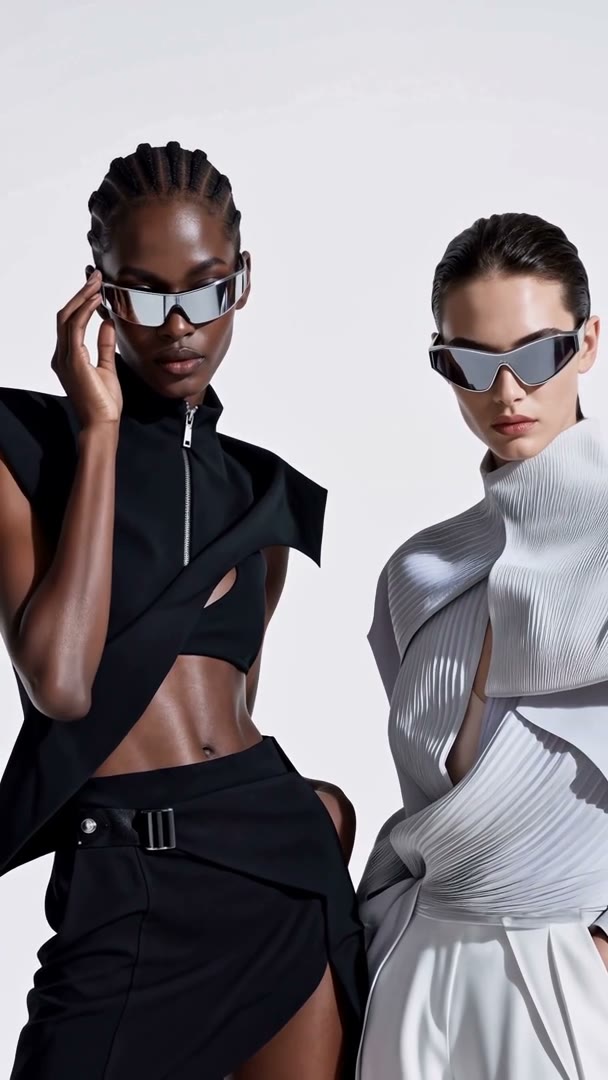
Still prep for apparel, footwear, eyewear
- Use the live listing hero — same colourway buyers receive
- Product fills the frame; avoid busy lifestyle crops that hide the SKU
- Eyewear: front or 3/4 face-on of the frames
- Footwear: side or 3/4 showing sole + upper
- Apparel: flat-lay or invisible mannequin with clear silhouette
- No watermarks, no marketplace chrome overlays
Bad stills create wrong try-ons. Fix photography before you burn credits.
Prompt habits that keep fidelity
Keep prompts boring and commercial:
- “Fashion model wears this exact product, slow push-in, studio soft light, no logo invent”
- “Keep frame shape / sole tread / fabric colour identical to reference”
Avoid: invented accessories, melting materials, extra hands, wrong logo text.
Where to publish wearable clips
- Amazon — gallery / Brand Story when policy allows lifestyle motion; keep a silent packshot as the safe default
- Shopify PDP — secondary media after the hero still
- Meta / TikTok — 9:16 try-on hooks paired with Ad creative variants
- Lookbooks — 5–15s editorial loops for email and landing modules
Silent exports stay editable. Add music and captions in CapCut or your ads stack.
Cost & QA checklist
Wearable runs on MiniMax H3 (Seedance cannot do Ref2VA). Budget credits for try-on the same way you budget sample shoots — fewer SKUs, higher proof value.
Before you upload:
- [ ] Frame one / identity matches the listing hero colourway
- [ ] No invented logos or packaging text
- [ ] Aspect matches the destination (1:1 gallery vs 9:16 Reels)
- [ ] Silent file — no burned-in captions or watermarks
Bottom line
AI fashion try-on video is now a product mode, not a one-off demo. AmazVid Wearable gives ecommerce teams model pre-wear from the same URL/photo pipeline as Product and Ad modes — with MiniMax H3 keeping the SKU on the body.
Try it: AmazVid → Wearable try-on.
Frequently asked questions
What is AI wearable try-on product video?
It is image-to-video that puts your real SKU on a generated fashion model — apparel, footwear, or eyewear — instead of a packshot-only orbit. AmazVid Wearable mode uses MiniMax H3 reference-to-video so the product identity stays locked.
How is Wearable different from Product shot or Ad creative?
Product shot keeps a catalogue-grade packshot with camera and light presets. Ad creative builds a cinematic promo from the same still. Wearable invents a model wearing the SKU for fashion categories that need on-body proof.
Which categories work best?
Eyewear, apparel, and footwear. Flat-lay or mannequin photos work; optional model reference photos improve face and pose consistency when you have brand talent.
Related guides
Sources
Ready to generate product video?
Back to AmazVid — paste a product link, lock the first frame, export silent 1080p.