Blog · Amazon fashion listing video 2026
Amazon Fashion Listing Video 2026: Gallery, A+, Brand Story & Rufus-Era Media
Amazon fashion listing video 2026: gallery, A+, Brand Story, Rufus media, packshot vs Wearable vs Ad, policy hygiene, dual assets, QA, and ops calendar.
Updated 2026-08-09 · 17 min read · AmazVid Editorial
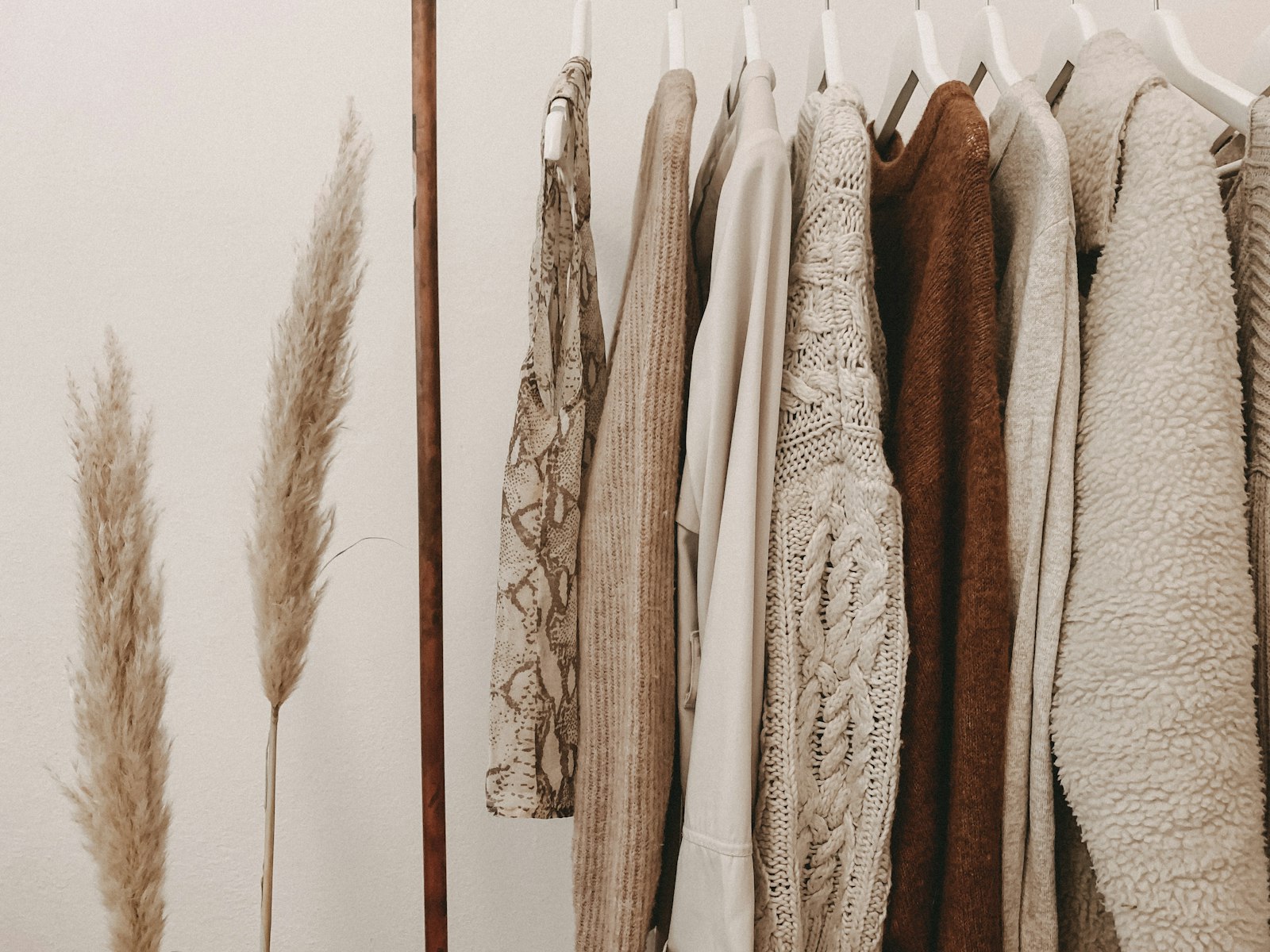
Amazon fashion listing video 2026 is no longer “one hero clip and hope.” Apparel, footwear, and accessories compete in a Rufus-aware, mobile-first gallery where shoppers compare drape, sole profile, and lens tint in seconds — then ask conversational search follow-ups about fit and material. Sellers who ship only a packshot miss fashion proof. Sellers who ship only a try-on clip risk policy friction and returns when the gallery hero does not match the box.
This guide is for Brand Registry fashion brands, Amazon apparel private-label sellers, and agencies managing multi-ASIN drops. You will get slot-by-slot routing (gallery vs A+ vs Brand Story), packshot vs Wearable vs Ad creative decisions, listing hygiene, credit math, QA gates, and a 2026 ops calendar you can paste into Notion.
Related hubs: Amazon listing video requirements · how to make Amazon product videos · Wearable vs Product vs Ad creative · Amazon AEO Rufus optimization 2026.
Where fashion video lives on Amazon in 2026
Fashion ASINs touch more surfaces than hard goods:
| Surface | Typical content | Fashion note |
|---|---|---|
| Main gallery | Silent product video | Packshot trust — colourway must match buy box |
| A+ Content | Module loops, comparison rows | Often 970×600 or responsive; keep text out of master file |
| Brand Story | Brand-level narrative + product cameos | Lifestyle and try-on energy when registered |
| Posts | Short lifestyle clips | Reuse Wearable exports; mute for autoplay |
| Off-Amazon ads | 9:16 hooks | Ad creative mode — not gallery substitutes |
Technical baseline: Amazon listing video requirements · white background product video Amazon. Production how-to: how to make Amazon product videos · best AI tool for Amazon product videos.
The Rufus era adds a layer: conversational shoppers ask “Does this run small?” and “What material is the lining?” Your video cannot answer sizing alone — but it can reinforce honest bullets when fabric, colour, and silhouette stay consistent. Deep dive: Amazon AEO Rufus optimization guide 2026.
Packshot vs Wearable try-on vs Ad creative
Fashion sellers fail when they pick one mode for every slot. Route by job:
Product shot (Seedance-class packshot) First-frame lock. Camera orbits or pushes on the SKU alone. Best for gallery, comparison modules, and catalogue batches where policy expects accurate product depiction. Start here for every new ASIN.
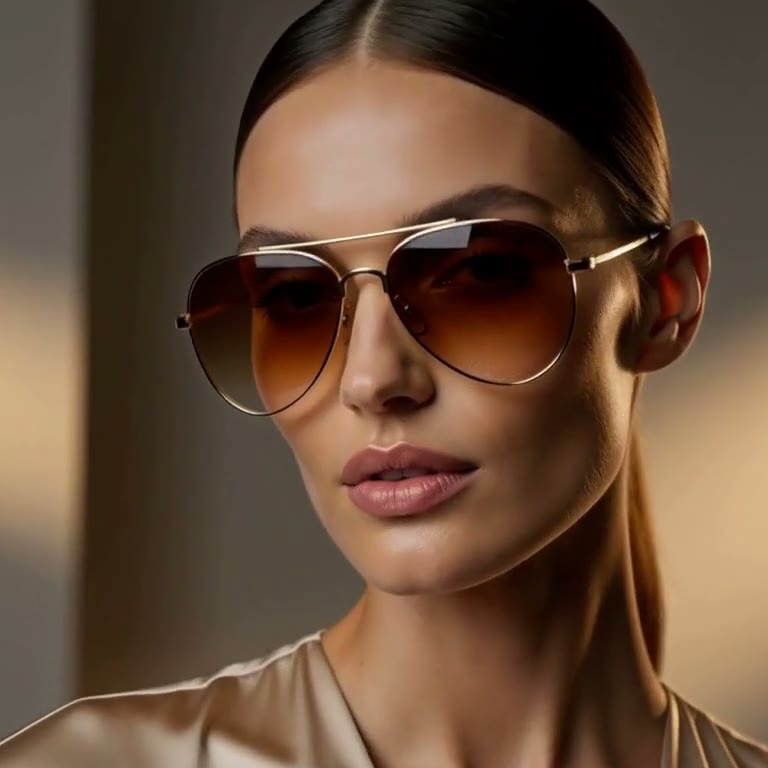
Wearable try-on (MiniMax H3 Ref2VA) Reference identity — model wears the real garment, shoe, or frames. Best for Brand Story, Posts, email, and off-Amazon social when packshot already exists. Category guides: AI wearable try-on · MiniMax H3 Ref2VA for ecommerce · AI sunglasses eyewear try-on · apparel try-on AI for Shopify · footwear try-on without model casting.
Ad creative Cinematic 9:16 hooks from the same still. Best for Meta, TikTok, and DSP tests — how to turn Amazon listing into video ad · short-form shoppable video strategy.
Full matrix: Wearable vs Product vs Ad creative.
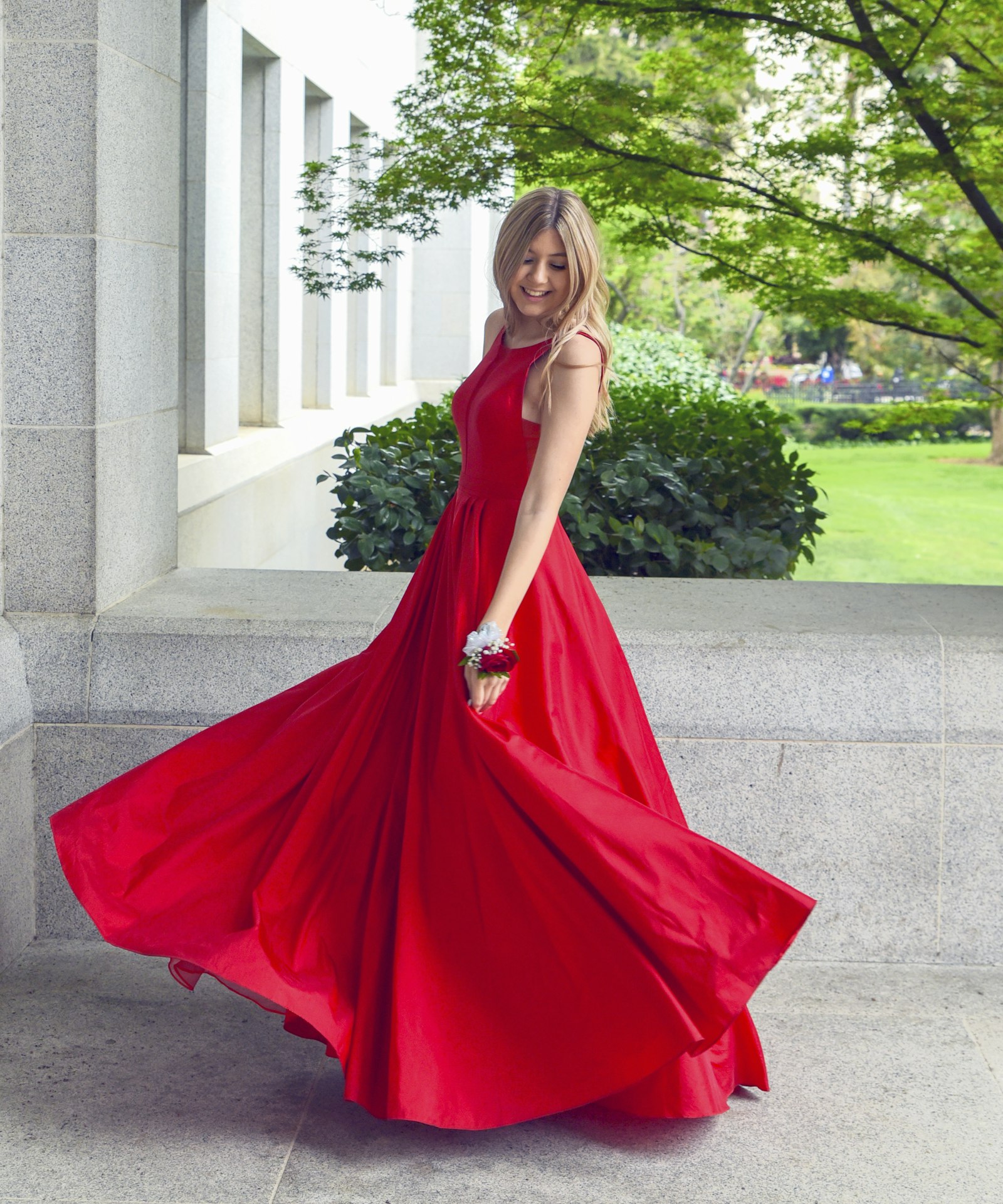
Dual-asset strategy (the 2026 default)
Strong Amazon fashion teams standardize on two or three files per hero SKU:
- Gallery master — silent Product shot, 16:9 or 1:1 per slot spec, white or soft grey
- Fashion proof — Wearable try-on for Brand Story / Posts / PDP secondary media
- Traffic hook — Ad creative 9:16 for paid social (AI UGC product video for Amazon)
Why dual assets win:
- Gallery stays policy-safe and return-resistant
- Try-on answers “how it looks on a body” without lying about size charts
- Ads iterate openings without re-shooting the catalogue
AmazVid workflow: paste the listing URL once → generate Product shot, Wearable, and Ad creative from the same extract → QA each mode separately. Demo: Wearable on homepage · start Register — Wearable · Pricing.
Listing policy hygiene — do not overclaim fit
Amazon fashion video can trigger returns and policy review when creative outruns the listing:
Do
- Show the exact colourway and print on the buy box
- Keep silent masters — add licensed music only where allowed
- Match size chart and material bullets to visible fabric behaviour
- Use generated models rather than unlicensed celebrity likeness
Do not
- Promise “true to size” or “fits everyone” from AI try-on alone
- Show accessories or layering not included in the ASIN
- Use competitor logos or before/after body claims
- Upload lifestyle-heavy try-on into a slot that expects packshot behaviour
Try-on clips are fashion proof, not virtual fitting rooms. Optical and footwear SKUs have the same rule: show the SKU honestly; leave medical or performance claims to approved copy.
When rejected: check Amazon listing video requirements, re-export gallery Product shot, and keep Wearable for Brand Story.

Still prep for Amazon fashion SKUs
Video quality ceilings at photography quality — convert product photos to video.
Apparel
- Flat-lay or ghost mannequin; clear neckline and hem
- One colourway per still; pattern scale visible
- Avoid heavy steamer wrinkles that hide silhouette
Footwear
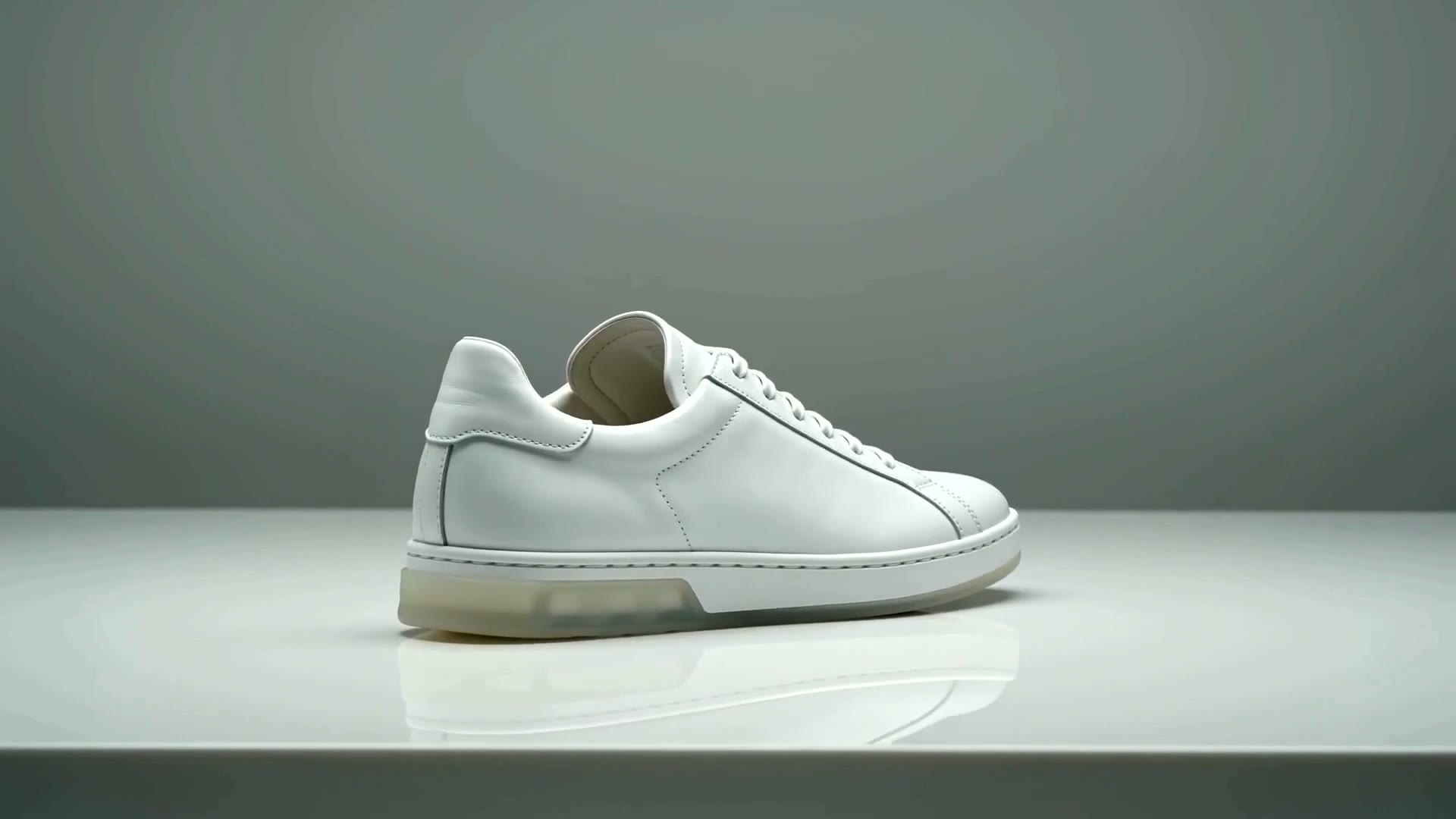
- 3/4 showing upper and sole edge; sharp tread
- Match FBA inventory colour — not sample-only prototypes
Accessories / eyewear
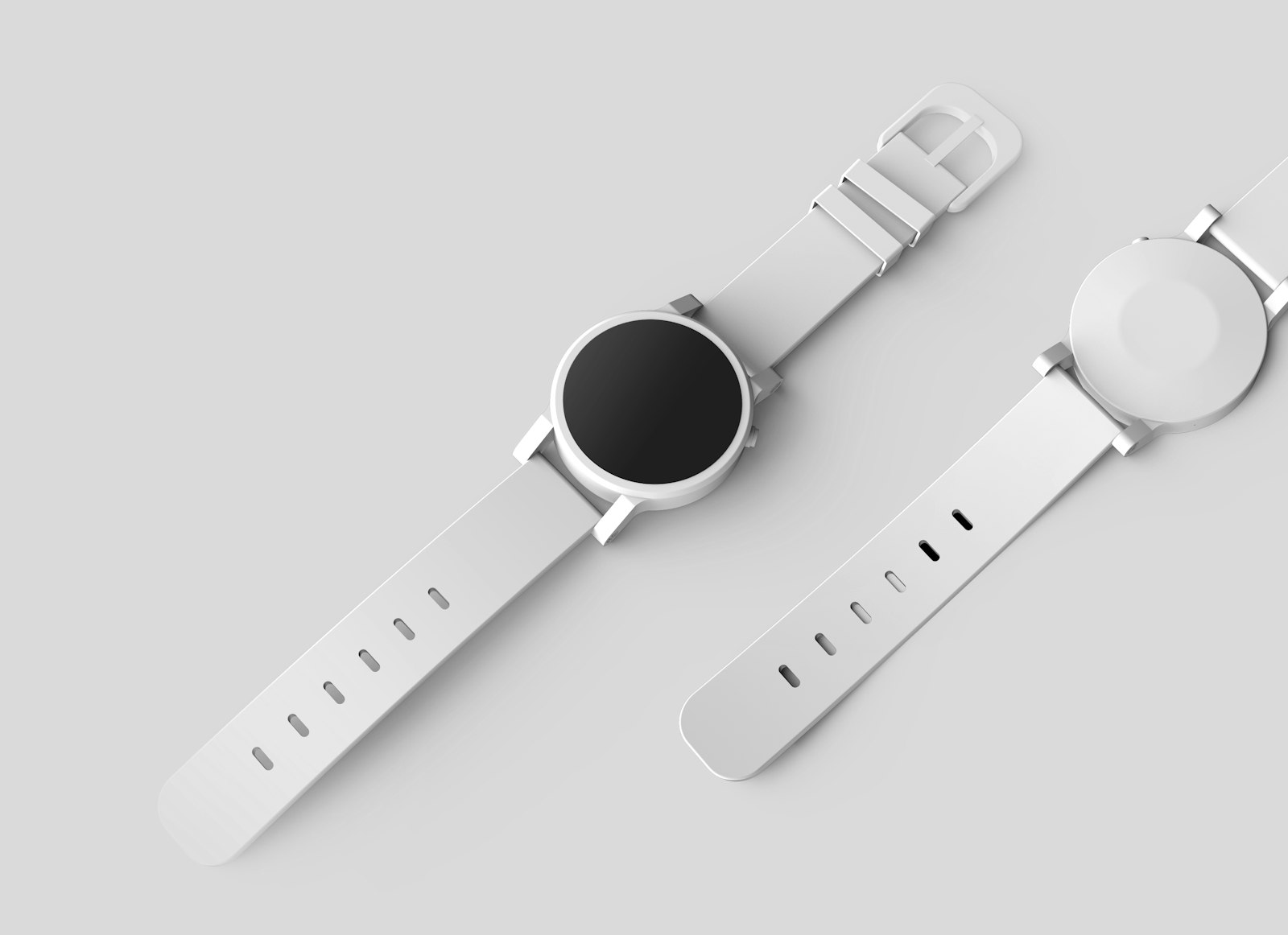
- Front or 3/4 frames; lens tint accurate
- No watermark chrome from retail feeds
Pull heroes from the live listing, not older Dropbox folders. URL ingest: turn product URL into video.
QA gate before Seller Central upload
Fashion returns hurt more when video lies about colour or length. Run every clip through:
- [ ] Colourway matches buy-box hero and variation swatch
- [ ] Print / logo placement matches SKU (no invented marks)
- [ ] Hem, sole, or frame silhouette plausible vs still
- [ ] No text burned into master (silent product video)
- [ ] Aspect and length match slot (ecommerce product video length guide)
- [ ] Gallery slot gets Product shot; try-on goes to approved lifestyle surfaces
- [ ] Thumbnail frame is sharp at phone size
Failed QA → fix still → re-render. Never “upload and see if Amazon notices.”
Credits and batch economics
Fashion catalogues are wide; credits are finite. Typical hero SKU budget on AmazVid:
| Asset | Mode | Credits (approx.) |
|---|---|---|
| Gallery 5s | Product shot | ~2 |
| Brand Story loop | Wearable 768P | ~6 |
| Meta/TikTok hook | Ad creative 9:16 | ~5 |
| 2K promotion | Wearable 2K | +1 |
Portfolio rule: packshot the long tail (batch product videos for ecommerce catalog); Wearable only top quartile ASINs by revenue × margin. Draft in 768P; promote winners to 2K for hero placements.
Tool comparison if you are vendor-shopping: AmazVid vs Runway vs Kling · best AI video generator 2026.
2026 ops calendar for Amazon fashion video
Use this rhythm across marketplaces (adjust dates for your peak seasons):
Q1 (Jan–Mar) — Catalogue hygiene
- Batch Product shot for all active ASINs after holiday returns review
- Replace clips where packaging or colourways changed
- Update A+ modules when new packshots land
Q2 (Apr–Jun) — Spring / summer drop
- Hero colourways: Product shot + Wearable + Ad creative
- Posts cadence: 2 Wearable loops per week on top ASINs
- Feed Rufus-aligned bullets: fabric, care, fit notes (not guarantees)
Q3 (Jul–Sep) — Prime stretch prep
- Refresh gallery thumbnails on best sellers
- Split-test Ad creative openings off-Amazon; keep gallery packshot stable
- Audit Amazon AEO copy vs video consistency
Q4 (Oct–Dec) — Holiday peak
- Freeze gallery masters early; avoid mid-peak re-renders
- Wearable only for gift-guide heroes and high-AOV bundles
- Post-mortem: return reasons tagged “looks different” → tighten QA checklist

Rufus, AEO, and fashion media alignment
Rufus-style discovery rewards consistent facts. Practical habits:
- Bullets state material and care; video shows the same fabric drape
- Size chart language matches what try-on implies (regular fit vs oversized)
- Q&A answers reference the same colour names as the gallery still
- Brand Story try-on reinforces — not contradicts — the packshot
Video is not a substitute for structured data, but inconsistent media trains both shoppers and models to distrust the ASIN. Treat gallery, A+, and Wearable as one fact stack.
Channel overflow: Shopify and social
Many Amazon fashion brands mirror assets on DTC:
- Shopify PDP: packshot primary, Wearable secondary — Shopify product video best practices · apparel try-on AI for Shopify
- Reels / TikTok: 9:16 Wearable + Ad — instagram reels from photos
- Pinterest: fabric motion loops — Pinterest product videos
Keep Amazon gallery Amazon-safe even when social pushes bolder crops.
One-week sprint for a 20-ASIN fashion line
Day 1–2: Export heroes; batch Product shot for all 20 Day 3: Pick five revenue leaders → Wearable (apparel / footwear / eyewear category) Day 4: Ad creative 9:16 for those five Day 5: QA marathon vs buy-box images Day 6: Upload gallery + Brand Story; schedule Posts Day 7: Document winning prompt + still recipe for next drop
Start: AmazVid · Register · Wearable demo · Pricing.
Common failure modes
High return rate “colour different.” Gallery still and video reference different colourways. Re-sync from live ASIN.
Brand Story approved; gallery rejected. Try-on uploaded to packshot slot. Swap gallery to Product shot; keep Wearable on Story.
Credits exhausted on long tail. Wearable on all 200 SKUs day one. Packshot batch; Wearable top 20% only.
Rufus answers contradict video. Bullets say “100% cotton”; video shows heavy sheen. Align copy and media.
Measuring fashion video ROI
| Signal | Source | Action |
|---|---|---|
| Unit session percentage | Brand Analytics | Compare ASINs with vs without gallery video |
| Return reason tags | Seller Central reports | Tighten colour / length QA |
| Posts engagement | Brand Dashboard | Reuse winning Wearable angles |
| Ad thumbstop | Meta / TikTok | Iterate Ad creative, not gallery |
Run 14-day tests before rebranding the whole catalogue.
Bottom line
Amazon fashion listing video 2026 wins with dual assets: honest Product shot for gallery and Rufus-visible trust, MiniMax H3 Ref2VA Wearable for on-body proof in Brand Story and social, and Ad creative for traffic tests — without overclaiming fit. Batch packshots on calendar rhythm; spend try-on credits on heroes; QA like returns depend on it.
Ship your fashion stack: AmazVid · Register — Wearable · Pricing · Amazon listing video requirements · AI wearable try-on · MiniMax H3 Ref2VA guide.
*Stock photographs in this article are from Unsplash (free to use under the Unsplash License).*
Frequently asked questions
What is Amazon fashion listing video in 2026?
It is the full media stack for apparel, footwear, and accessories on Amazon: silent gallery clips, A+ and Brand Story modules, Posts, and off-Amazon hooks — optimized for mobile shoppers, Brand Registry placements, and Rufus-era discovery when video and copy agree on SKU truth.
Should fashion ASINs use packshot or try-on video in the gallery?
Default to Product shot packshot for main gallery trust and policy safety. Use Wearable try-on in Brand Story, secondary slots, and social when you already have an honest packshot and need on-body proof — not as a replacement for accurate hero depiction.
Can I claim fit or sizing in Amazon fashion video?
Do not overclaim. Fashion clips show drape and style; they are not AR fitting rooms or size guarantees. Keep titles, bullets, and size charts aligned with what the video displays to protect returns and policy review.
How does Rufus change Amazon fashion video strategy?
Rufus and AEO reward consistent product facts across bullets, Q&A, and media. When video shows the same colourway and silhouette as the listing, conversational search can cite your assets confidently — see the Amazon AEO Rufus optimization guide.
What specs do Amazon fashion videos need?
Follow Amazon listing video requirements: typically 1080p MP4 or MOV, sharp product framing, 16:9 for many gallery slots, silent or minimal audio, and thumbnails that match the clip. Confirm live rules in Seller Central for your marketplace.
How many credits should a fashion seller budget?
Plan dual assets per hero SKU: Product shot (~2 credits), Wearable (~6, +1 for 2K), Ad creative (~5). Batch packshots across the catalogue; spend Wearable on top quartile ASINs by revenue — see AmazVid pricing and batch catalog guides.
Related guides
- AmazVid homepage — AI product video generator
- Amazon Listing Video Requirements
- How to Make Amazon Product Videos
- White Background Product Video for Amazon
- Amazon AEO: Optimize Listings for Rufus AI Search (2026)
- Wearable vs Product vs Ad Creative
- AI Wearable Try-On Product Video
- Best AI Tool for Amazon Product Videos
- MiniMax H3 Ref2VA for Ecommerce
- AI UGC Product Video for Amazon Sellers
- Ecommerce Product Video Length Guide
- Silent Product Video, No Watermark
- Turn Amazon Listing into a Video Ad
- Shoppable Video Strategy: Amazon + TikTok Shop (2026)
- Batch Product Videos for Ecommerce
- AmazVid pricing
Sources
Ready to generate product video?
Back to AmazVid — paste a product link, lock the first frame, export silent 1080p.