Blog · Apparel try-on AI for Shopify
Apparel Try-On AI for Shopify: On-Body Video Without Model Casting
Apparel try-on AI for Shopify: ghost mannequin vs flatlay still prep, Wearable category, MiniMax H3 Ref2VA, PDP theme video, Product vs Wearable vs Ad routing, QA, credits, and weekly cadence.
Updated 2026-08-09 · 16 min read · AmazVid Editorial
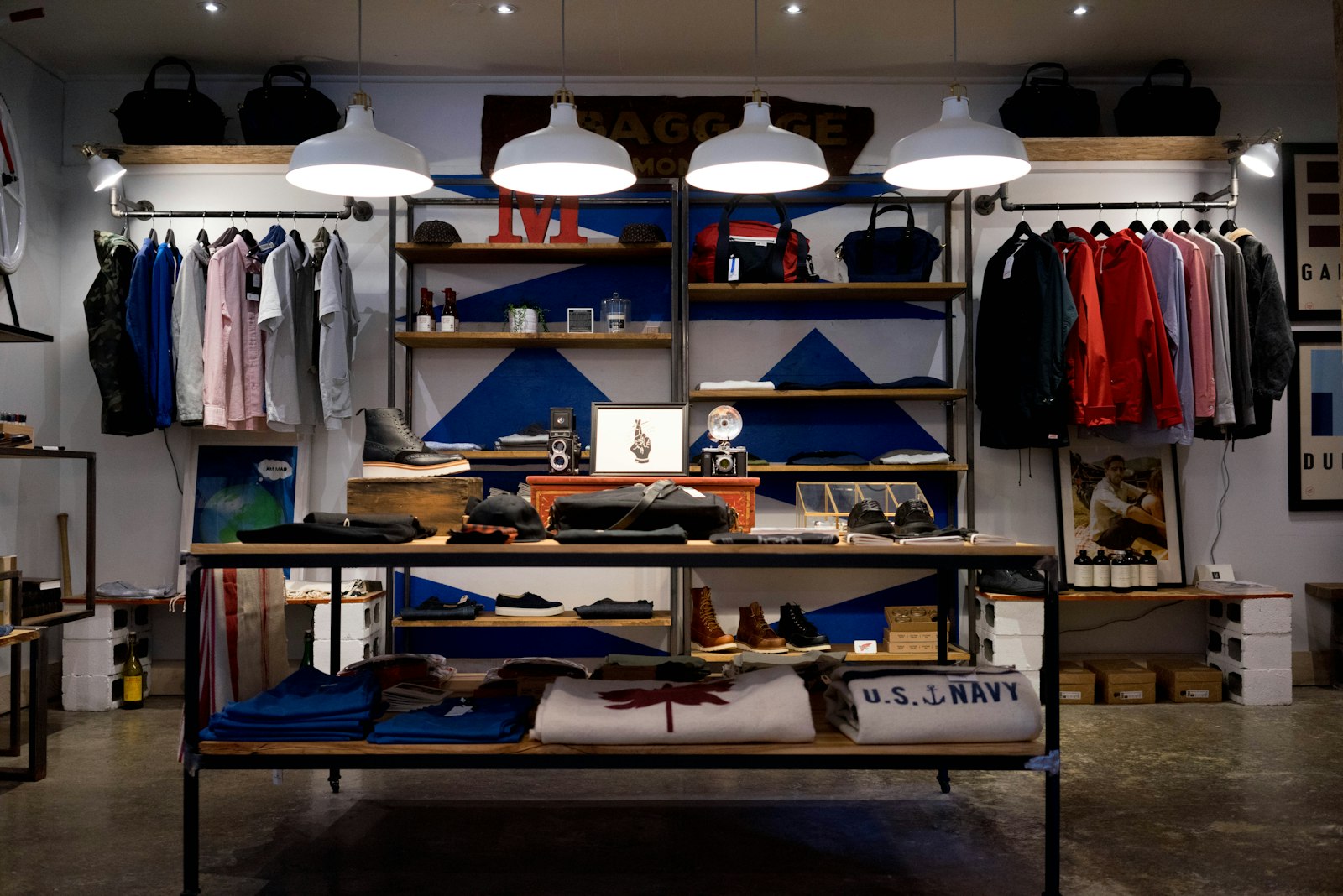
Apparel try-on AI for Shopify is how fashion DTC brands ship on-body proof without casting models, renting studios, or waiting two weeks for reshoots. Shopify shoppers scroll past flat-lays; they convert when they can see drape, length, and print placement on a body that feels real. In 2026 you generate that clip from the same ghost mannequin or flatlay still you already upload to product media.
This guide is for Shopify apparel operators, agencies running fashion catalogs, and multichannel sellers who need Shopify apparel try-on video that stays listing-accurate. You get still prep (ghost mannequin vs flatlay), mode routing, theme placement, QA checklists, credit math, and a weekly cadence that does not burn your Growth plan on day one.
Related hubs: AI wearable try-on product video · Wearable vs Product vs Ad creative · AmazVid Wearable demo · ecommerce product AI video.
What "apparel try-on AI for Shopify" actually means
Searchers typing apparel try-on AI for Shopify, AI fashion try-on Shopify, or Shopify PDP product video usually want one of three outcomes:
- A PDP clip that shows fit without lying about the SKU
- A Reels / TikTok hook that beats static lookbook grids
- A catalogue workflow that scales across colourways without model days
They are rarely asking for a full AR fitting room inside your theme. AR is powerful when you have engineering budget. Most Shopify teams also need a silent MP4 they can drop into Shopify product video best practices theme slots, collection pages, and paid social — see silent product video no watermark.
AmazVid's answer is Wearable try-on → Apparel, powered by MiniMax H3 Ref2VA. The product image is treated as a reference identity, not only the opening frame. That is the difference between "cool fashion AI" and "this is our SKU-204 heavyweight hoodie in slate grey." Engine context: Seedance 2.5 · MiniMax H3 product video · MiniMax H3 Ref2VA for ecommerce · AI image to video ecommerce.
Why apparel is the highest-leverage Wearable category on Shopify
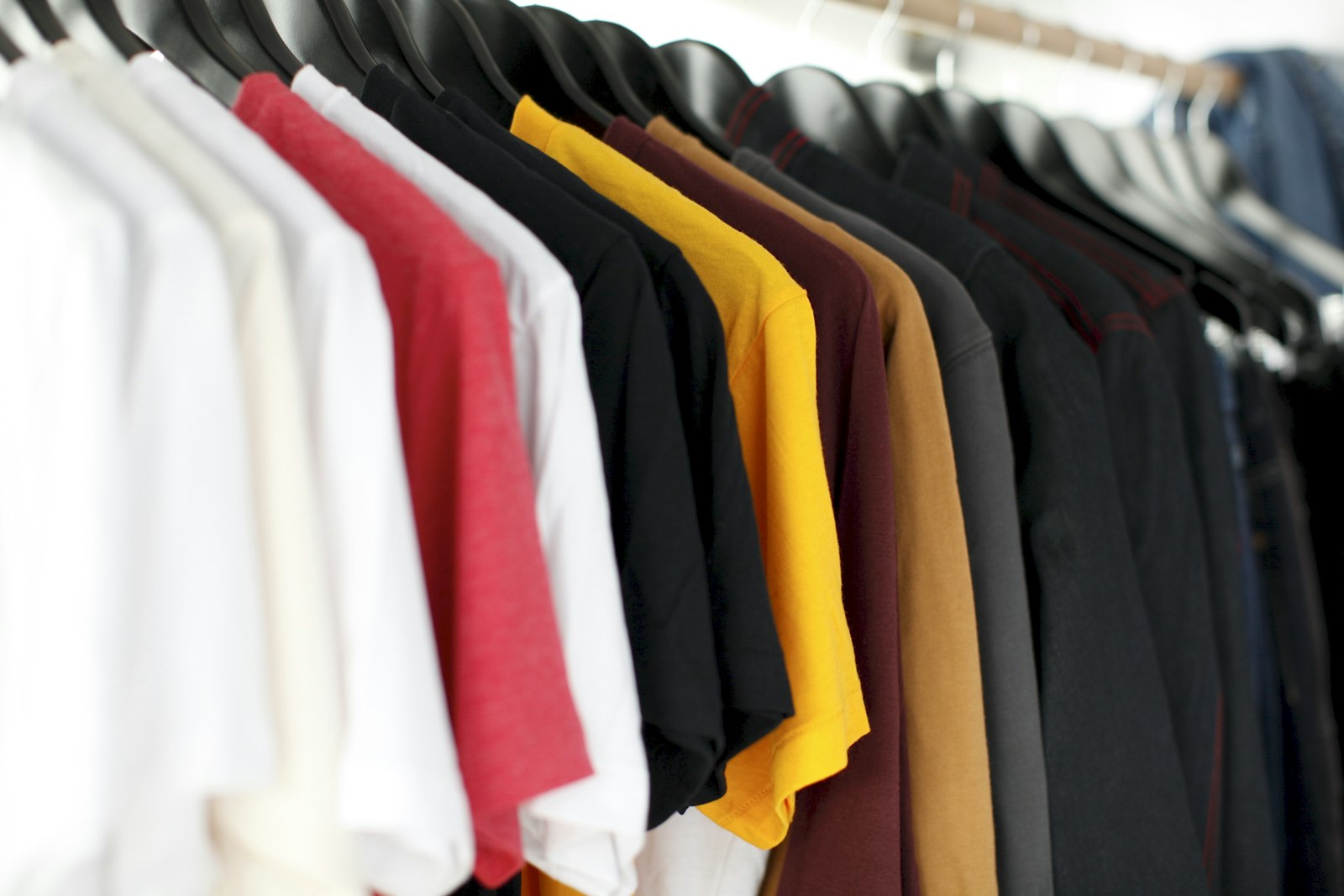
Clothing is judged in seconds on drape, proportion, and print truth. Buyers fixate on:
- Neckline and shoulder seam placement
- Hem length relative to torso
- Logo / graphic alignment (models invent marks — and kill returns trust)
- Fabric colour under neutral light
- Layering behaviour (hoodies, overshirts, dresses)
Traditional response: book models by size run, shoot twelve SKUs, pray the grade matches your PDP. Wearable try-on clothing AI compresses that into an afternoon — if your stills are honest. Compare studio economics in cost of studio model vs AI try-on. For footwear and eyewear siblings, see footwear try-on without model casting and AI sunglasses eyewear try-on video.
UGC energy without creator contracts: UGC-style try-on without creators · facebook ads product video from photos · instagram reels product video from photos.
Product shot vs Wearable vs Ad creative (apparel edition)
Do not run every hoodie through Wearable on day one. Route by destination — full matrix in Wearable vs Product vs Ad creative.
| Job | Mode | Apparel note |
|---|---|---|
| Shopify gallery / size-chart trust | Product shot | Garment alone, soft orbit, first-frame lock |
| On-body proof, theme video, Reels | Wearable (apparel) | Model wears the exact SKU |
| Meta / TikTok hook tests | Ad creative | Same still, 9:16 cinematic energy |
Rule of thumb: PDP keeps Product shot for packshot honesty. Theme video and social get Wearable + Ad creative. That dual-asset habit is how conversion and brand heat coexist on Shopify.
Still prep discipline: convert product photos to video · batch product videos for ecommerce catalog.
Ghost mannequin vs flatlay: still prep checklist
Bad photography is the number-one cause of bad try-ons. Before you burn credits, fix the still.
Ghost mannequin (invisible form)
Best when you need silhouette and drape — tees, hoodies, dresses, outerwear.
- Symmetry: Shoulder seams level; hem straight.
- Fill the frame: Garment dominates; huge negative space wastes model attention.
- No chrome: Remove marketplace watermarks, hang tags facing camera, and UI overlays.
- One colourway per still: Do not collage three SKUs into one plate.
- Sharp seams: Soft focus makes Ref2VA guess stitching.
- Neutral backdrop: Infinity white / soft grey helps identity; busy props compete.
Flatlay
Best when you lack mannequin gear or shoot accessories-heavy tops.
- Press wrinkles: Creases read as fabric defects in motion.
- True overhead or gentle angle: Extreme perspective warps print geometry.
- Colour honesty: Shoot under consistent daylight or softbox — not mixed tungsten.
- Logo visible: If the buy box shows a chest mark, the still must show it.
- Avoid busy patterns in the surface: Marble tables steal attention from the SKU.
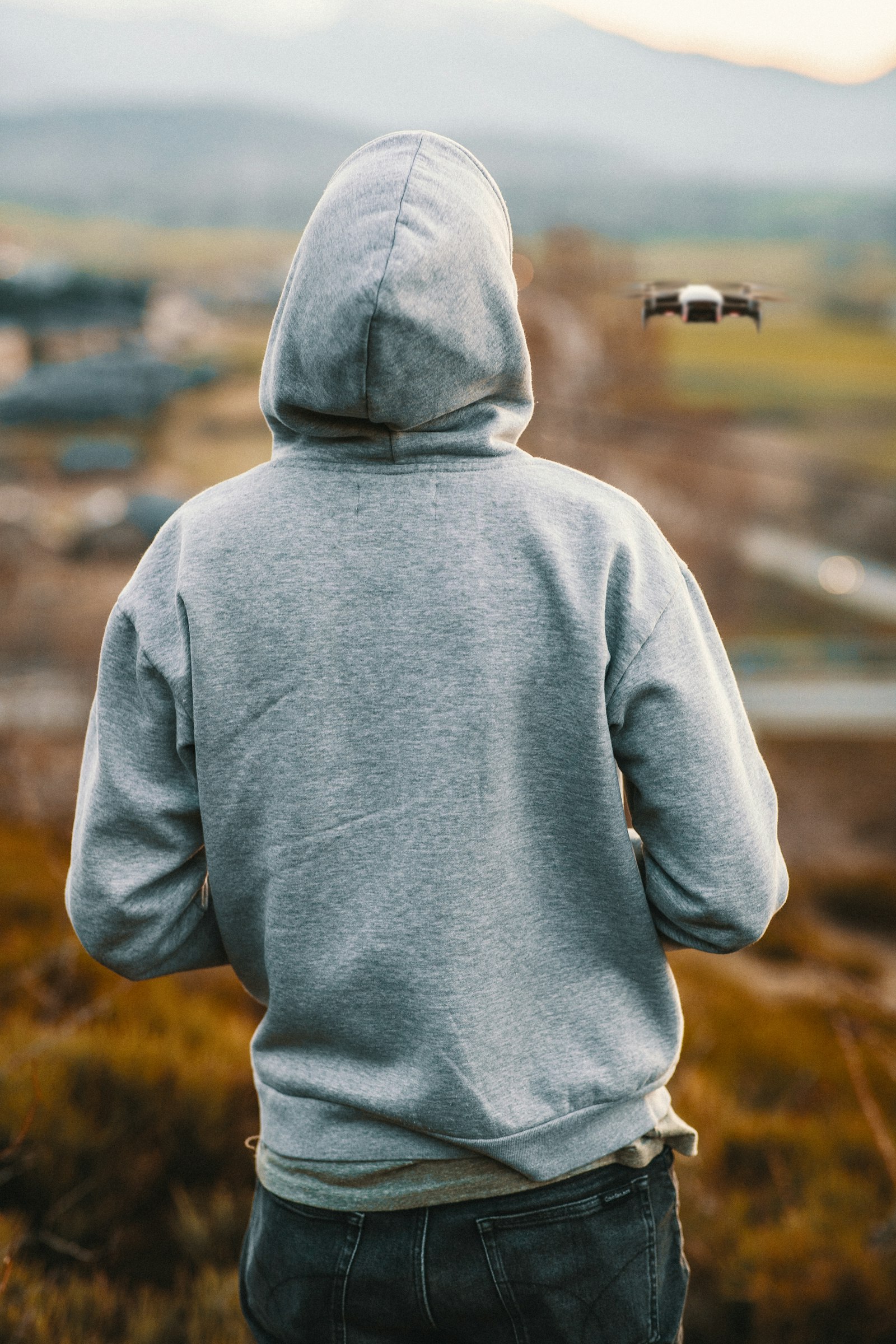
How AmazVid Wearable apparel works (Shopify seller steps)
- Open AmazVid and create a project — paste a Shopify product URL or upload your still.
- Choose Wearable try-on and category Apparel.
- Confirm the extracted image matches the listing hero.
- Optional: upload a model reference if your brand has a recurring face or pose language.
- Pick 768P to draft or 2K when the channel needs sharpness (+1 credit).
- Download the silent MP4; add music and captions in CapCut or Ads Manager before publishing.
Credits on AmazVid: Wearable is 6 base (+1 for 2K). Product shot is 2–3 depending on length. Ad creative is 5. Failed jobs should retry without double-charging — that ops detail matters when you batch a seasonal drop. Plan math: pricing.
Start with Wearable mode pre-selected: Create account — Wearable · Wearable on homepage.
Shopify PDP + theme video placement
Shopify product media accepts MP4 uploads; themes differ on autoplay, aspect, and slot order. Practical habits:
- Gallery slot 1–2: Product shot silent clip for trust (Shopify product page video size).
- Secondary media or theme video block: Wearable loop showing fit — muted autoplay where your theme allows.
- Collection pages: Reuse the same Wearable master; do not re-render per collection unless aspect differs.
- Email / SMS: 5s try-on GIF or muted clip for launch drops.
Full theme habits: Shopify product video best practices. Keep masters silent — silent product video no watermark — and add captions downstream per market.
Prompt habits that keep garments honest
Winning prompts for AI fashion try-on Shopify workflows are boring on purpose:
- "Fashion model wears this exact hoodie, slow push-in, studio soft light, keep logo and colour identical, no invent."
- "Medium shot apparel try-on, natural skin, garment seams visible, product identity locked to reference."
Avoid: neon gradients not on the SKU, invented chest logos, extreme pose contortions that hide the hem, "luxury monogram" hallucinations on sleeves.
Engine comparisons if you evaluate stacks outside AmazVid: Seedance 2.5 · MiniMax H3 · MiniMax H3 Ref2VA for ecommerce. For catalogue continuity, prefer reference-to-video paths documented in AI image to video ecommerce.
Channel recipes beyond the PDP
Meta, TikTok, Reels
- Lead with torso + garment in the first second.
- Export 9:16 Ad creative and Wearable variants — instagram reels product video from photos · facebook ads product video from photos.
- Test colourways as separate creatives, not one mega-edit.
Catalog ops and agencies
- Shared light presets for Product shot batches — batch product videos for ecommerce catalog.
- Retainer packaging: "12 packshots + 4 try-ons + 4 ads / month" priced against ecommerce product AI video expectations.
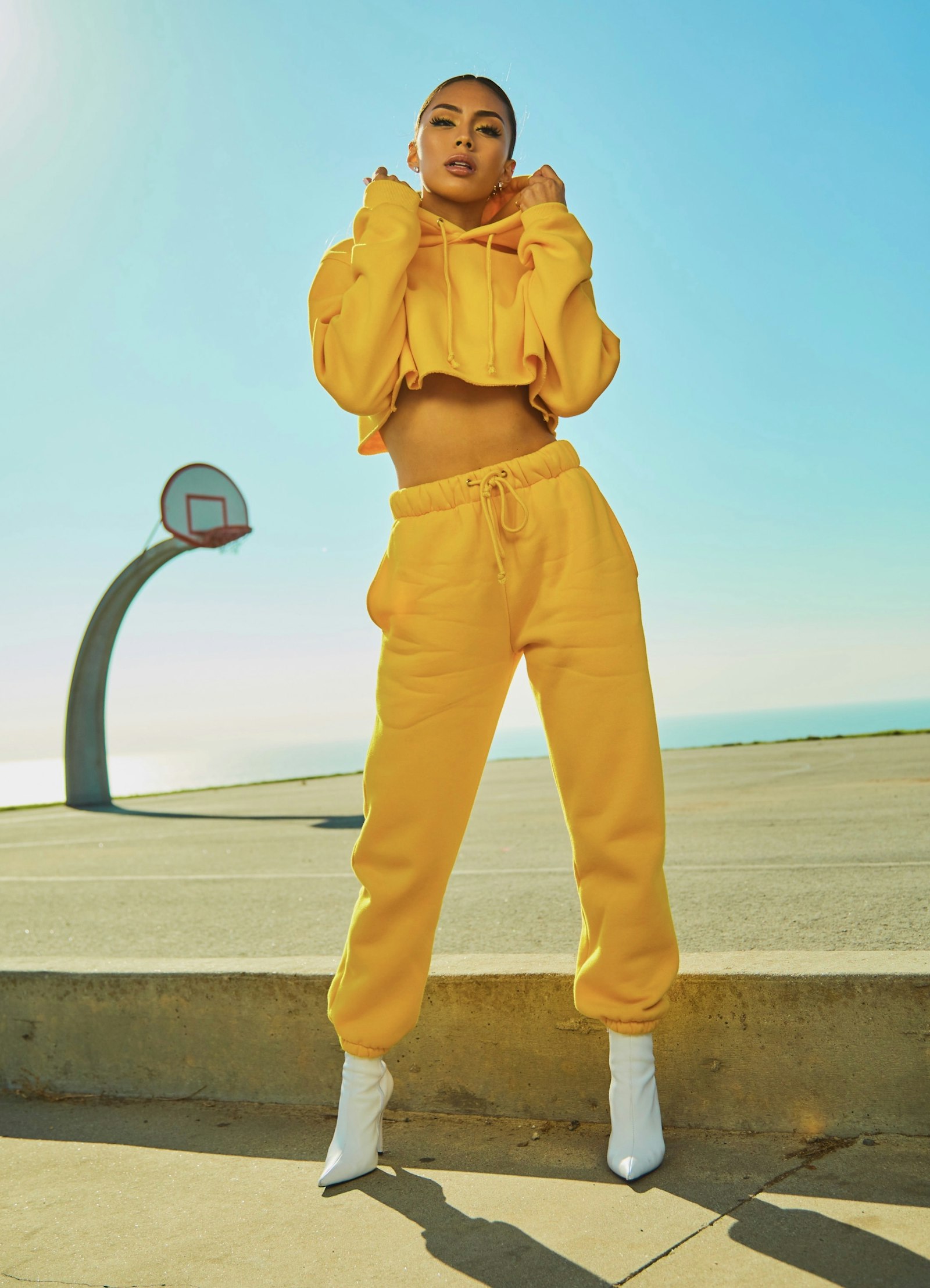
QA gate before you publish apparel try-on
Print this next to your render queue:
- [ ] Silhouette matches the listing hero (fit type, length, sleeve)
- [ ] Logo / print alignment matches the buy box
- [ ] No invented marks on chest, sleeve, or back
- [ ] Fabric colour matches the SKU title (not shifted warm/cool)
- [ ] Seams and hems look physically plausible in motion
- [ ] Model framing keeps the garment visible >50% of runtime
- [ ] Aspect matches destination (1:1 gallery vs 9:16 Reels)
- [ ] Master is silent — captions added downstream
- [ ] PDP still has a Product shot for packshot trust
Fidelity mindset: listing-accurate product habits · AI wearable try-on product video.
Credit math for a Shopify apparel drop
Example week for a 12-SKU collection on Growth (70 credits) or mixed PAYG:
| Action | Credits (approx.) |
|---|---|
| 12× Product shot 5s | ~24–36 |
| 4× Wearable hero colourways | ~24 |
| 4× Ad creative 9:16 | ~20 |
| Total | ~68–80 |
Draft Wearable in 768P; promote winners to 2K (+1 each). Cap experimental SKUs until a colourway proves demand — same portfolio logic as cost of studio model vs AI try-on.
Weekly cadence that does not burn credits
Monday: Audit PDP heroes — fix soft or miscoloured stills before rendering. Tuesday: Batch Product shot for the full catalog. Wednesday: Pick top quartile SKUs by margin × sessions → Wearable apparel. Thursday: Flip winners into Ad creative 9:16 for paid tests. Friday: QA, upload to Shopify media, schedule Reels. Weekend: Read add-to-cart and return tags; tighten prompts on offenders.
This mirrors strong batch product videos for ecommerce catalog teams: shared presets for packshots, intentional spend on try-on.
Common failure modes (and fixes)
Print drifts or mirrors. Still was angled or the graphic was partially cropped. Reshoot flatlay square-on; shorten the prompt; re-run Wearable.
Colour shifts warm under "golden hour" prompts. You asked for sunset when the SKU is cool grey. Lock studio soft light in the prompt.
Hem length invents a crop top. Ghost mannequin was cut off at the waist. Extend the mannequin or shoot full length.
Theme autoplays audio you did not expect. Export silent masters — silent product video no watermark — and verify theme settings.
Credits vanish on experiments. Lock a "hero 4" colourway list before you render the long tail.
Measuring whether try-on lifts Shopify revenue
| Signal | Where to watch | Decision |
|---|---|---|
| PDP add-to-cart after media view | Shopify analytics | Keep Wearable on PDP if ATC rises |
| Thumbstop rate | Meta/TikTok | Iterate Ad creative openings |
| Return reason "looks different" | Returns tags | Tighten QA on colour/print |
| Credit ROI | Credits ÷ attributed orders | Cap experimental SKUs |
Run a simple A/B: SKU A with packshot only vs SKU B with packshot + Wearable loop. Give it two weeks. Broader measurement: ecommerce product AI video.
Bottom line
Apparel try-on AI for Shopify is a repeatable asset class: honest still → Wearable apparel → silent MP4 → PDP theme video and Reels. Pair it with Product shot for trust and Ad creative for paid hooks. QA seams, logos, and colour like your return rate depends on it — because it does.
Ship your first on-body clip today: AmazVid — Wearable signup · Wearable demo · Pricing · deep dive AI wearable try-on · mode router Wearable vs Product vs Ad · footwear sibling footwear try-on without model casting.
*Stock photographs in this article are from Unsplash (free to use).*
Frequently asked questions
What is apparel try-on AI for Shopify?
It is short on-body video generated from your real garment still — ghost mannequin, flatlay, or hanger shot — using reference-to-video (Ref2VA) instead of booking models for every colourway.
Ghost mannequin or flatlay — which still works better?
Ghost mannequin shots usually win for silhouette and drape. Flatlays work when the garment fills the frame and edges are crisp. Avoid wrinkled bedsheet backgrounds that confuse fabric colour.
Where does try-on video go on a Shopify PDP?
Upload silent MP4s to product media, embed in theme video sections, or use secondary slots below the hero. Match aspect to your theme — see Shopify product page video size guidance.
How is Wearable different from Product shot for clothing?
Product shot keeps a catalogue-grade packshot with camera presets. Wearable puts the same SKU on a generated model for fit storytelling. Most strong stores run both.
How many credits does apparel Wearable cost on AmazVid?
Wearable try-on is 6 credits base, plus 1 if you select 2K over 768P. Product shot runs 2–3 credits depending on length; Ad creative is 5 credits. See pricing for plan math.
Can I batch apparel try-on across a catalog?
Yes — rank SKUs by margin and traffic, draft Wearable in 768P for heroes, promote winners to 2K, and keep the long tail on Product shot until a colourway proves demand.
Related guides
- AmazVid homepage — AI product video generator
- AI Wearable Try-On Product Video
- Wearable vs Product vs Ad Creative
- Shopify Product Video Best Practices
- Shopify Product Page Video Size
- AI Image to Video for Ecommerce
- Convert Product Photos to Video Fast
- Silent Product Video, No Watermark
- Facebook Ads Product Video from Photos
- Instagram Reels Product Video From Photos
- Batch Product Videos for Ecommerce
- Ecommerce Product AI Video Guide
- Seedance 2.5 vs MiniMax H3
- Footwear Try-On Without Model Casting
- AI Sunglasses Eyewear Try-On Video
- AmazVid pricing
Sources
Ready to generate product video?
Back to AmazVid — paste a product link, lock the first frame, export silent 1080p.