Blog · AI handbag product video
AI Handbag Product Video: Totes, Leather & Hardware Without a Studio Day
AI handbag product video: tote and leather still prep, hardware/logo QA, Product shot orbit vs Ad creative, when Wearable helps less, Amazon/Shopify, AmazVid.
Updated 2026-08-09 · 15 min read · AmazVid Editorial
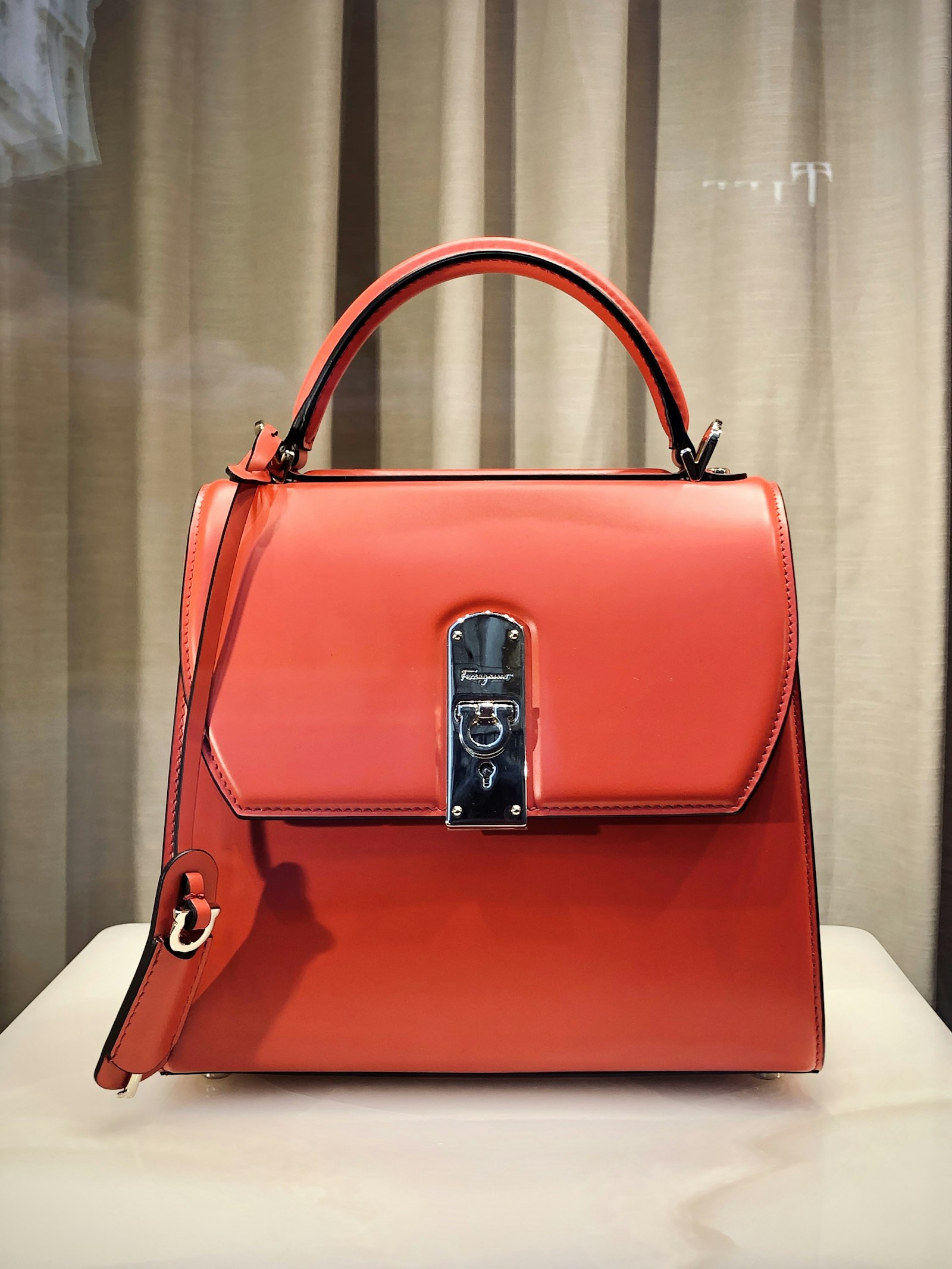
AI handbag product video is how tote, leather, and structured bag brands ship silent packshot orbit and paid-social hooks without renting cycloramas, booking hand models, or waiting on agency turnaround for every hardware finish. Shoppers do not buy handbags from a flat grid alone — they want material proof: grain direction, stitch line, zipper pull weight, logo plaque alignment. In 2026 you generate that story from the same studio still you already use on Amazon or Shopify.
This guide is for handbag DTC brands, Amazon fashion sellers, Shopify accessories shops, and agencies who need AI tote bag product video that stays listing-accurate. You get still prep, mode routing (Product shot first, Ad creative second, Wearable only when shoulder scale helps), leather and hardware QA, channel recipes, credit math, and a weekly cadence — no studio day required.
Related hubs: Wearable vs Product vs Ad creative · AI wearable try-on product video · Shopify product video best practices · ecommerce product AI video · Pricing.
What "AI handbag product video" actually means
Searchers who type AI handbag product video, AI tote bag product video, or luxury handbag packshot video usually want one of three outcomes:
- A marketplace clip that shows leather and hardware without lying about the SKU
- A Meta / TikTok hook that outperforms static grids on seasonal drops
- A catalogue workflow that scales across colourways without turntable crews
They are rarely asking for a full 3D configurator. Configurators are great for bespoke atelier sites. Ecommerce teams also need a downloadable, silent MP4 they can drop into Shopify product video best practices themes, Amazon fashion galleries (see Amazon fashion listing video 2026), and paid social — see silent product video no watermark.
AmazVid's default answer for handbags is Product shot — first-frame lock, soft orbit, listing-true silhouette. Ad creative adds 10s cinematic energy from the same still for traffic tests. Wearable try-on is optional: use it when on-shoulder or crossbody scale reduces fit anxiety on totes and slings — not for every clutch in the catalog. Engine context: MiniMax H3 Ref2VA for ecommerce · AI image to video ecommerce.
Why handbags are a Product shot-first category
Unlike apparel or eyewear, handbags are judged primarily as objects — not as something worn on the body. Buyers fixate on:
- Leather or canvas grain and colour consistency
- Stitch spacing and edge paint
- Hardware finish (gold vs silver vs gunmetal)
- Logo plaques, monograms, and zipper pull shapes
- Handle drop and strap attachment points
- Base feet and structured silhouette
Traditional response: rent a turntable, gel three lights, shoot twenty colourways, export one orbit per SKU. AI handbag product video compresses that into an afternoon — if your stills are honest. Compare economics in cost of studio model vs AI try-on. When you do need on-body scale, borrow Wearable discipline from AI wearable try-on product video — but treat it as a complement, not the default.
Adjacent fashion video: apparel try-on AI for Shopify · footwear try-on without model casting · UGC-style try-on without creators.
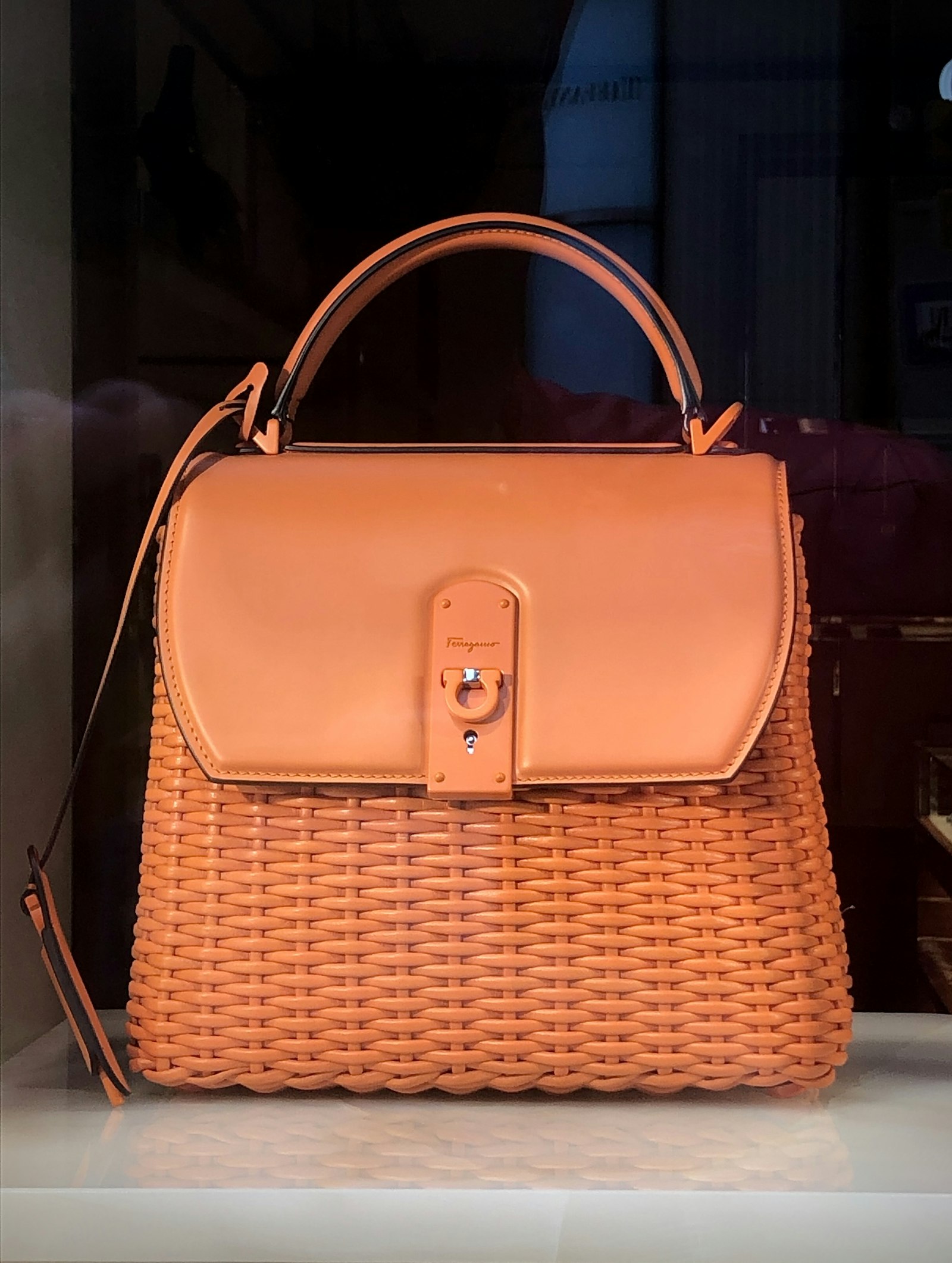
Product shot vs Ad creative vs Wearable (handbag edition)
Route by destination — full matrix in Wearable vs Product vs Ad creative.
| Job | Mode | Handbag note |
|---|---|---|
| Amazon / Shopify gallery trust | Product shot | Bag alone, soft orbit, first-frame lock |
| Meta / TikTok / Reels hooks | Ad creative | Same still, 9:16 cinematic street or studio energy |
| Tote / crossbody scale proof | Wearable (selective) | On-shoulder carry when strap length matters |
| Clutches / mini bags | Product shot only | Orbit shows full silhouette — Wearable adds little |
Rule of thumb: PDP always gets Product shot. Paid social gets Ad creative. Wearable is a hero-SKU experiment for carry length — not a catalog default.
Still prep discipline: how to make Amazon product videos · convert product photos to video.
Still prep checklist for totes, leather, and structured bags
Bad product photography is the number-one cause of bad handbag video. Before you burn credits, fix the still.
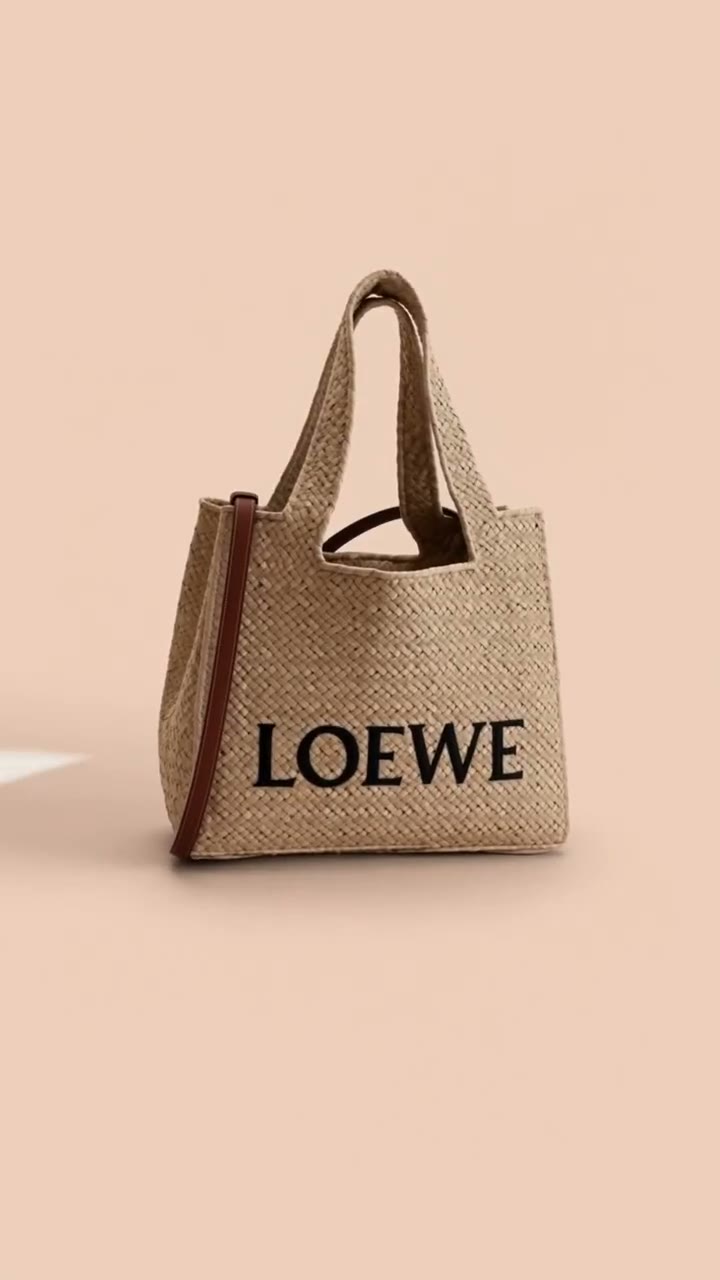
- Angle: Clean 3/4 with handles up and base visible; front-on for structured satchels with logo plaques.
- Fill the frame: The bag should dominate; huge negative space invites invented props.
- Hardware truth: Zipper pulls, D-rings, and logo marks must match the buy box — Ref2VA invents monograms when the still is soft.
- Leather grain: Direction and sheen must read; matte pebbled vs patent needs different light.
- No chrome: Remove marketplace watermarks, size stickers, and UI overlays.
- One colourway per still: Do not collage three bags into one plate.
- Strap geometry: Show attachment points for crossbodies — cropped straps make the engine guess drop length.
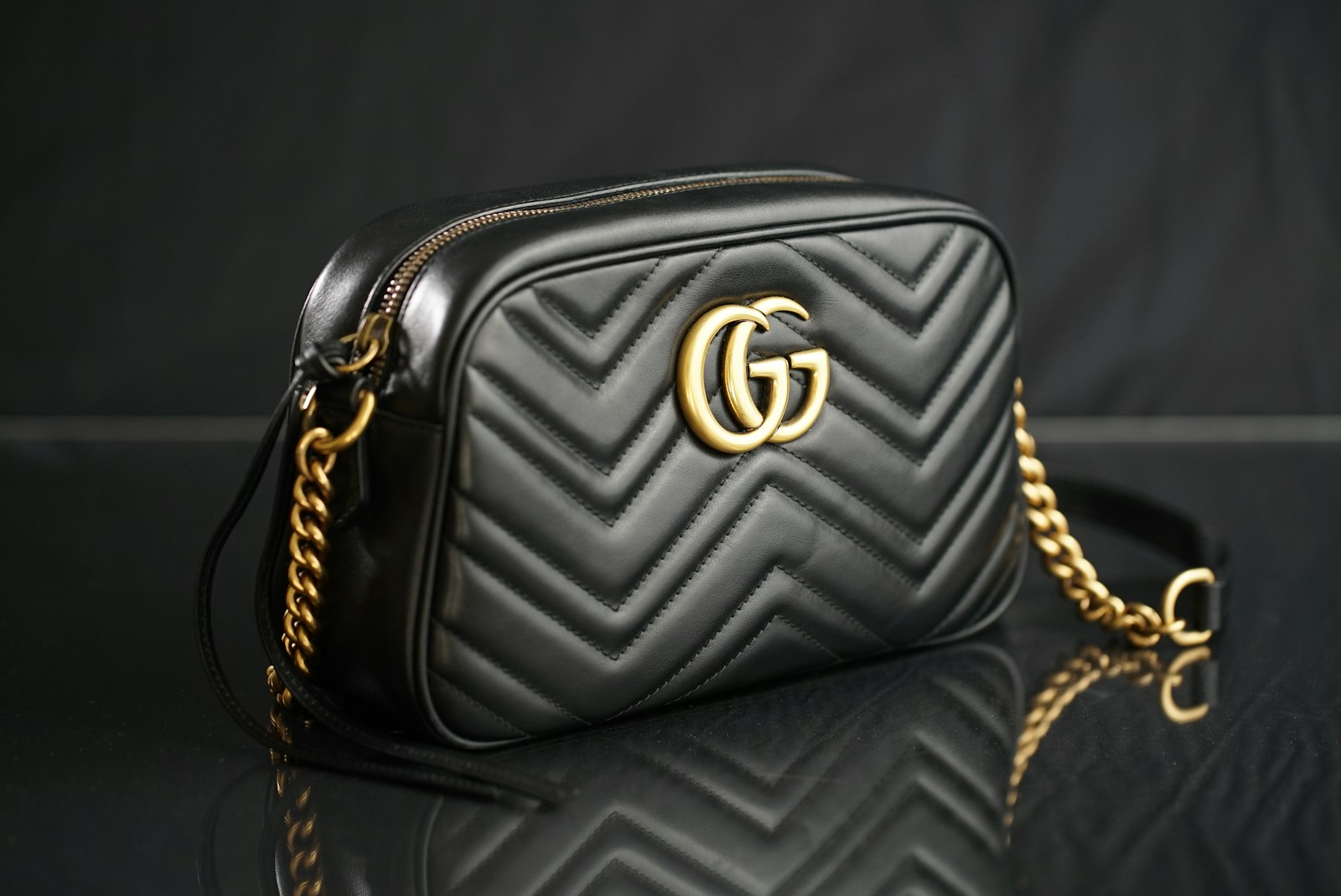
How AmazVid handbag workflows work (seller steps)
- Open AmazVid and create a project — paste a product URL or upload your still.
- Choose Product shot for PDP and gallery — silent orbit, listing-true first frame.
- Duplicate the project and choose Ad creative for 9:16 paid tests from the same still.
- Optional: Wearable try-on for hero totes where on-shoulder scale helps — skip clutches.
- Confirm the extracted still matches the listing hero — re-crop if the marketplace served a thumbnail.
- Pick 768P to draft or 2K when hardware sharpness matters (+1 credit).
- Download the silent MP4; add music and captions downstream — never burn text into the master.
Credits: Product shot is 2 for 5s and 3 for 10s (+1 for 2K). Ad creative is 5. Wearable is 6 (+1 for 2K). The free plan includes 6 credits. Plan math: pricing.
Start with Product shot: Create account — Product shot · Ad creative mode · Wearable when needed · Wearable demo.
Amazon + Shopify channel recipes
Amazon fashion handbags
- Gallery: Product shot silent clip for listing trust — shoppers compare leather and hardware to the buy box.
- Brand content / Posts / off-Amazon: Ad creative with lifestyle energy; Wearable only on hero totes if carry scale tests well.
- Guidance: Amazon fashion listing video 2026 · how to make Amazon product videos.
- Keep gallery listing-true; cinematic hooks belong in traffic slots, not as a substitute for packshot honesty.
Shopify handbag DTC
- PDP: packshot video under the hero.
- Homepage / collection launch: Ad creative loop or silent Product shot montage.
- Email: 5s orbit GIF or muted autoplay for new-season drops.
- Full theme habits: Shopify product video best practices.
Meta, TikTok, Reels
- Lead with bag + context in the first second — street stride or studio turntable energy.
- Export 9:16 Ad creative variants.
- Test colourways as separate creatives — one mega-edit hides hardware drift.
Prompt habits that keep handbags honest
Winning prompts for AI purse product video workflows are boring on purpose:
- "Soft studio orbit of this exact handbag, keep logo plaque and hardware identical, no invent."
- "Leather tote product video, slow rotation, visible stitching and base feet, reference locked."
- "Ad creative handbag, model walks city sidewalk, bag identical to reference, no monogram invent."
Avoid: invented logos, wrong hardware finish, straps that morph into a different SKU, neon leather not on the listing.
Engine depth: MiniMax H3 Ref2VA for ecommerce · ecommerce product AI video.
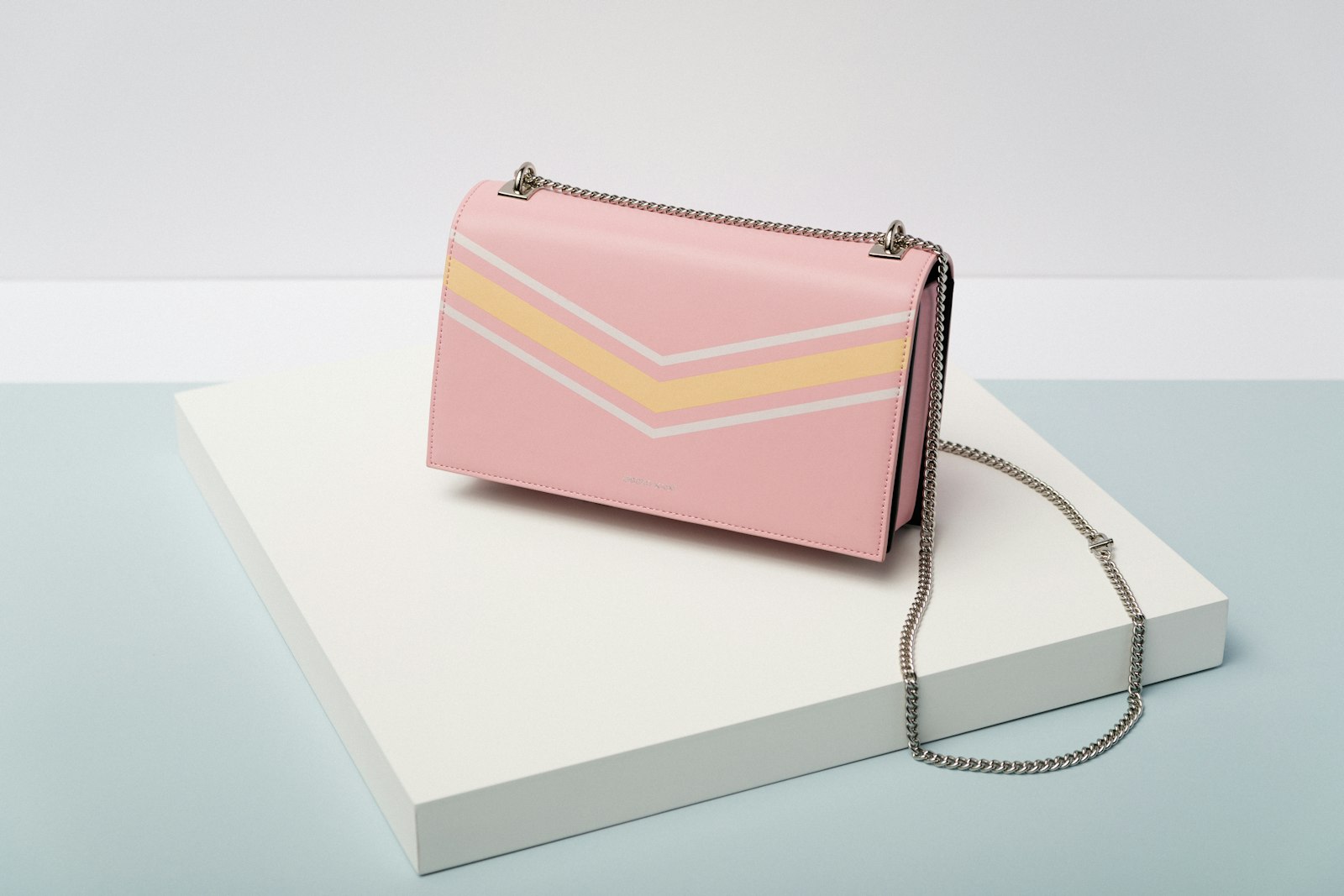
QA gate: leather, hardware, and logo before you publish
Print this next to your render queue:
- [ ] Silhouette matches the listing hero (tote vs satchel vs clutch)
- [ ] Leather or canvas colour and grain direction match the SKU title
- [ ] No invented monograms or logo plaques
- [ ] Zipper pulls, D-rings, and base feet match the still
- [ ] Handle drop and strap length plausible (especially in Wearable tests)
- [ ] Stitch line and edge paint visible without morphing
- [ ] Aspect matches destination (1:1 gallery vs 9:16 Reels)
- [ ] Master is silent — captions added downstream
- [ ] PDP has Product shot even when Ad creative runs on paid
Fidelity mindset: silent product video no watermark · listing-accurate habits.
Credit math for a handbag drop
Example week for a 15-SKU collection on Growth or mixed PAYG:
| Action | Credits (approx.) |
|---|---|
| 15× Product shot 5s | ~30 |
| 5× Ad creative 9:16 (hero launches) | ~25 |
| 2× Wearable tote scale tests | ~12 |
| Total | ~67 |
Draft in 768P; promote winners to 2K (+1 each). Batch Product shots with shared light presets — batch product videos for ecommerce catalog. Compare against turntable studio quotes in cost of studio model vs AI try-on.
Weekly cadence without a studio calendar
Monday: Audit listing heroes — fix soft hardware or wrong leather casts before rendering. Tuesday: Batch Product shot for the full catalog. Wednesday: Pick top quartile SKUs by margin × traffic → Ad creative 9:16. Thursday: Optional Wearable tests on hero totes only. Friday: QA leather/hardware/logo, upload to Amazon and Shopify, schedule Reels. Weekend: Read return tags ("colour different", "hardware not as pictured"); tighten stills on offenders.
Seasonal drops: render hero colourways in Ad creative first; give the long tail Product shot only until demand proves.
Common failure modes (and fixes)
Logo plaque morphs into a different monogram. Still was too soft or lifestyle crop hid the plaque. Reshoot 3/4 with sharp logo; add "no logo invent" to the prompt.
Leather shifts from cognac to orange under "golden hour" prompts. You asked for sunset when the SKU is core tan. Lock studio soft light.
Strap length invents a different drop in Wearable tests. Still cropped attachment points. Extend framing or skip Wearable for that SKU.
Hardware finish flips gold to silver. White balance on the photo was cool. Grade the still to match the buy box before Ref2VA.
Credits vanish on Wearable experiments for clutches. Route clutches to Product shot only — on-shoulder adds little conversion lift.
When Wearable helps vs hurts handbag conversion
| Scenario | Recommendation |
|---|---|
| Laptop tote, crossbody sling | Test Wearable for carry scale |
| Structured satchel, logo-forward | Product shot + Ad creative |
| Clutch, mini bag, wallet-on-chain | Product shot only |
| Amazon gallery main slot | Product shot — listing truth |
Full mode router: Wearable vs Product vs Ad creative.
Measuring whether handbag video lifts revenue
| Signal | Where to watch | Decision |
|---|---|---|
| PDP add-to-cart after media view | Shopify / Amazon analytics | Keep video on PDP if ATC rises |
| Thumbstop rate | Meta/TikTok | Iterate Ad creative openings |
| Return reason "not as pictured" | Returns tags | Tighten QA on leather and hardware |
| Credit ROI | Credits ÷ attributed orders | Cap Wearable to hero totes |
Run a simple A/B: SKU A with static hero only vs SKU B with Product shot orbit under the fold. Give it two weeks. Broader measurement: ecommerce product AI video.
Bottom line
AI handbag product video is a repeatable ecommerce asset class: honest still → Product shot for trust → Ad creative for paid hooks → optional Wearable for tote scale → silent MP4 → marketplace and social. QA leather grain, hardware, and logo marks like your return rate depends on it — because it does.
Ship your first bag clip today: AmazVid — Product shot · Ad creative mode · Pricing · mode router Wearable vs Product vs Ad · Shopify product video best practices.
*Stock photographs in this article are from Unsplash (free to use).*
Frequently asked questions
What is AI handbag product video?
It is short silent or cinematic motion generated from a handbag still — typically Product shot orbit for PDP trust and Ad creative hooks for paid social — without renting a cyclorama, turntable crew, or model day for every colourway.
Should handbags use Wearable try-on or Product shot?
Start with Product shot for almost every SKU. Handbags are not worn like apparel — shoppers judge leather, stitching, and hardware first. Use Wearable selectively for totes and crossbodies where on-shoulder scale reduces "will this fit my laptop?" anxiety. Skip Wearable for clutches and wallet-on-chain pieces that read fully in packshot.
Is AI handbag video accurate enough for Amazon and Shopify?
Yes when you QA leather tone, grain direction, logo marks, zipper pulls, and strap hardware against the listing hero. Keep a first-frame-locked Product shot on the gallery; use Ad creative off-Amazon where cinematic motion helps thumbstop.
How many credits does handbag video cost on AmazVid?
Product shot is 2 credits for 5s and 3 for 10s (+1 for 2K). Ad creative is 5 credits. Wearable try-on is 6 credits (+1 for 2K) when you test on-shoulder scale. The free plan includes 6 credits — enough for three Product shots or one Ad creative test.
Which stills work best for leather totes and structured bags?
Clean 3/4 product photos with visible handles, base feet, logo plaque, and edge stitching. Avoid heavy lifestyle crops that hide hardware or strap attachment points.
How does AI compare to a turntable studio shoot?
Turntable shoots buy bespoke light and perfect orbit. AI Product shot buys catalogue velocity at a fraction of cost — see cost of studio model vs AI try-on. Many teams batch Product shots weekly and reserve Ad creative for hero launches.
Related guides
- AmazVid homepage — AI product video generator
- Wearable vs Product vs Ad Creative
- AI Wearable Try-On Product Video
- Apparel Try-On AI for Shopify Sellers
- Amazon Fashion Listing Video 2026
- MiniMax H3 Ref2VA for Ecommerce
- Cost of Studio Model vs AI Try-On
- UGC-Style Try-On Without Creators
- Silent Product Video, No Watermark
- Shopify Product Video Best Practices
- How to Make Amazon Product Videos
- Ecommerce Product AI Video Guide
- AI Image to Video for Ecommerce
- Footwear Try-On Without Model Casting
- AI Sunglasses Eyewear Try-On Video
- AmazVid pricing
Sources
Ready to generate product video?
Back to AmazVid — paste a product link, lock the first frame, export silent 1080p.