Blog · remove watermark AI product video
Remove Watermark From AI Product Video: Honest Seller Guide (2026)
Remove watermark AI product video the right way: AmazVid free vs paid exports, legal boundaries, playground tools vs seller workflows, QA, and credit math for clean PDP clips.
Updated 2026-08-09 · 18 min read · AmazVid Editorial

Searchers who type remove watermark AI product video usually mean one of two things: they want a clean commercial export for their own catalogue, or they want a hack to erase someone else’s badge from a clip they found online. This guide is only for the first group — Amazon FBA/FBM sellers, Shopify brands, TikTok Shop operators, and agencies who need AI product video no watermark files that survive PDP scrutiny and paid social review.
We will be direct about AmazVid: free previews may watermark; paid plans remove the platform watermark on exports you generate from your product stills. We will not teach illegal stripping of third-party IP. Instead you will get a seller workflow, credit math, playground-vs-ops comparison, and links to silent product video no watermark, Wearable vs Product vs Ad creative, and pricing.
What “remove watermark AI product video” should mean for sellers
In 2026, AI video tools almost always badge free tiers. That badge is not a bug — it marks preview rights vs commercial download rights. For ecommerce, the goal is not “magic eraser” software. The goal is:
- Render from your listing hero or packshot
- Export on a plan tier that grants clean MP4
- QA logos and colourway like your return rate depends on it
- Upload a silent, watermark-free master to Amazon, Shopify, or ads
If the clip is not yours — a competitor’s TikTok, a stock demo, a scraped Runway gallery — stop. Removing that watermark is copyright risk, platform policy risk, and brand trust risk. The legal path is always re-render from your SKU.
Related: ecommerce product AI video · turn product URL into video · AI image to video ecommerce.
AmazVid free vs paid: honest watermark policy
AmazVid separates experimentation from shipping:
| Tier intent | Watermark | Best for |
|---|---|---|
| Free credits / preview | May include AmazVid watermark | Mode tests, ratio checks, prompt learning |
| Paid credit export | Clean silent MP4 (plan-dependent) | PDP, Amazon gallery, Meta, TikTok Shop |
New accounts receive 6 free credits — enough to learn Product shot vs Ad creative vs Wearable before you scale. When you are ready to publish commercially, open pricing and map credits to your SKU count. Treat watermark removal as a licensing upgrade, not a Photoshop trick.
Credit reference (2026):
| Mode | Length / notes | Credits |
|---|---|---|
| Product shot | 5s | 2 |
| Product shot | 10s | 3 |
| Ad creative | 10s flat | 5 |
| Wearable try-on | base | 6 |
| 2K upgrade | any mode | +1 |
Mode router: Wearable vs Product vs Ad creative. Silent export habits: silent product video no watermark.

Playground tools vs seller workflow (why watermarks keep coming back)
Teams that bounce between playground AI and catalogue ops often re-learn the same lesson: the prettiest demo is not the file you can ship.
Playground pattern
- Text-to-video or loose image-to-video
- Free export with vendor watermark
- No URL ingest from Amazon / Shopify / Temu
- Logo and packaging drift across batches
- Terms of use unclear for ads
Seller workflow pattern (AmazVid)
- Paste marketplace URL or upload listing still
- Pick Product shot, Ad creative, or Wearable by destination
- First-frame lock / Ref2VA identity for SKU honesty
- Silent MP4 export sized for channel
- Credit ledger you can forecast
Compare stacks: AmazVid vs Runway vs Kling · best AI video generator 2026 · top 10 AI product video tools 2026.
If your current tool watermarks every free render, the fix is not a remover app — it is pay for commercial export or switch to a seller-native workflow that prices clean files upfront.
Legal boundaries (read this before any “remover” tutorial)
Watermark removal sits at the intersection of copyright and platform terms:
- Your render, your still, your paid tier → clean export is expected workflow.
- Someone else’s video → removing their watermark does not transfer rights.
- Stock or UGC you licensed → follow the license; many forbid alteration or require attribution.
- Competitor ads → never republish with badge removed; that is not “competitive research.”
When in doubt, regenerate from your product photo. U.S. Copyright Office fair use is not a blanket ad permission for ecommerce clips.
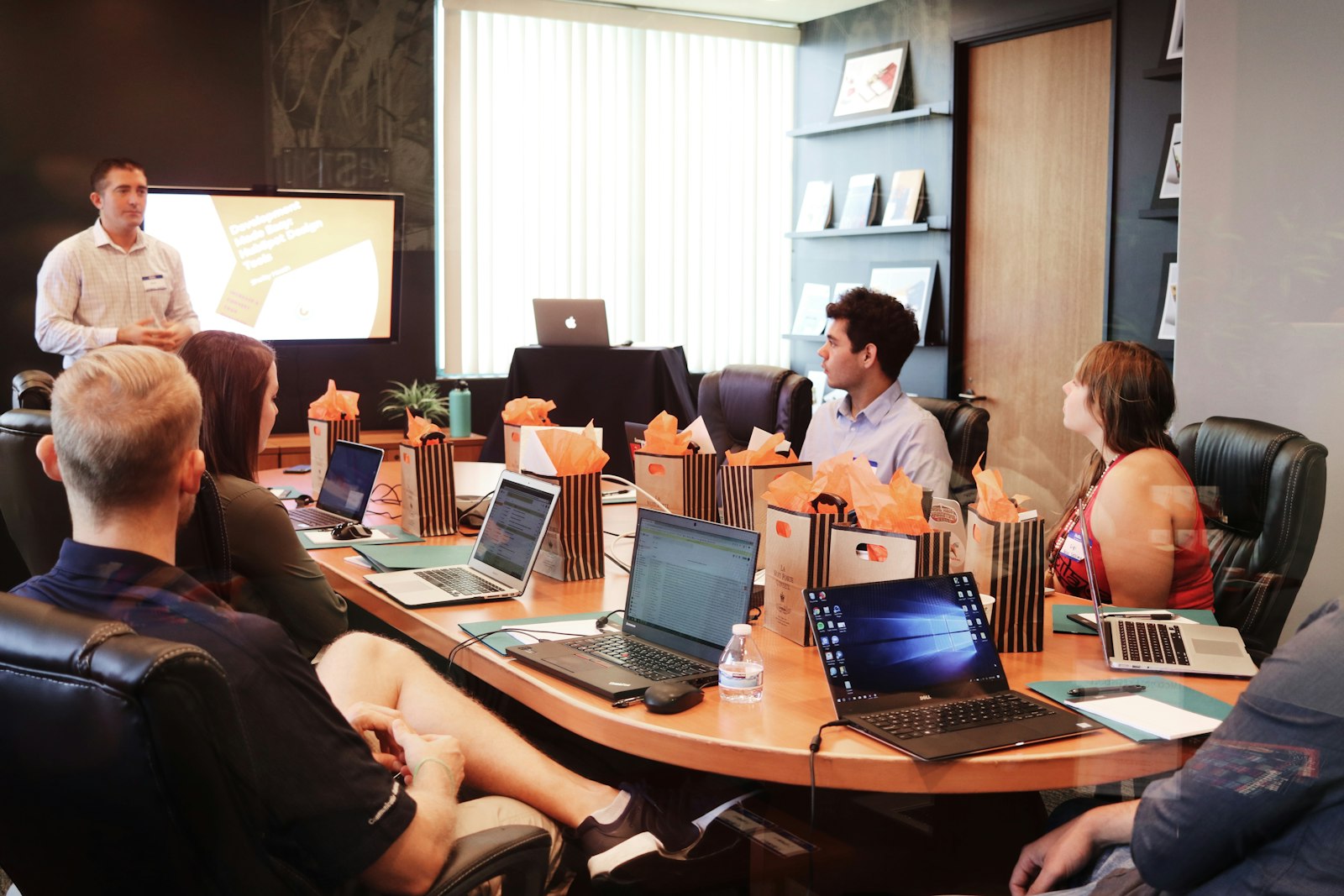
Educational photos in this article use Unsplash — that license does not apply to your product renders. Your PDP files must come from your SKU assets.
Which AmazVid mode for a clean export?
Do not burn credits randomly. Route by destination — full matrix in Wearable vs Product vs Ad creative:
| Destination | Mode | Watermark note |
|---|---|---|
| Amazon / Shopify PDP | Product shot | Packshot trust; silent master |
| Meta / TikTok paid tests | Ad creative | 9:16 hooks; clean export before spend |
| Apparel / footwear / eyewear social | Wearable | On-body proof; 6 credits (+1 for 2K) |
| Draft experiments | 768P any mode | Learn cheap; upgrade winners to paid clean export |
Amazon specs: Amazon listing video requirements · how to make Amazon product videos. Shopify: Shopify product video best practices.
Step-by-step: clean export workflow
- Import honest still — URL or upload via turn product URL into video.
- Select mode — Product / Ad / Wearable per table above.
- Draft at 768P if you are learning; promote winners to 2K (+1 credit) for hero placements.
- Export on paid tier when you need watermark-free product video export for live listings.
- QA — scrub to mid-clip; check logos, on-pack text, colourway, aspect ratio.
- Name files — `SKU_v03_9x16_silent.mp4` saves agency chaos.
- Upload mute-first — add music in Ads Manager if needed.
Photo prep: convert product photos to video. Batch ops: batch product videos for ecommerce catalog.
QA checklist: watermark-free is not enough
A corner badge is obvious. Subtle “demo quality” is not:
- [ ] No platform watermark on any frame (desktop + phone)
- [ ] First frame matches live listing hero
- [ ] Logos readable at pause — no melted type
- [ ] Colourway matches buy box title
- [ ] Correct aspect: 16:9 gallery vs 9:16 Reels
- [ ] Silent master — captions added downstream
- [ ] File size sane for LCP on Shopify themes
- [ ] Plan tier documented for client handoff (agencies)
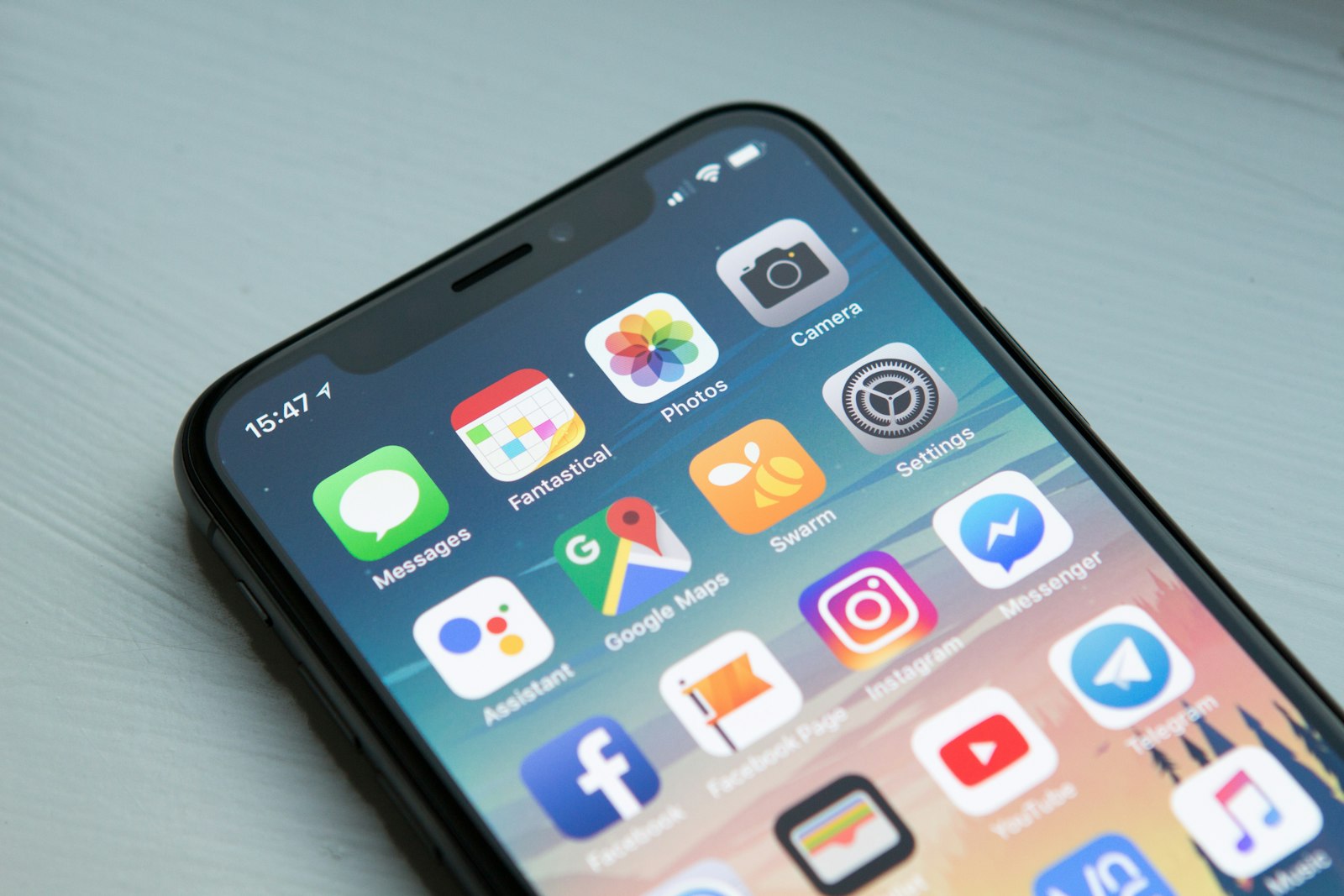
Mobile preview catches badges that 27-inch monitors hide:
Credit math before you batch 200 SKUs
Example week — 20 SKUs, mixed channels, on Growth or PAYG:
| Action | Credits (approx.) |
|---|---|
| 20× Product shot 5s (PDP) | ~40 |
| 8× Ad creative 9:16 tests | ~40 |
| 4× Wearable hero apparel SKUs | ~24 |
| Total | ~104 |
Draft in 768P; only pay 2K (+1) on winners. Failed jobs should not double-charge — retry discipline matters when you are chasing listing video without watermark at scale.
Free tier strategy (6 credits)
Six free credits ≈ three Product shot 5s tests, or one Wearable plus one Product shot, or one Ad creative plus one Product shot. Use them to:
- Learn which mode fits your category
- Compare 16:9 vs 9:16 framing
- Build a QA rubric your VA can reuse
Then upgrade before Black Friday — not after uploads are live with preview badges.
When teams ask for “watermark remover” internally
Translate the request:
| They say | They often mean | You should do |
|---|---|---|
| “Remove watermark” | Clean PDP file | Paid AmazVid export from own still |
| “Steal competitor hook” | Faster creative | Re-shoot your SKU in Ad creative mode |
| “Fix old demo” | Avoid re-render | Re-render — cheaper than legal review |
| “Client wants no logo” | White-label agency | Confirm plan allows commercial resale |
Channel-specific notes
Amazon
Gallery clips should be silent and packaging-true — white background product video Amazon. A watermark reads as unauthorized demo content next to branded competitors.
Shopify
Theme autoplay prefers short silent loops — Shopify product page video size. Watermarks near the product edge trigger distrust on premium themes.
Meta / TikTok / TikTok Shop
Paid placements amplify mistakes. Export clean before spend — facebook ads product video from photos · tiktok shop product video requirements.
Wearable and Ad creative: same watermark rules
Fashion sellers often discover watermarks only on the Wearable hero they wanted for Reels. Rules do not change:
- Wearable — 6 credits (+1 for 2K); clean export on paid tier
- Ad creative — 5 credits; use for 9:16 hooks from same still
- Keep Product shot on PDP for trust
Deep dives: AI wearable try-on product video · UGC-style try-on without creators.
Common failure modes
“I removed the watermark but Amazon still rejected the video.” Likely a policy or quality issue — not badge-related. Re-read Amazon listing video requirements.
“Free export looked fine until I zoomed on mobile.” Corner badges scale differently. Always phone-QA.
“Runway clip had no watermark but logos morphed.” Clean file ≠ listing-accurate file. Prefer seller workflows with first-frame lock.
“Agency delivered watermarked previews and charged for ‘final’.” Contract should specify clean commercial export and plan tier.
Playbook: one afternoon to clean catalogue masters
Morning
- Pull ten hero ASINs or Shopify products.
- Run Product shot 5s at 768P — pick five winners.
Afternoon
- Re-render five winners on paid clean export at target aspect.
- Two hero SKUs → Ad creative 9:16 for paid tests.
Evening
- Upload silent masters; schedule ads only after pause-frame QA.
- Document credit spend vs SKU in a simple sheet for finance.
Start: Create free account · Features · Pricing.
SEO cluster (internal links)
Primary: remove watermark AI product video Siblings: AI product video no watermark, watermark free product video export, clean AI ecommerce video, AmazVid watermark removal, listing video without watermark, commercial product video export.
Cluster with: silent product video no watermark · Wearable vs Product vs Ad creative · ecommerce product AI video · pricing.
Bottom line
Remove watermark AI product video the seller way: own the still, render in the right AmazVid mode, export on a paid tier that grants clean commercial MP4, and QA like a buyer will pause mid-clip. Free previews may watermark — that is your lab, not your launch asset. Playground demos are for inspiration; catalogue shipping needs credit math, silent masters, and legal hygiene. Never strip badges from content you do not own.
Ship clean files today: AmazVid · Pricing · Register free · Silent no-watermark guide · Mode router.
*Stock photographs in this article are from Unsplash (free to use).*
Frequently asked questions
Does AmazVid watermark free exports?
Free-tier previews may include a platform watermark so you can test modes before buying credits. Paid plans export clean, silent MP4s for commercial use on your own product renders. Always verify your current plan details on the pricing page before launching ads.
How do I remove watermark from AI product video legally?
Generate a new export from your own SKU still on a plan that includes watermark-free download — or pay for credits on a tier that grants clean export. Do not use “watermark remover” tools on third-party videos, competitor ads, or stock you have not licensed.
How many credits for a clean 5s Product shot?
Product shot 5s is 2 credits; 10s is 3 credits. Ad creative is 5 credits flat for 10s. Wearable try-on is 6 credits base, plus 1 if you choose 2K over 768P. New accounts receive 6 free credits to pilot.
Why does my video still look “demo quality” without a watermark?
Watermarks are one signal; soft logos, wrong colourway, or chaotic motion also scream unfinished. Pair clean export with first-frame lock and a QA checklist — see silent product video guidance.
Can I strip watermarks from Runway or Kling exports?
Only if their license for your tier explicitly allows commercial use without watermark. Upscaling or inpainting away someone else’s badge on content you do not own is not a compliant ecommerce workflow.
Should listing videos be silent when removing watermarks?
Yes for PDP and Amazon gallery masters. Shoppers often browse muted; a clean silent file also avoids music-rights issues across hundreds of SKUs. Add sound in Meta or TikTok editors for ad variants.
Related guides
- AmazVid homepage — AI product video generator
- Silent Product Video, No Watermark
- Wearable vs Product vs Ad Creative
- Ecommerce Product AI Video Guide
- Turn a Product URL Into Video
- Amazon Listing Video Requirements
- Shopify Product Video Best Practices
- AI Image to Video for Ecommerce
- Batch Product Videos for Ecommerce
- AmazVid vs Runway vs Kling
- Best AI Video Generator 2026
- How to Make Amazon Product Videos
- Convert Product Photos to Video Fast
- AmazVid pricing
Sources
Ready to generate product video?
Back to AmazVid — paste a product link, lock the first frame, export silent 1080p.